In industrial automation and control systems, proximity sensors play a critical role in detecting the presence or absence of objects without physical contact. Their correct placement is paramount to ensuring system reliability, efficiency, and safety. This article provides a comprehensive guide on how to effectively locate proximity sensors, considering key technical and environmental factors.
The first step in locating a proximity sensor is understanding its type and operating principle. Inductive sensors detect metallic objects, capacitive sensors can detect both metallic and non-metallic materials, and ultrasonic or photoelectric sensors are used for longer ranges or specific material properties. Each type has a defined sensing range, which is the maximum distance from the sensor face within which it can reliably detect a target. Placing the target object within this nominal range is fundamental. However, the effective sensing distance can be influenced by factors like target material, size, shape, and environmental conditions. For instance, an inductive sensor's range reduces for non-ferrous metals compared to steel. Therefore, always refer to the sensor's datasheet for the specific sensing distance relative to your target material.
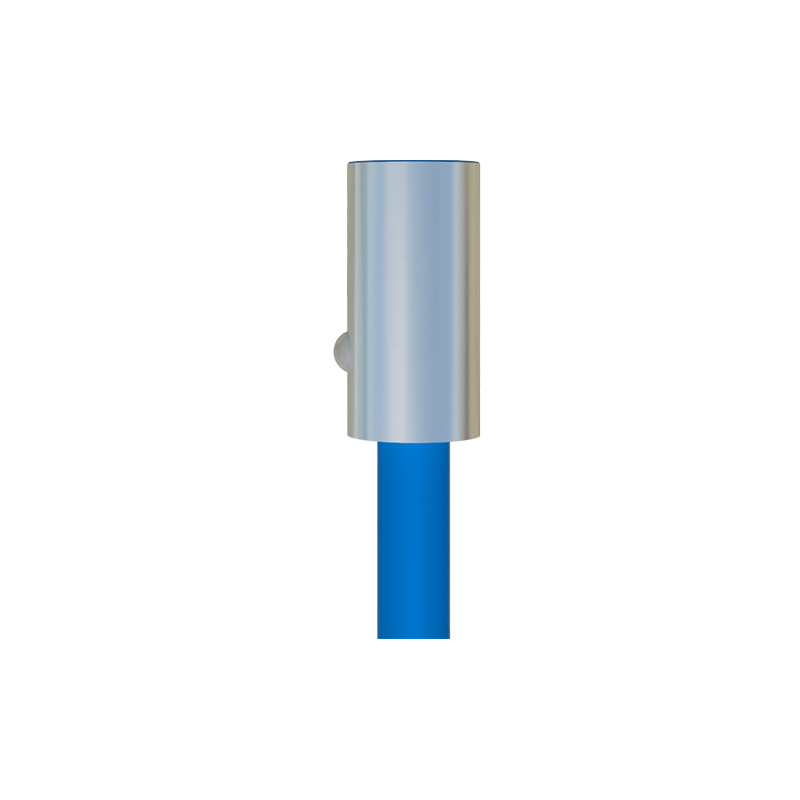
Mounting position and orientation are equally crucial. The sensor should be mounted securely to minimize vibration, which can cause false triggering or damage. For cylindrical barrel-style sensors, ensure the sensing face is perpendicular to the expected path of the target object to achieve the maximum sensing range. Avoid mounting sensors where they might be subjected to physical damage from passing objects or maintenance activities. When detecting small objects, ensure the target's surface area is sufficient to intersect the sensor's sensing field adequately. A common mistake is positioning a sensor where only a tiny edge of the object passes by, leading to inconsistent detection.
Environmental interferences pose significant challenges. For inductive and capacitive sensors, the presence of other metal in the immediate vicinity—such as machine frames, bolts, or moving parts—can cause shielding or parasitic effects, effectively reducing the sensing range or causing false positives. Maintain a minimum clearance between the sensor's sensing face and surrounding metal, typically recommended as one to two times the sensor's barrel diameter. For capacitive sensors, changes in humidity, temperature, or the presence of dust, chips, or conductive fluids can affect performance. In such environments, consider sensors with environmental compensation or increased ingress protection (IP) ratings. Photoelectric sensors can be affected by ambient light, dust, fog, or reflective backgrounds. Using modulated light sources, proper shrouding, and careful alignment can mitigate these issues.
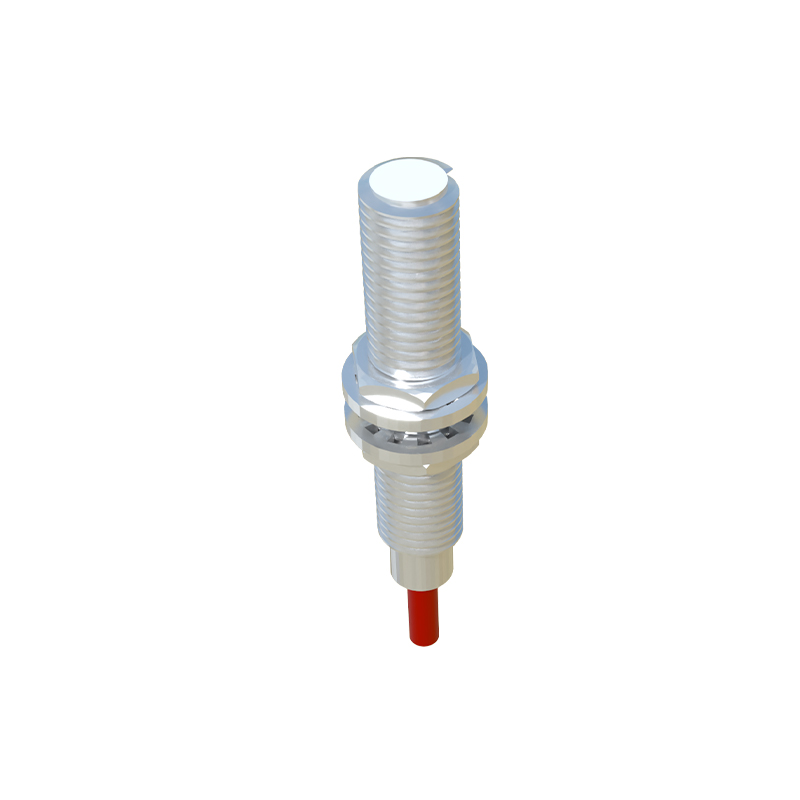
Electrical noise from motors, variable frequency drives (VFDs), welding equipment, or power lines can interfere with sensor signals, especially on analog or IO-Link models. To combat this, use shielded cables, ensure proper grounding, and keep sensor wiring separate from high-power cables. Conduit or cable trays can help organize and isolate wiring. Many modern sensors feature built-in noise immunity, but good installation practices remain essential.
Finally, consider accessibility for adjustment and maintenance. Sensors often have potentiometers or teach-in buttons for setting sensitivity or switching thresholds. They should be positioned so that these features are accessible without requiring disassembly. Additionally, plan for routine checks and cleaning of the sensing face, which can become contaminated with oil, dust, or debris, impairing function.
In summary, optimal proximity sensor location is a multi-faceted process. It requires selecting the right sensor type, placing it within its correct operational range with proper orientation, mitigating environmental and electrical interference, and ensuring maintainability. A methodical approach during the design and installation phase, coupled with validation testing under actual operating conditions, will maximize uptime and ensure the long-term, reliable operation of your automated systems. Always consult the manufacturer's installation guidelines for model-specific recommendations.