Magnetic proximity sensors are essential components in modern industrial automation, offering reliable non-contact detection of ferromagnetic objects. Proper installation is critical to ensure optimal performance, longevity, and safety. This guide provides a comprehensive, step-by-step approach for engineers and technicians.
Before installation, verify the sensor specifications match the application requirements. Key parameters include sensing distance, operating voltage, output type (e.g., NPN, PNP, or analog), and environmental ratings (IP67 or higher for harsh conditions). Always disconnect power to the control circuit during installation to prevent electrical hazards.
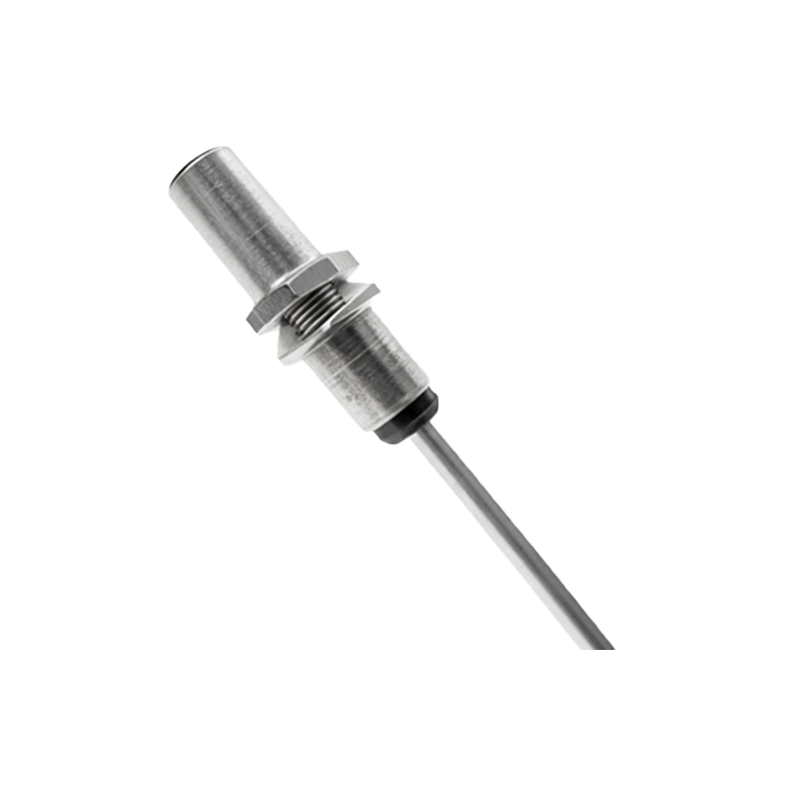
Step 1: Mounting the Sensor
Select a stable, vibration-free mounting location. The sensor must be positioned so that the target—such as a machine part or actuator with a mounted magnet—passes within its specified sensing range. Ensure the target approaches the sensor’s sensing face directly, as lateral or angular approaches can reduce effective distance. Use appropriate brackets or housings to secure the sensor, avoiding metal-to-metal contact if specified. Tighten mounting hardware to the recommended torque to prevent loosening from mechanical stress.
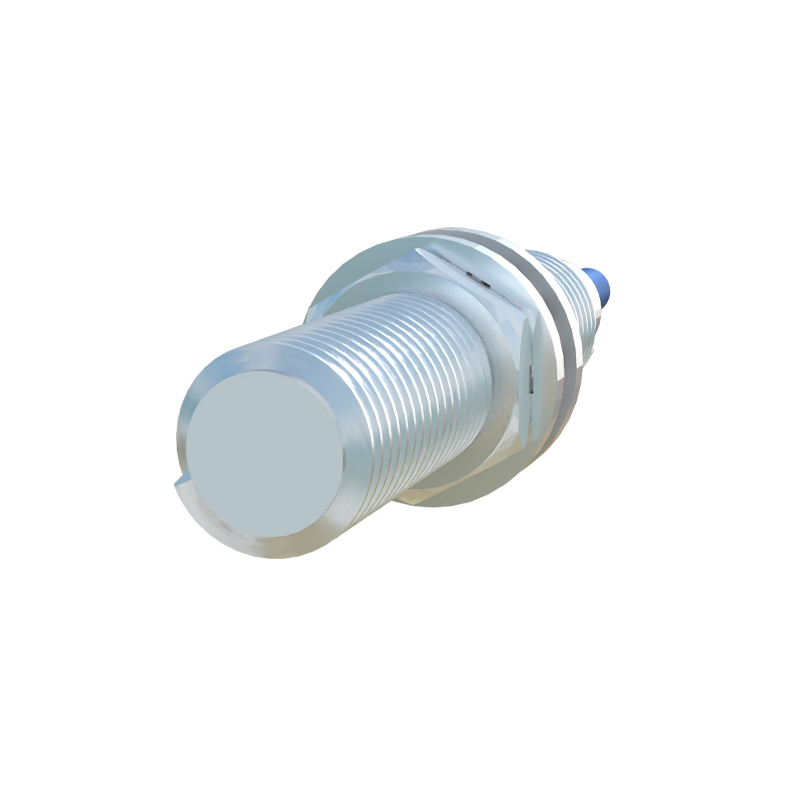
Step 2: Aligning the Magnet and Sensor
For sensors detecting magnets, alignment is crucial. The magnet should be mounted on the moving target with its pole orientation matching the sensor’s requirements (typically the south pole facing the sensor). Maintain a consistent air gap; even small deviations can cause unreliable switching. Test alignment by manually moving the target through its full range, checking for consistent sensor activation without false triggers.
Step 3: Electrical Wiring
Follow the manufacturer’s wiring diagram precisely. For DC sensors, connect the brown wire (typically +V) to the positive supply and the blue wire (typically 0V) to the negative. The black wire is usually the output signal. Use shielded cables in electrically noisy environments, grounding the shield at the controller end only. Ensure wires are not stretched or exposed to sharp edges—employ conduits or cable carriers if necessary. Implement proper fusing and isolation as per local electrical codes.
Step 4: Adjusting Sensitivity and Settings
Some magnetic proximity sensors feature adjustable sensitivity or hysteresis settings. Use these to fine-tune performance, especially in applications with varying target speeds or environmental interference. Avoid setting sensitivity too high, which may cause false detections from nearby magnetic fields. Refer to the datasheet for calibration procedures.
Step 5: Testing and Validation
After installation, power the system and conduct thorough testing. Simulate normal operating conditions, monitoring the sensor’s output with a multimeter or PLC. Verify repeatability by cycling the target multiple times. Check for issues like delayed response, chatter, or failure to detect—these may indicate misalignment, inadequate voltage, or external interference. Document settings and alignment for future maintenance.
Maintenance and Troubleshooting Tips
Regularly inspect sensors for physical damage, contamination, or corrosion. Clean sensing faces with a soft cloth; avoid abrasive materials. Common issues include reduced sensing distance due to magnet degradation or misalignment, and electrical faults from moisture ingress. Always use genuine replacement parts to maintain specifications.
By adhering to these guidelines, you can ensure reliable sensor operation, minimizing downtime and enhancing system efficiency in industrial settings.