In industrial automation and precision measurement, laser sensors are indispensable for their accuracy, speed, and reliability. However, a common issue that engineers and technicians encounter is laser sensor flickering. This phenomenon, where the sensor's output signal becomes unstable or intermittent, can lead to measurement errors, system downtime, and reduced productivity. Understanding the root causes of flickering is crucial for effective troubleshooting and maintenance. This article delves into the primary reasons behind laser sensor flickering and offers practical solutions to mitigate these problems.
One of the most frequent causes of laser sensor flickering is environmental interference. Laser sensors operate by emitting a beam of light and detecting its reflection from a target object. Any external factor that disrupts this light path can cause flickering. Ambient light sources, such as sunlight, fluorescent lamps, or other industrial lighting, can interfere with the sensor's receiver. This is especially problematic if the ambient light has a similar wavelength to the laser beam. To address this, ensure that the sensor is installed in a controlled environment, away from direct light sources. Using sensors with modulated light sources or optical filters can also help distinguish the laser signal from background noise. Additionally, physical barriers or enclosures can shield the sensor from external light interference.
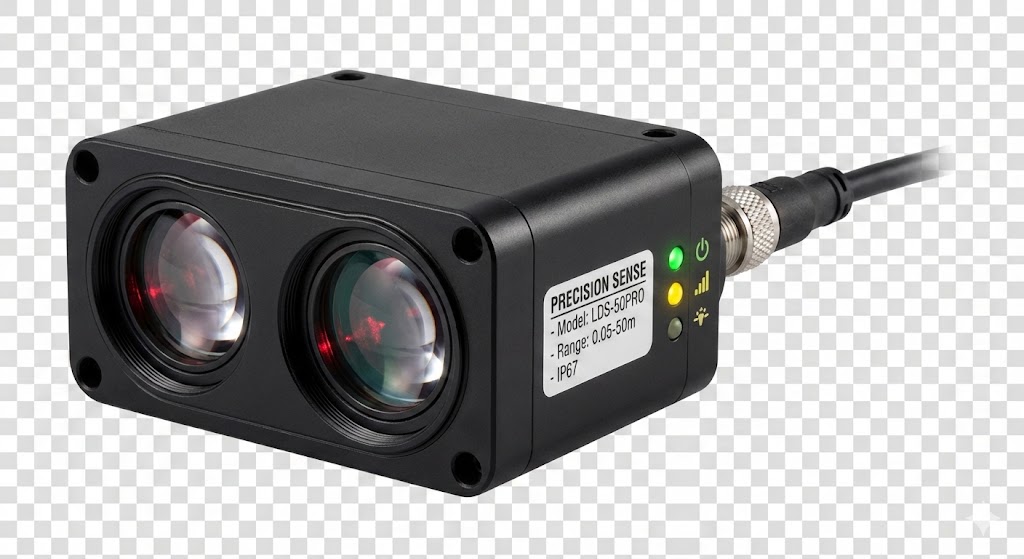
Another significant factor is target surface characteristics. The reflectivity, color, texture, and angle of the target surface directly impact how the laser beam is reflected. Highly reflective or glossy surfaces, such as metal or glass, can cause specular reflection, where the beam bounces off at an angle rather than returning to the sensor. This results in a weak or inconsistent signal, leading to flickering. Conversely, dark or matte surfaces absorb more light, reducing the signal strength. To overcome this, adjust the sensor's sensitivity settings or use sensors with background suppression technology that can ignore reflections from shiny surfaces. For irregular textures, consider using diffuse reflection sensors that are less sensitive to surface variations. Ensuring the target is perpendicular to the laser beam can also improve signal stability.
Electrical noise and power supply issues are common culprits behind flickering. Industrial environments often have machinery that generates electromagnetic interference (EMI) or radio frequency interference (RFI), which can disrupt the sensor's electronic circuits. Poor grounding, voltage fluctuations, or unstable power sources can exacerbate this problem. To minimize electrical interference, use shielded cables for sensor connections and ensure proper grounding of all equipment. Installing ferrite cores or noise filters on power lines can suppress EMI/RFI. Additionally, verify that the power supply meets the sensor's voltage and current requirements, and consider using uninterruptible power supplies (UPS) or voltage regulators to maintain stable power.
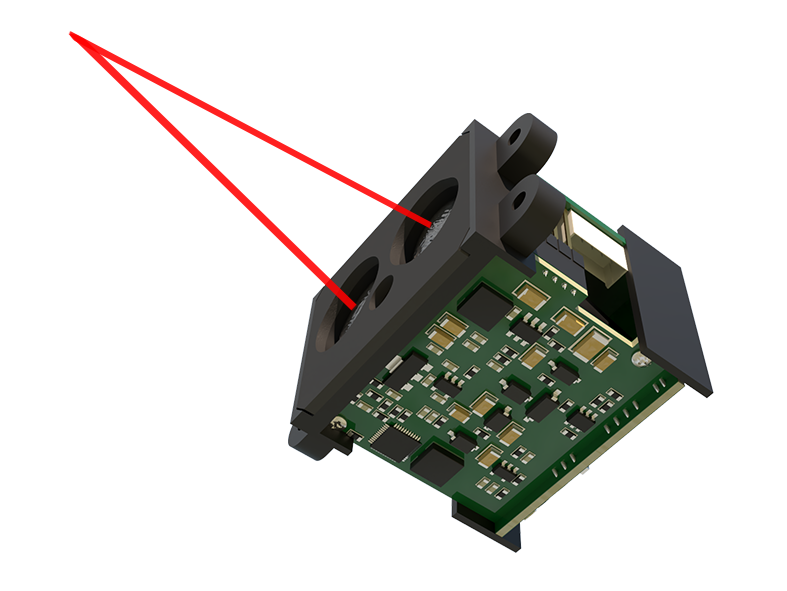
Sensor misalignment and mechanical vibrations can also lead to flickering. If the laser sensor is not properly aligned with the target, the beam may only partially hit the surface, causing intermittent detection. Vibrations from nearby machinery can cause the sensor or target to move slightly, resulting in signal fluctuations. To prevent this, securely mount the sensor using stable brackets and ensure precise alignment during installation. Regular maintenance checks should include verifying alignment and tightening any loose components. For high-vibration environments, consider using sensors with robust housings or vibration-damping mounts.
Dirt, dust, or contamination on the sensor lens or target surface is another practical issue. Accumulated debris can scatter or block the laser beam, leading to unreliable readings. In harsh industrial settings, such as manufacturing or welding areas, this is a common occurrence. Implement a routine cleaning schedule for sensor lenses using appropriate cleaning tools, such as lint-free cloths and non-abrasive cleaners. For environments with heavy contamination, choose sensors with protective coatings or enclosures rated for dust and water resistance (e.g., IP67). Additionally, installing air blowers or protective covers can help keep the lens clean.
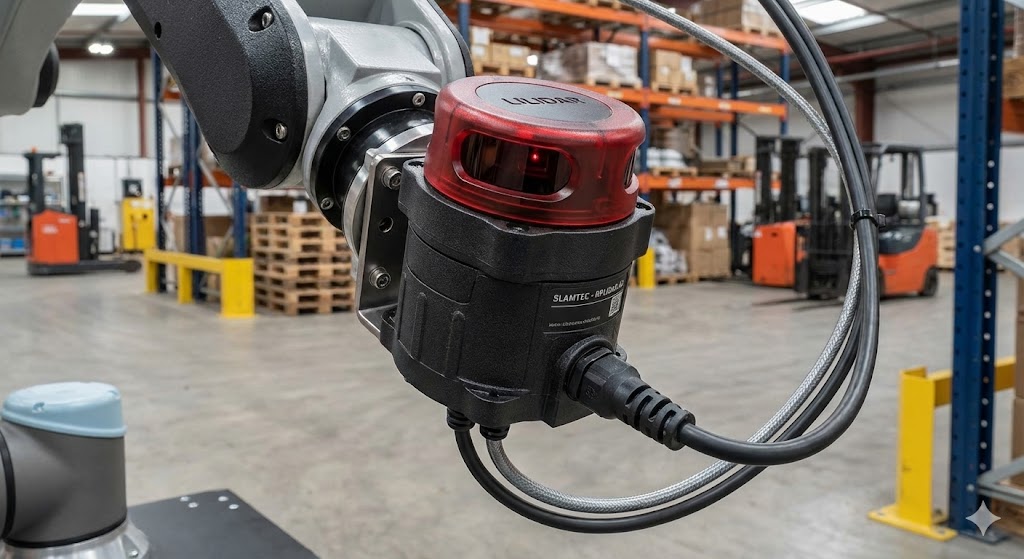
Finally, sensor aging or component degradation can cause flickering over time. Laser diodes, receivers, and other internal parts may wear out due to prolonged use, thermal stress, or manufacturing defects. If flickering persists despite addressing external factors, it might indicate an internal fault. In such cases, consult the sensor's datasheet for lifespan estimates and perform diagnostic tests. Replacing worn components or the entire sensor may be necessary. Regular calibration and firmware updates, if applicable, can also extend sensor life and ensure optimal performance.
In conclusion, laser sensor flickering is a multifaceted issue that requires a systematic approach to diagnosis and resolution. By considering environmental factors, target properties, electrical stability, mechanical setup, contamination, and sensor health, engineers can effectively troubleshoot and prevent flickering. Implementing best practices in installation, maintenance, and environmental control will enhance sensor reliability, ensuring accurate measurements and smooth operation in industrial applications. Proactive measures not only reduce downtime but also contribute to long-term cost savings and improved system efficiency.