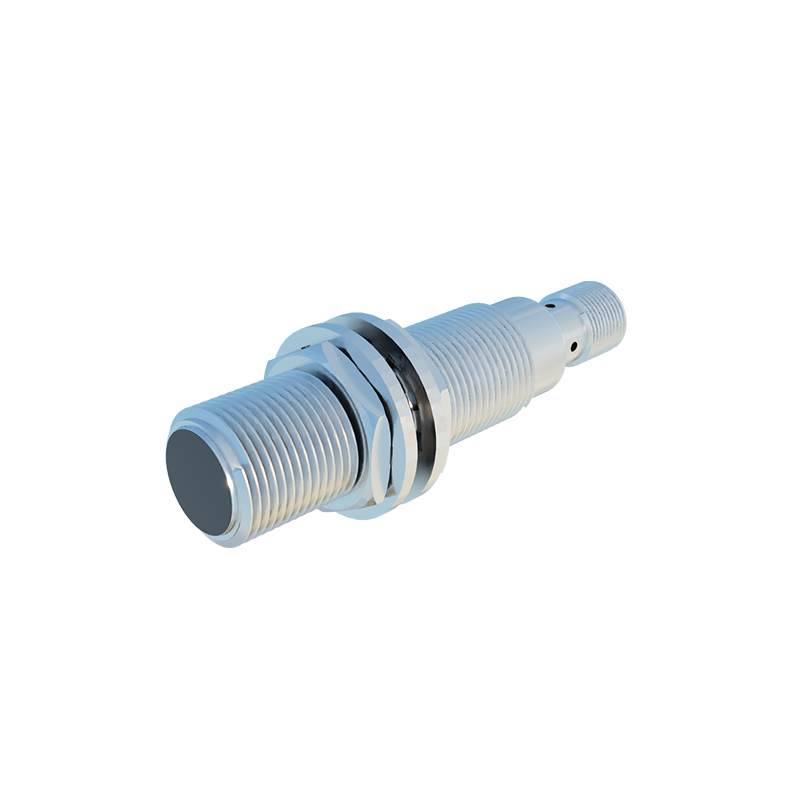
In the realm of embedded systems and mobile devices, proximity sensors play a crucial role in enhancing user experience and power efficiency. These sensors, typically based on infrared (IR) or capacitive technology, detect the presence of nearby objects without physical contact. In Linux-based systems, such as those running on smartphones, tablets, or IoT devices, the integration of proximity sensors with the screen wake-up mechanism is a sophisticated process that involves multiple layers of the software stack.
At the hardware level, a proximity sensor consists of an IR emitter and receiver. When an object approaches the sensor, the emitted IR light reflects back to the receiver, triggering a signal. This signal is then converted into digital data through an analog-to-digital converter (ADC) and transmitted to the system-on-a-chip (SoC) via interfaces like I2C or SPI. In Linux, the sensor driver, often implemented as a kernel module, handles this communication. The driver registers the sensor as an input device, exposing events through the Linux input subsystem.
The core of the wake-up functionality lies in the interaction between the sensor driver and the power management subsystem. When the proximity sensor detects an object—such as a user's face during a phone call—it generates an input event classified as EV_ABS (absolute value) with a code like ABS_DISTANCE. This event is captured by the input handler, which then notifies the display manager or compositor, such as Wayland or X11, to turn off the screen to prevent accidental touches and save battery. Conversely, when the object moves away, another event is sent to wake the screen.
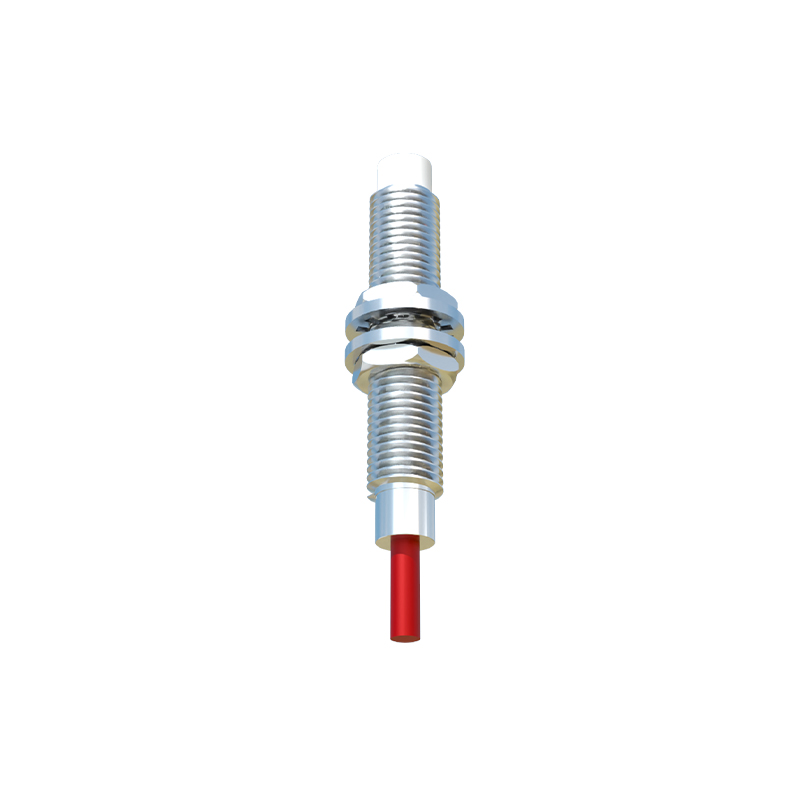
Linux power management frameworks, like Advanced Configuration and Power Interface (ACPI) or Device Tree (DT) for ARM-based systems, define the sensor's wake-up capabilities. The sensor can be configured as a wake-up source, allowing it to interrupt the system's sleep state. This is managed through kernel parameters and user-space daemons, such as systemd or custom scripts, that monitor sensor events and execute screen state changes. For instance, in Android (which uses a modified Linux kernel), the Sensor HAL (Hardware Abstraction Layer) bridges the kernel driver and the framework to manage proximity-based screen control.
From a software perspective, developers must ensure low-latency response to sensor events to provide a seamless user experience. This involves optimizing interrupt handling, reducing kernel-to-user-space overhead, and implementing efficient event polling. Tools like evtest can be used to debug sensor events, while kernel logs (dmesg) help in troubleshooting driver issues. Additionally, power consumption is a critical consideration; the sensor should operate in low-power modes when possible, and the wake-up logic should avoid unnecessary screen toggles.
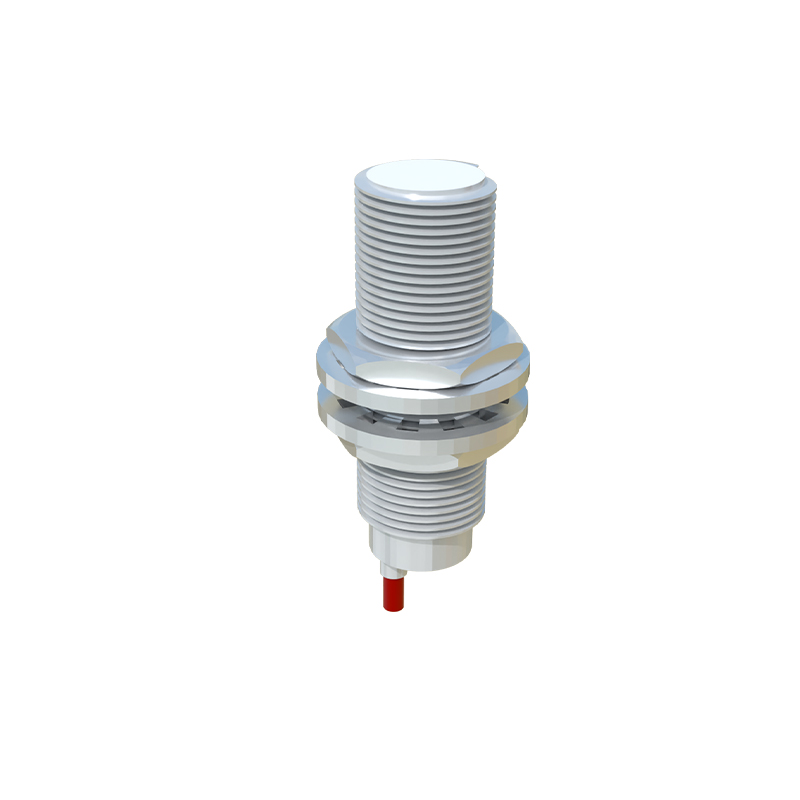
In practice, integrating a proximity sensor in a Linux device requires careful calibration to account for environmental factors like ambient light or reflective surfaces. The sensor thresholds—defining "near" and "far" states—are often tunable via sysfs entries, allowing customization for different hardware designs. Community-driven projects, such as the Linux kernel's input documentation and sensor frameworks, provide resources for engineers to implement robust solutions.
Overall, the synergy between Linux's modular architecture and proximity sensor technology enables intelligent screen management, balancing functionality with energy savings. As IoT and mobile ecosystems evolve, this integration will continue to be refined, leveraging advancements in sensor accuracy and kernel optimization.