In the realm of modern smartphone technology, proximity sensors play a crucial yet often overlooked role in enhancing user experience and device functionality. These small, sophisticated components are designed to detect the presence of nearby objects without physical contact, primarily to prevent accidental screen touches during calls or conserve battery life. As an electrical engineer with extensive experience in sensor integration, I will delve into the operational principles, activation methods, and practical applications of proximity sensors in today's smartphones.
Proximity sensors typically operate using infrared (IR) technology. An IR LED emits an invisible light beam, which reflects off nearby objects and is captured by a photodetector. The sensor measures the intensity of the reflected signal to determine the object's distance. Most smartphones automatically activate this sensor during phone calls—when you hold the device to your ear, the screen turns off to avoid unintended inputs. However, users can also manually enable or disable this feature through system settings, depending on their preferences and specific use cases.
To enable the proximity sensor on an Android device, navigate to Settings > Display > Advanced, and locate the "Prevent accidental wake-up" or similar option. Enabling this ensures the sensor works in tandem with the lock screen. For iPhones, the sensor is generally always active during calls, but you can adjust related features in Settings > Accessibility > Touch, where "Tap to Wake" might interfere. Developers can further access sensor data via APIs for custom applications, such as gesture controls or automatic display adjustments in response to environmental changes.
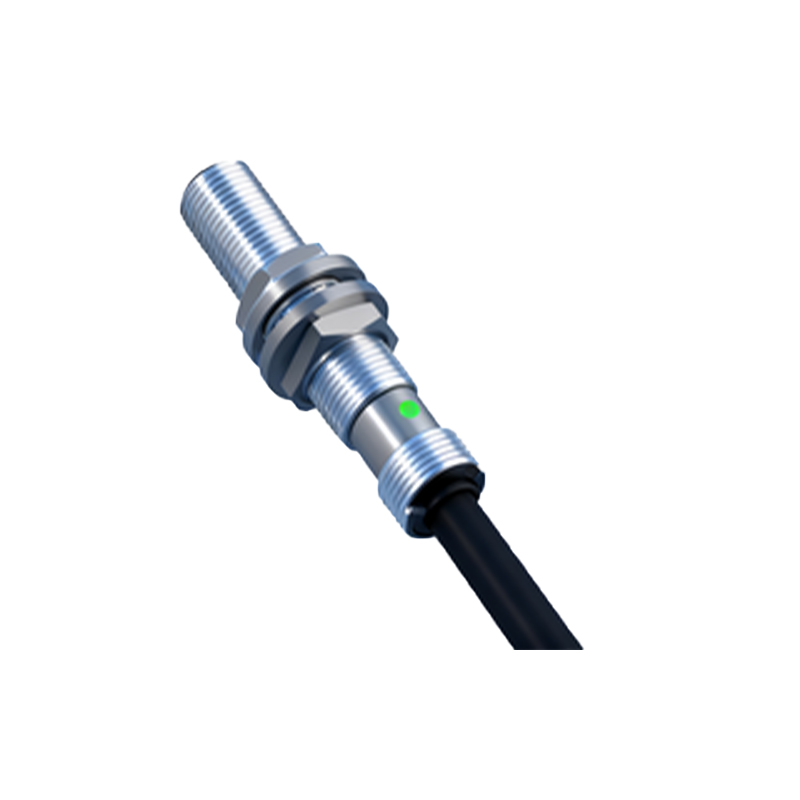
Beyond call management, proximity sensors contribute to power efficiency by dimming the screen when the phone is in a pocket or bag. They also enable innovative features like "Air Gestures," allowing users to scroll or interact with the device without touching it. In industrial contexts, these sensors are integral to IoT devices, enabling proximity-based triggers for automation. However, challenges such as sensor calibration, interference from ambient light, or hardware failures can affect performance. Regular software updates and proper maintenance—like keeping the sensor area clean from dirt or screen protectors—are essential for optimal functionality.
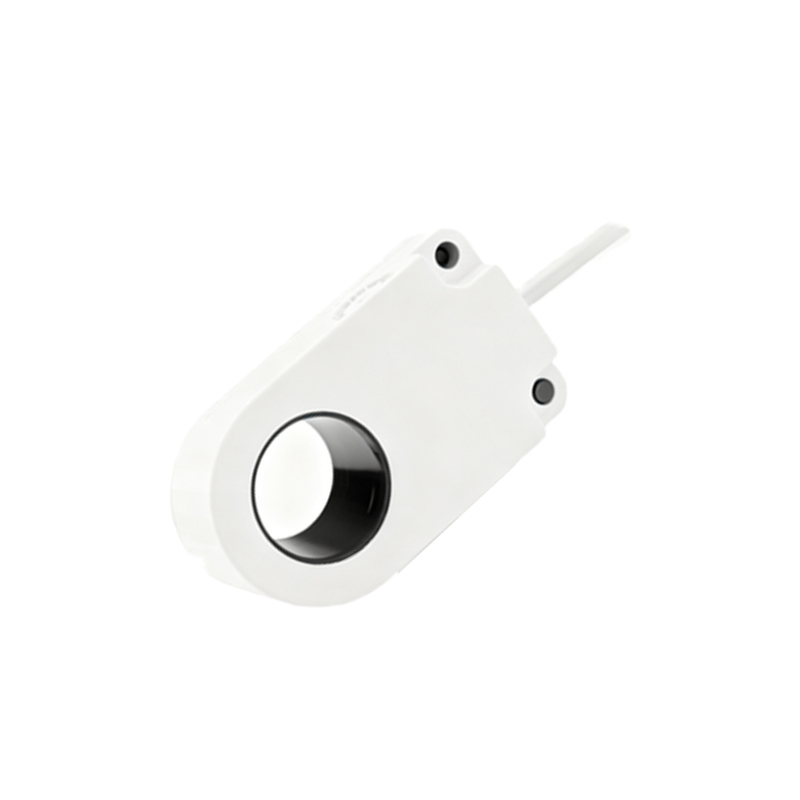
Looking ahead, advancements in sensor technology, including time-of-flight (ToF) and ultrasonic sensors, promise greater accuracy and new functionalities. As 5G and AI integration evolve, proximity sensors will likely become more adaptive, supporting immersive AR experiences and smarter context-aware interactions. For engineers and enthusiasts, understanding these components not only aids in troubleshooting but also inspires innovation in mobile and embedded systems design.
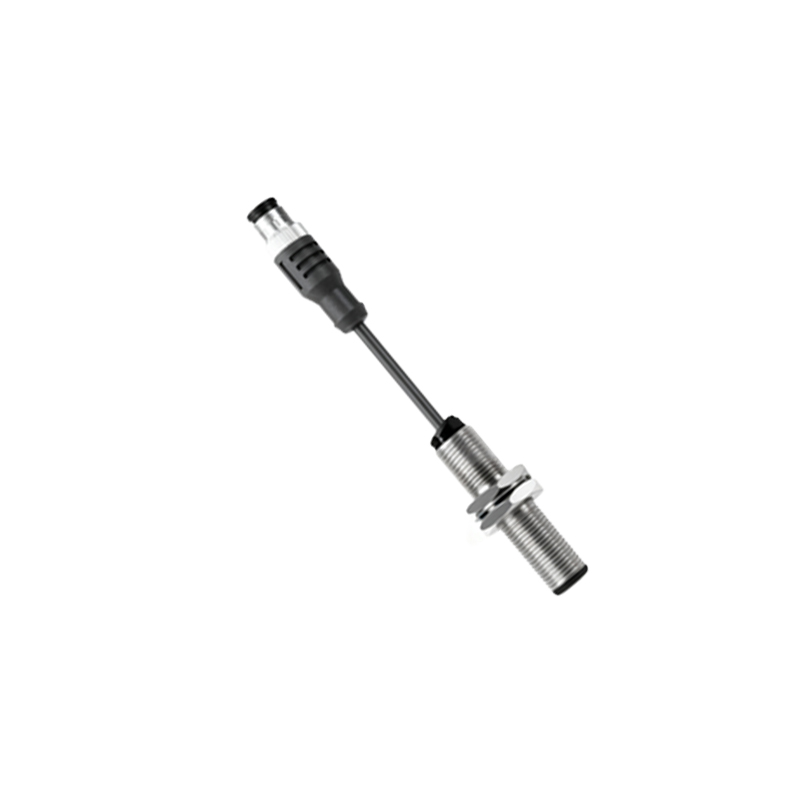
In summary, proximity sensors are vital for seamless smartphone operation. By mastering their enablement and applications, users and developers can unlock enhanced convenience and efficiency, paving the way for next-generation mobile experiences.