Proximity sensor switches are critical components in industrial automation, machinery, and safety systems. These non-contact sensors detect the presence or absence of objects without physical touch, relying on electromagnetic fields, capacitive changes, or ultrasonic waves. Ensuring their proper functionality is essential for maintaining operational efficiency and preventing costly downtime. This guide outlines systematic methods to test proximity sensor switches, helping engineers and technicians diagnose issues accurately.
First, understand the sensor type. Inductive proximity sensors detect metallic objects, capacitive sensors handle both metallic and non-metallic materials, and ultrasonic sensors use sound waves. Check the manufacturer’s datasheet for specifications like sensing range, output type (PNP/NPN, NO/NC), voltage rating, and response time. Incorrect assumptions about these parameters can lead to false diagnoses.
Begin testing with a visual inspection. Look for physical damage such as cracks, dents, or corrosion on the housing and sensing face. Ensure the sensor is clean, as dirt, oil, or debris can interfere with detection. Verify proper mounting and alignment, as misalignment may reduce effective sensing range. Loose wiring or connector issues are common failure points; inspect cables for wear, fraying, or loose terminals.
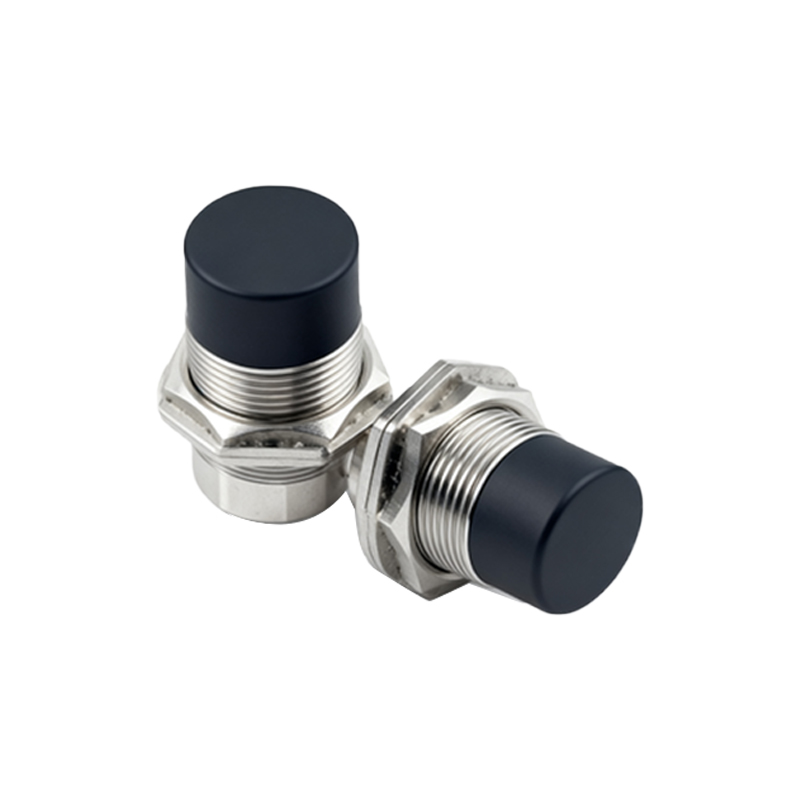
Next, perform power supply checks. Use a multimeter to measure voltage at the sensor’s supply terminals. For DC sensors, typical voltages are 10-30 VDC; for AC, 20-250 VAC. Ensure the power supply matches the sensor’s rating. If voltage is absent or unstable, troubleshoot the power circuit, fuses, and wiring before blaming the sensor.
To test sensor functionality, simulate target detection. For inductive or capacitive sensors, bring a valid target (e.g., a metal piece for inductive) within the specified sensing range. Observe the output indicator LED, which usually lights up when active. For sensors without LEDs, use a multimeter or oscilloscope. For PNP (sourcing) sensors, measure voltage between the output wire and ground; it should switch to supply voltage when activated. For NPN (sinking) sensors, voltage should drop near zero when activated. For AC sensors, use an AC voltage meter or a load like a relay to check output switching.
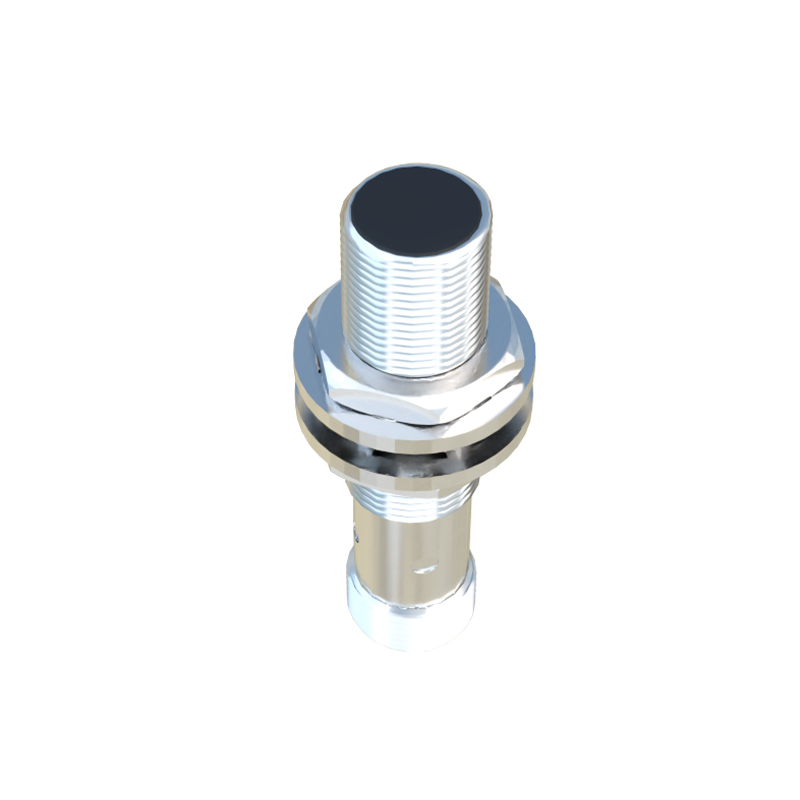
If the sensor fails to respond, adjust the target distance or material. Some sensors require ferrous metals, while others work with non-ferrous materials. Ensure the target size meets minimum requirements; small targets may not trigger detection. For capacitive sensors, environmental factors like humidity can affect performance, so test under normal operating conditions.
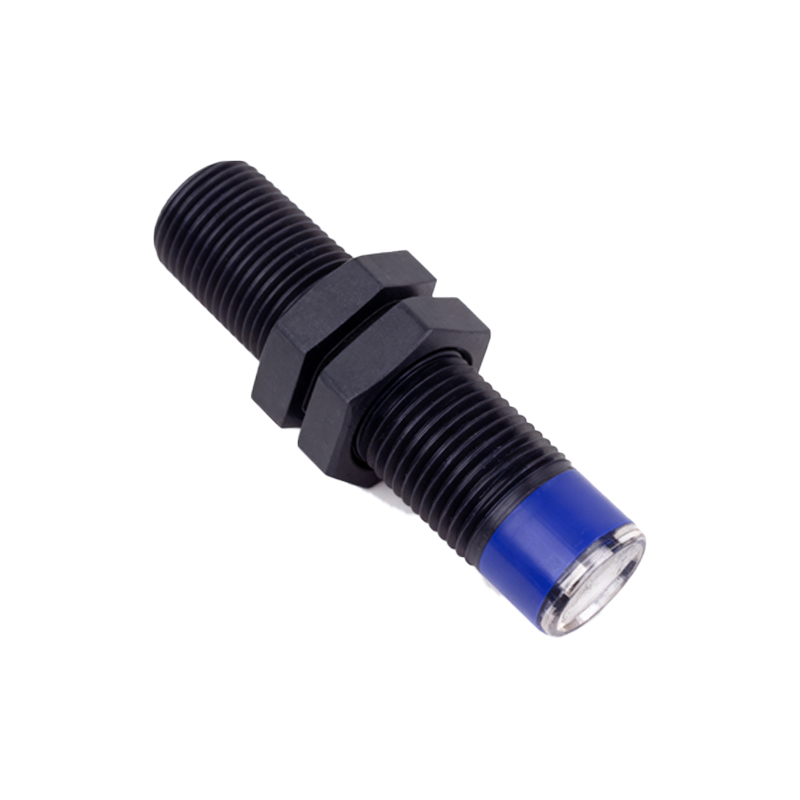
Check output load compatibility. Overloading the sensor can cause failure. Verify the load (e.g., PLC input, relay) current does not exceed the sensor’s maximum rating. Disconnect the load and test the sensor directly with a multimeter to isolate issues. If the sensor works without load, the problem may lie in the load circuit.
For ultrasonic sensors, test with a reflective target at the correct distance. Ensure no acoustic interference from other equipment. Use an oscilloscope to monitor signal output if available, comparing it to datasheet waveforms.
Advanced diagnostics involve monitoring response time and repeatability. Use a programmable logic controller (PLC) or data logger to record activation events. Inconsistent switching may indicate internal component wear or environmental interference. Temperature extremes can also affect performance, so test under actual operating temperatures if possible.
If testing confirms sensor failure, replace it with an identical or compatible model. Note that some failures are due to external factors like electrical noise, vibration, or incompatible mounting. Shielded cables and proper grounding can mitigate noise issues. Always follow lockout/tagout procedures when working on energized equipment to ensure safety.
In summary, testing proximity sensor switches requires methodical steps: identify sensor type, inspect physically, verify power, simulate detection, check load, and consider environmental factors. Regular maintenance and testing can extend sensor life and prevent system failures. Keep datasheets and testing tools accessible for efficient troubleshooting in industrial settings.