Have you ever wondered how your smartphone screen magically turns off when you hold it to your ear during a call, preventing accidental cheek-dials? Or how some phones can detect when they are face-down on a table to silence a ringtone? The unsung hero behind these smart features is a tiny component called the proximity sensor, most commonly an infrared (IR) proximity sensor.
At its core, an infrared proximity sensor is a simple yet elegant piece of engineering. It typically consists of two main parts: an infrared LED (light-emitting diode) and an infrared light detector or receiver. The principle is straightforward. The IR LED emits a beam of invisible infrared light. When an object, like your head or hand, comes close to the phone, this light reflects off the object and bounces back towards the phone. The IR detector then "sees" this reflected light. By measuring the intensity of the reflected signal, the sensor's controller can calculate the approximate distance to the object. If the reflected light is strong enough (indicating a very close object), the sensor sends a signal to the phone's processor, which then triggers an action—most commonly, turning off the display and disabling touch input.
This process happens in milliseconds and is remarkably reliable. The use of infrared light is key because it is invisible to the human eye, so it doesn't create a distracting glow during operation. Modern sensors are finely tuned to distinguish between genuine proximity events and ambient infrared light from sources like the sun or indoor lighting.
The primary and most critical function of this sensor is power management and preventing unintended touch interactions. By blanking the screen during calls, it saves battery life significantly. More importantly, it stops your ear or cheek from pressing buttons, ending calls, or launching apps mid-conversation—a common frustration in the early days of touchscreen phones. Beyond calls, developers have leveraged the sensor for other creative uses. Some apps use it for gesture control, allowing you to scroll or pause media with a wave of your hand. It can also enable features like automatic screen on/off when pulling the phone from a pocket or bag.
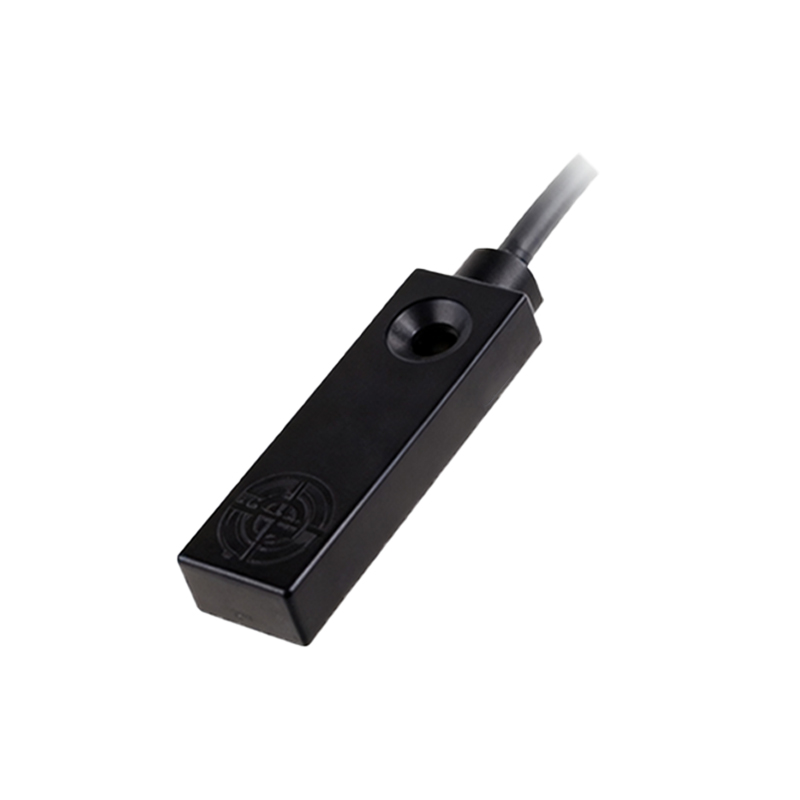
While incredibly useful, IR proximity sensors are not without limitations. Their accuracy can be affected by highly reflective or perfectly absorbent surfaces. Certain materials may not reflect IR light as expected, leading to inconsistent behavior. Furthermore, the sensor requires a clear, unobstructed view. A poorly fitted screen protector, especially one that is thick or has a black border around the earpiece, can cover the sensor's tiny window and render it useless. This is a frequent cause of "screen not turning on during calls" issues.
In the broader landscape of smartphone sensors, the proximity sensor works in concert with others like the ambient light sensor (which adjusts screen brightness) and the accelerometer. While some high-end phones are experimenting with time-of-flight (ToF) sensors or camera-based solutions for more advanced spatial awareness, the humble IR proximity sensor remains a cost-effective, low-power, and highly reliable workhorse for its primary task.
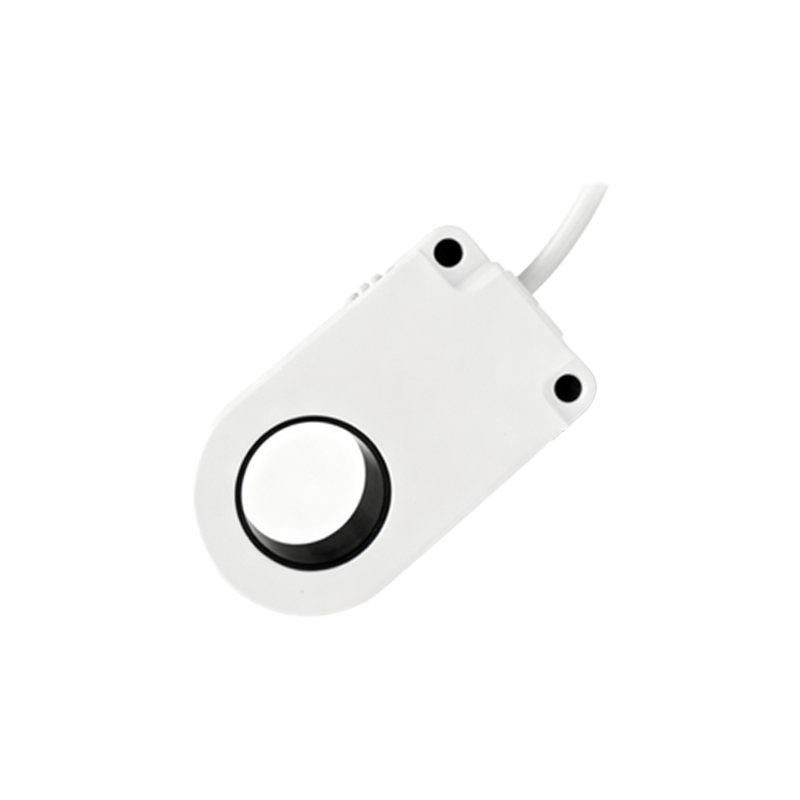
Understanding this small component highlights the intricate design considerations in everyday technology. It's a perfect example of how a simple solution—sending out an invisible beam of light and listening for its echo—solves a very practical user experience problem, making our interaction with devices smoother and more intuitive. Next time your screen dims as you raise the phone to your ear, you'll know there's a tiny, silent sentinel working to make your life a little easier.