Proximity sensors are critical components in industrial automation systems, detecting the presence or absence of objects without physical contact. Over time, these sensors may degrade due to environmental factors, mechanical wear, or electrical issues, necessitating replacement. This guide outlines a systematic approach to replacing proximity sensors, ensuring minimal downtime and maintaining operational safety.
Before initiating replacement, conduct a thorough risk assessment. De-energize the equipment following lockout-tagout (LOTO) procedures to prevent accidental activation. Verify the absence of power using a multimeter. Document the existing sensor's specifications, including type (inductive, capacitive, or magnetic), sensing range, output configuration (NPN/PNP, NO/NC), voltage rating, and connection type (pre-wired or quick-disconnect). Note the mounting style (flush, non-flush, or threaded) and dimensions.
Remove the faulty sensor by disconnecting cables or connectors. For threaded sensors, use appropriate tools to unscrew them from the mounting bracket. Avoid excessive force to prevent damage to adjacent components. Inspect the mounting area for corrosion, debris, or misalignment, and clean it if necessary.
Install the replacement sensor by aligning it correctly. Ensure the sensing face is oriented toward the target object without obstructions. For threaded sensors, tighten to the specified torque using a torque wrench to avoid over-tightening, which can affect performance. Reconnect wiring according to the documented configuration, matching wire colors or terminal labels. Double-check connections to prevent reverse polarity or short circuits.
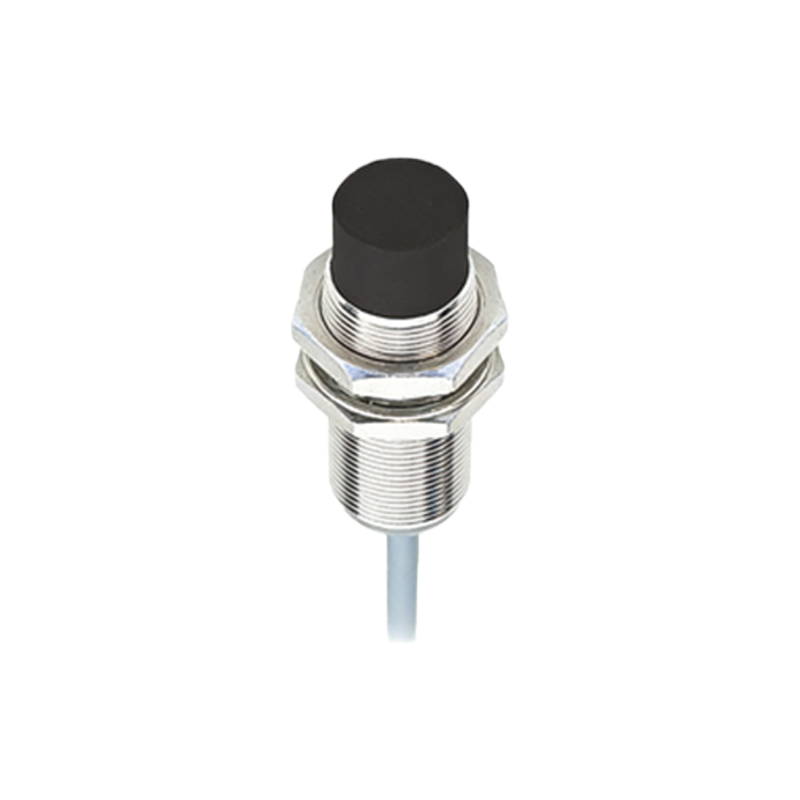
After installation, restore power gradually and test the sensor. Use a target object to verify detection consistency within the specified sensing range. Monitor the output signal via a PLC or indicator light. Calibrate if required, adjusting sensitivity or positioning for optimal response. Record the replacement date and sensor details in maintenance logs for future reference.
Common pitfalls include ignoring environmental ratings (e.g., IP67 for dust/water resistance), mixing up sensor types, or incorrect wiring. Always refer to manufacturer manuals for model-specific guidelines. Regular maintenance, such as cleaning sensing surfaces and checking connections, can extend sensor lifespan. In high-vibration environments, use locking nuts or adhesives to secure mounts.
By following these steps, engineers can ensure reliable sensor performance, reduce system failures, and enhance workplace safety. Proactive replacement based on lifecycle data, rather than reactive fixes, further optimizes industrial operations.