Maintaining the laser sensor in your 352 air purifier is crucial for ensuring the device accurately monitors air quality and operates at peak efficiency. This guide provides practical, step-by-step advice on how to care for this sophisticated component, helping you extend its lifespan and maintain the health of your indoor environment.
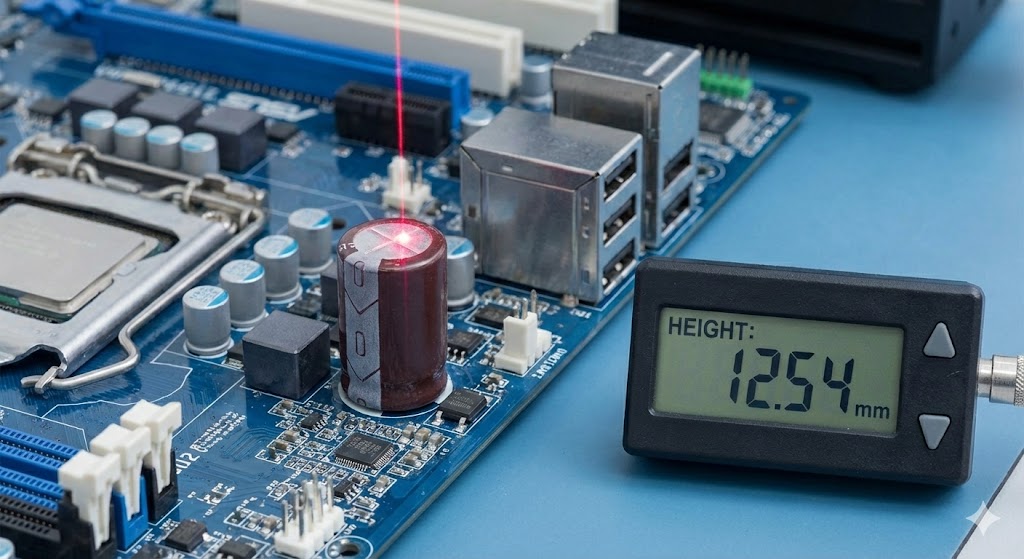
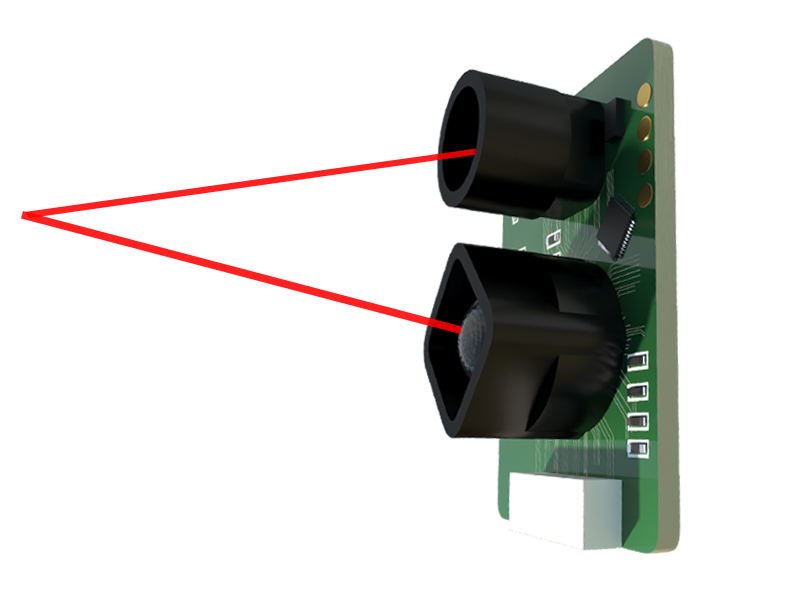
The laser sensor, often referred to as a particle sensor, is the heart of your air purifier's intelligence. It works by projecting a laser beam into a detection chamber. As airborne particles like dust, pollen, and smoke pass through this beam, they scatter the light. A photodetector measures this scattering to count and size the particles, providing the real-time PM2.5 and PM10 readings you see on the display. For this precise optical system to function correctly, the internal pathway must be kept impeccably clean.
The most critical maintenance task is regular cleaning. Dust and debris can accumulate on the sensor's lens and within its detection chamber, leading to inaccurate readings. The purifier might indicate clean air when particles are present, or it might run unnecessarily on high speed. It is recommended to check and clean the sensor every two to three months, or more frequently if you live in a particularly dusty area, have pets, or engage in activities that generate a lot of airborne particles.
To clean the 352 laser sensor safely, first, ensure the air purifier is unplugged from the power source. Locate the sensor compartment, which is typically on the side or back of the unit. Carefully open the cover or remove the sensor module as instructed in your user manual. Use a can of compressed air to gently blow away any loose dust from the sensor's opening and interior. For more stubborn deposits, lightly dab a cotton swab in isopropyl alcohol (at least 90% concentration), wring it out so it is barely damp, and very gently wipe the external sensor lens. Never pour liquid directly onto the sensor or use abrasive materials like paper towels or tissue, as they can scratch the delicate optical surfaces. Allow the sensor to air dry completely for at least 30 minutes before reassembling and powering the unit back on.
Environmental placement also plays a significant role in sensor health and accuracy. Avoid installing your 352 air purifier in areas with direct sunlight, excessive humidity (like bathrooms or near humidifiers), or close to direct sources of airflow like HVAC vents, open windows, or fans. These conditions can interfere with the sensor's readings and potentially damage its electronic components. A central location in a room, away from walls and obstructions, provides the most representative air sample.
Even with meticulous care, laser sensors have a finite operational lifespan due to the gradual degradation of the laser diode and other components. If you notice persistent issues such as consistently inaccurate readings, the sensor failing to detect obvious smoke or dust events, or error codes related to the sensor appearing on the display, it may indicate the need for professional inspection or replacement. 352 customer support can provide diagnostics and guidance on obtaining genuine replacement parts.
Beyond the sensor, remember that overall purifier maintenance enhances its effectiveness and reduces the load on the sensor. Adhere strictly to the manufacturer's schedule for replacing HEPA and activated carbon filters. A clogged filter forces the fan to work harder and can alter airflow patterns past the sensor. Regularly vacuuming the pre-filter and wiping down the exterior air inlets prevents large debris from entering the system.
Proactive and proper maintenance of your 352 laser particle sensor is a simple yet powerful practice. It guarantees that your investment continues to protect your home by delivering truthful air quality data, enabling the auto mode to function correctly, and providing you with peace of mind. By integrating these cleaning and care steps into your routine home maintenance, you ensure the device remains a reliable guardian of your indoor air for years to come.