In the world of modern smartphones, countless tiny components work silently in the background to create a seamless user experience. Among these unsung heroes is the proximity sensor, a small but crucial piece of technology that most users interact with daily without a second thought. This article delves into the function, technology, and importance of proximity sensors in mobile devices.
At its core, a proximity sensor is a device that detects the presence of nearby objects without any physical contact. In smartphones, its primary function is to determine when the device is held close to the user's ear during a phone call. When this happens, the sensor signals the phone's operating system to turn off the touchscreen display. This serves two critical purposes: it prevents accidental touch inputs from the cheek or ear from muting the call, hanging up, or activating other functions, and it conserves battery power by disabling the display's backlight when it is not needed.
The most common technology used for this purpose is the infrared (IR) proximity sensor. A typical IR sensor consists of two main components: an infrared LED (light-emitting diode) and an infrared light detector. During operation, the IR LED emits a beam of invisible infrared light. If an object is close to the phone, this light reflects off the object and is picked up by the IR detector. The sensor's circuitry measures the intensity of the reflected light. A strong reflection indicates a nearby object (like a head), while a weak or absent reflection means the path is clear. This binary information is then sent to the phone's processor to trigger the appropriate response.
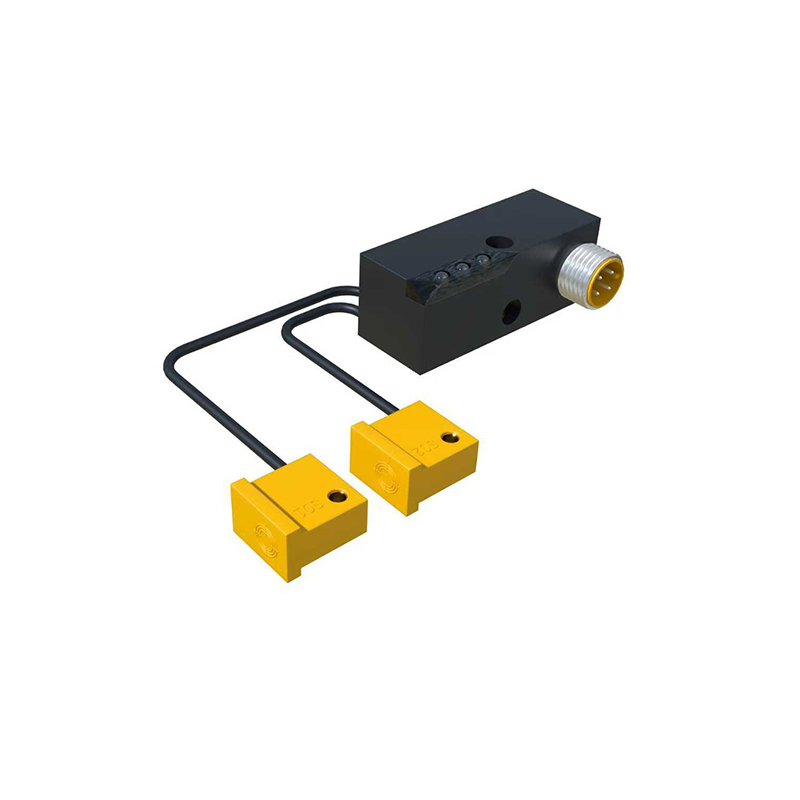
The placement of this sensor is strategic. It is usually located at the top of the phone's front bezel, near the earpiece. This positioning ensures it aligns correctly with the user's head during a call. Modern design trends with minimal bezels and "notch" or "punch-hole" displays have pushed engineers to find innovative ways to hide these sensors, sometimes embedding them under the display glass or within the speaker grille.
Beyond the basic call function, proximity sensors enable several other smart features. They play a role in preventing pocket dialing. Many phones use the sensor, in conjunction with the ambient light sensor, to detect when the phone is in a dark, confined space like a pocket or bag, and will automatically lock the screen to prevent unintended interactions. Some devices also use the sensor to enable gesture controls, like turning off the display when you wave your hand over it while reading, or to activate the "Always-On Display" feature only when the phone is taken out of a pocket.
The benefits of a well-functioning proximity sensor are significant. The most immediate is user convenience—no more accidentally ending important calls. From a hardware perspective, it contributes to energy efficiency. Keeping the bright display off during a 10-minute call saves a measurable amount of battery life. Furthermore, by locking the screen in a dark pocket, it prevents the phone from waking up and running down the battery unnecessarily.
However, users may occasionally encounter issues. A malfunctioning sensor can lead to a screen that refuses to turn back on after a call, or conversely, a screen that stays on during a call, leading to cheek-presses. Common causes include a dirty sensor area (blocked by a screen protector or case), software glitches, or, less commonly, hardware failure. Troubleshooting usually starts with cleaning the top area of the screen, ensuring no obstructions, and restarting the device. Persistent problems might require a software update or a visit to a service center.
The technology continues to evolve. Some manufacturers are experimenting with time-of-flight (ToF) sensors, which use laser pulses to measure distance more accurately. This can enable more precise proximity detection and support advanced augmented reality (AR) applications. The fundamental principle, however, remains centered on creating an invisible, automatic interaction between the device and its environment.
In conclusion, the proximity sensor is a perfect example of thoughtful, user-centric engineering. It solves a practical problem with elegant efficiency, operating entirely in the background. Its reliable function is vital for the core telephony experience, making it an indispensable component in every smartphone. As devices become more integrated into our lives, these small, intelligent sensors will continue to be key in making interactions more intuitive and power-efficient.