Introduction to Photoelectric Sensors
Photoelectric sensors are essential components in industrial automation, used for detecting objects, distances, and material presence without physical contact. This guide provides a practical walkthrough for installing a photoelectric sensor, focusing on safety, alignment, and wiring procedures. Proper installation ensures reliable performance and minimizes downtime in manufacturing environments.
Selecting the Right Sensor Type
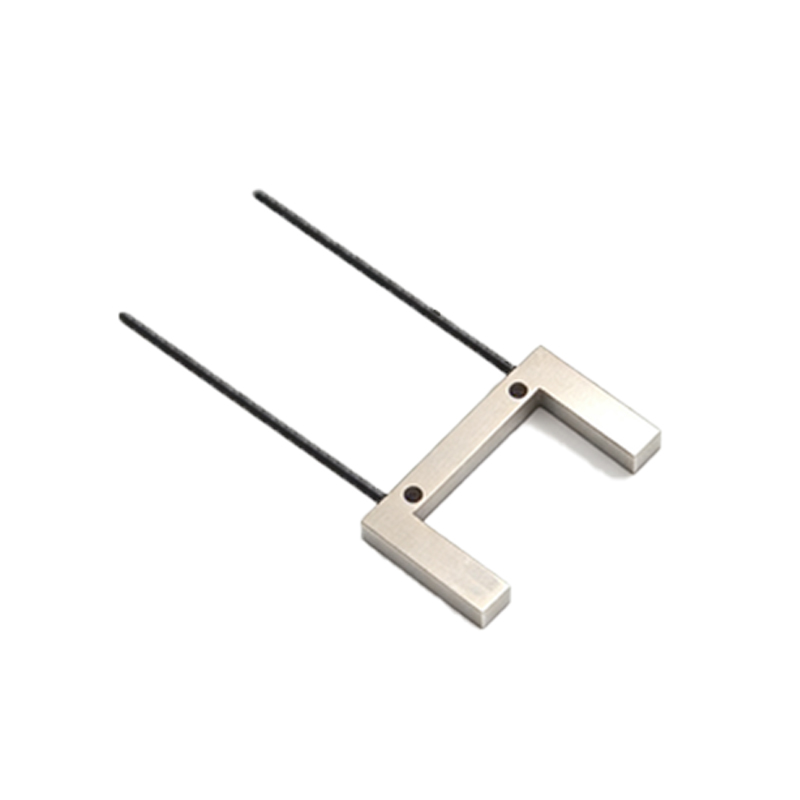
Before installation, determine the sensor type: through-beam, retro-reflective, or diffuse. Through-beam sensors offer the longest range but require separate emitter and receiver units. Retro-reflective sensors use a reflector for medium-range detection, while diffuse sensors rely on object reflection for short-range tasks. Verify the sensor’s sensing distance, output type (PNP or NPN), and environmental rating (e.g., IP67 for dusty or wet areas) based on your application.
Preparing the Installation Site
Mount the sensor on a stable, vibration-free surface using brackets or mounting holes. Ensure the detection path is clear of obstructions like dust, oil, or other sensors that may cause interference. For through-beam sensors, align the emitter and receiver directly facing each other with a tolerance of less than 5 degrees. Use a laser alignment tool or a simple visual check for accuracy. Retro-reflective sensors require the reflector to be perpendicular to the beam axis.
Wiring and Electrical Connections
Turn off power before wiring. Connect the sensor leads: brown to positive (24V DC), blue to ground (0V), and black or white to the output signal. For PNP sensors, the output switches to positive when triggered; for NPN, it switches to ground. Use shielded cables for long runs (over 10 meters) to prevent electromagnetic interference. Secure connections with screw terminals or M12 connectors, and apply dielectric grease in humid environments to avoid corrosion.
Testing and Calibration
Restore power and test the sensor with a target object. For diffuse sensors, adjust the potentiometer or teach button to set the detection distance. For through-beam and retro-reflective types, ensure the beam is uninterrupted when no object is present. Check the LED indicator: steady green means normal operation, red indicates misalignment or contamination. Fine-tune alignment by loosening the mounting screws and shifting the sensor slightly until the LED turns green.
Troubleshooting Common Issues
If the sensor fails to detect, first clean the lens and reflector with a lint-free cloth. Check for loose wiring or voltage drops below 20V DC. For intermittent false triggers, reduce sensitivity or install a shielding plate to block stray light. In high-temperature areas (above 50°C), use heat-resistant cable sleeves. Replace damaged sensors with identical models to maintain system consistency.
Final Verification and Maintenance
After installation, run a cycle test with the target object moving at operational speed. Document the sensor settings, alignment data, and environmental conditions for future reference. Schedule monthly inspections for lens cleanliness and bracket stability. For sensors in harsh environments, consider adding a protective housing or air purge to extend lifespan.