Understanding the Role of the Photoelectric Sensor in Treadmill Operation
The photoelectric sensor, also known as an optical encoder or speed sensor, is a critical component in modern treadmills. It typically consists of an infrared LED and a phototransistor mounted on the motor control board or near the drive roller. As the treadmill belt moves, a slotted wheel or reflective strip interrupts the light beam, generating electrical pulses. These pulses are sent to the motor controller to regulate speed, monitor belt position, and ensure safety features like the emergency stop function work correctly. A faulty sensor can cause erratic speed changes, unexpected shutdowns, or failure to start.
Tools and Safety Precautions Before Starting
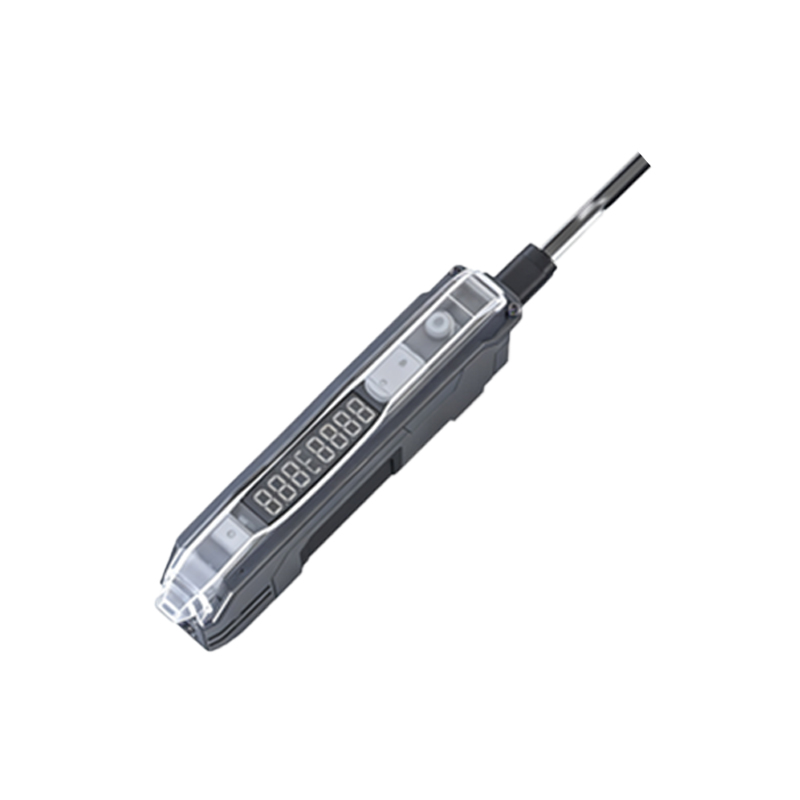
Before replacing the sensor, gather essential tools: a multimeter with continuity and voltage measurement capabilities, a Phillips-head screwdriver, needle-nose pliers, isopropyl alcohol, cotton swabs, and a replacement photoelectric sensor compatible with your treadmill model (e.g., common part numbers like MC-2100 or AD-100). Always unplug the treadmill from the AC power source to avoid electric shock. Wear anti-static wrist strap to prevent damage to sensitive electronics. Document the wiring configuration with a digital photo or diagram for reference during reassembly.
Locating and Accessing the Photoelectric Sensor
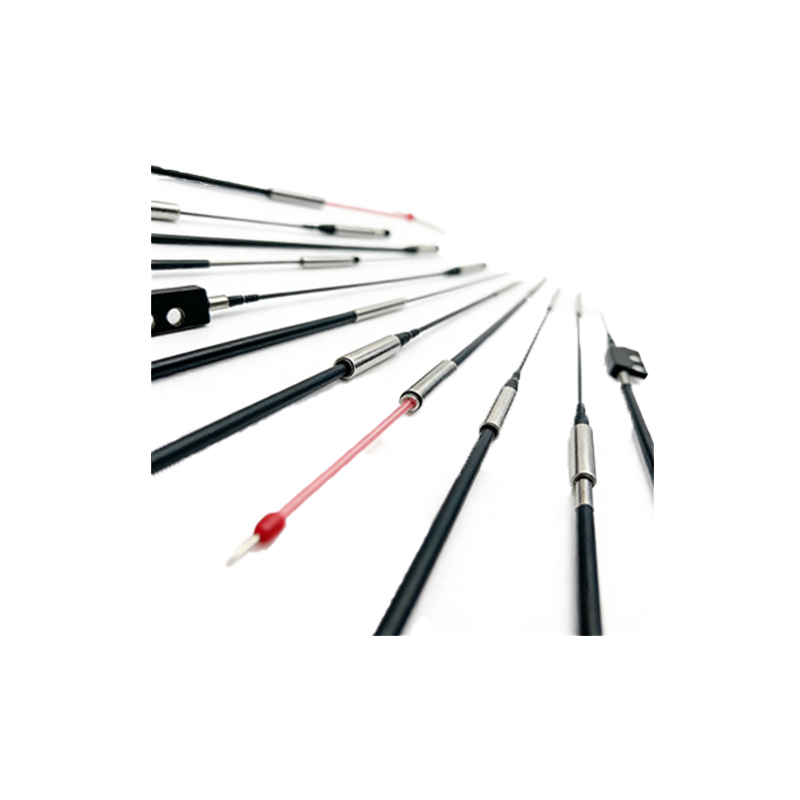
Most treadmill sensors are housed inside the lower motor compartment, accessible by removing the motor hood or side panels. For rear-drive models, the sensor may be mounted on the rear roller bracket, while front-drive units typically place it on the main control board near the drive motor. Use the Phillips screwdriver to remove screws securing the panel. Gently lift the cover and locate the sensor—often a small black plastic component with three wires (typically red for Vcc, black for ground, and white or yellow for signal output). Inspect for visible damage like cracked housing, burnt contacts, or debris blocking the optical path.
Testing the Old Sensor for Fault Confirmation
Before replacing, confirm the sensor is indeed faulty. Set your multimeter to DC voltage mode. With the treadmill unplugged, carefully probe the sensor’s power and ground pins (red to Vcc, black to ground). If you read 5V or 12V (depending on design), the power supply is okay. Next, set the meter to resistance mode and manually rotate the sensor’s slotted wheel or use a reflective object to simulate belt movement. A working sensor should show a fluctuating resistance or voltage between signal and ground. If no change is detected, or if the resistance is infinite, the sensor is defective.
Removing and Replacing the Photoelectric Sensor
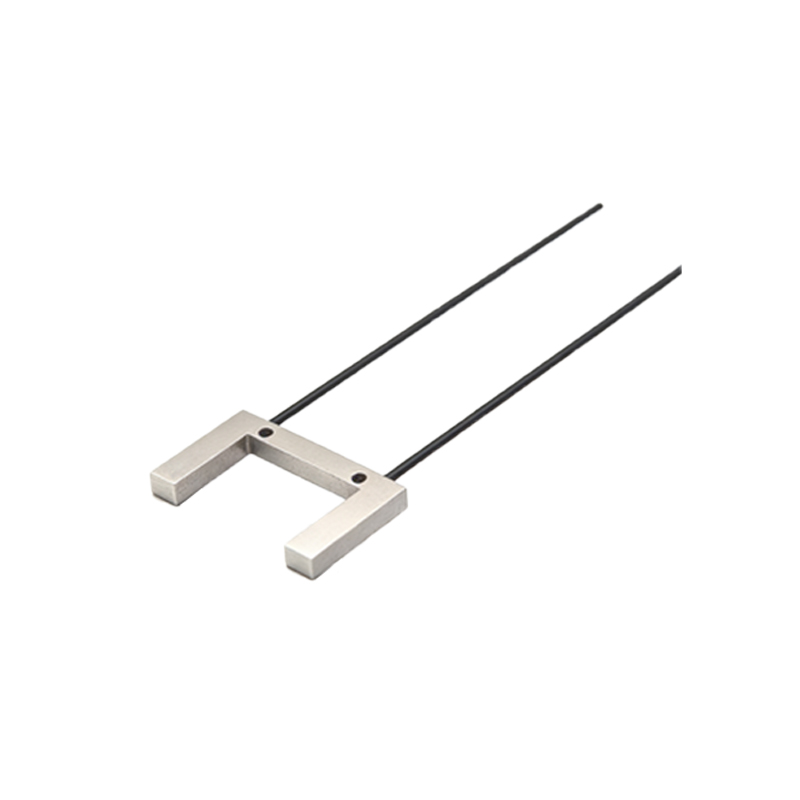
Disconnect the wiring harness by pressing the locking tab on the connector and gently pulling it apart. For soldered sensors, use desoldering braid or a soldering iron to carefully remove the old component, noting the pin orientation. Clean the mounting area with isopropyl alcohol and a cotton swab to remove dust or grease. Install the new sensor by aligning it with the mounting holes and securing it with screws or push pins. Reconnect the wiring exactly as documented—incorrect polarity can damage the new sensor. If soldering, apply fresh solder and trim excess leads.
Calibration and Functional Testing After Replacement
After reassembly, power on the treadmill without running the belt. Use the multimeter to verify the sensor output: it should produce a clean square wave or pulse signal when the belt is manually rotated. For digital treadmills, enter the calibration mode (often by holding the start and stop buttons while plugging in) and follow the manufacturer’s procedure to reset the sensor offset. Run the belt at low speed (1–2 mph) and observe for smooth operation. Check for error codes on the display—common codes like E1 or E2 often indicate unresolved sensor issues. Finally, test the emergency stop function to ensure safety compliance.
Common Pitfalls and Troubleshooting Tips
If the new sensor does not work, check for misalignment: the sensor’s optical axis must align perfectly with the slotted wheel or reflector. Adjust the bracket gap to 2–3 mm. Verify the signal wire is not shorted to ground or power using the multimeter. Some sensors require a pull-up resistor (typically 10k ohms) if the original circuit lacks one—consult the treadmill service manual. Also, ensure the motor control board’s capacitor is discharged before handling, as residual voltage can cause false readings. Clean the sensor lens with a lint-free cloth to remove static dust.
Final Verification and Maintenance Recommendations
Run the treadmill through a full speed range (1–12 mph) for 10 minutes to confirm thermal stability. Monitor the sensor’s signal on an oscilloscope if available; a stable 50% duty cycle indicates optimal performance. For preventive maintenance, clean the sensor and slotted wheel every 6 months using compressed air. Inspect the wiring for wear near moving parts. Keep a spare sensor in your toolkit—part failures often occur during peak usage periods. Document the replacement date and part number in the treadmill’s maintenance log for future reference.