Proximity sensors are integral components in countless modern devices, from smartphones and tablets to industrial machinery and automotive systems. They function by detecting the presence or absence of nearby objects without physical contact, typically using electromagnetic fields, infrared light, or capacitive sensing. When these sensors fail, it can lead to a range of frustrating and sometimes critical issues. Understanding the common causes of proximity sensor failure and the steps for diagnosis and potential resolution is essential for both users and technicians.
One of the most frequent manifestations of a faulty proximity sensor is erratic screen behavior during phone calls. The primary role of the sensor in a smartphone is to turn off the display when the device is held close to the ear, preventing accidental screen touches. A malfunctioning sensor may fail to blank the screen, leading to unintended button presses with your cheek, or conversely, it may keep the screen off permanently, making it impossible to use the keypad or end a call. This immediate and tangible problem is often the first sign of trouble for consumers.
The root causes of these malfunctions are varied. Physical damage is a leading culprit. A cracked screen protector, especially one that is poorly fitted or of low quality, can interfere with infrared (IR) sensors. More severe physical trauma, like a drop that damages the internal components or misaligns the sensor, will almost certainly impair its function. In industrial settings, sensors can be damaged by impact, vibration, or exposure to extreme forces. Environmental factors also play a significant role. The accumulation of dust, dirt, or lint over the sensor's small aperture can block its signal. Moisture ingress, whether from humidity, spills, or submersion, can corrode contacts and short-circuit the delicate electronics. For capacitive sensors, even a thick case or a non-standard screen protector can disrupt their sensitive field.
Software issues are another common, and often more easily remedied, source of problems. A buggy operating system update, a corrupted sensor driver, or a conflict with a recently installed application can cause the sensor to stop responding correctly. In these cases, the hardware is intact, but the software instructions governing it are flawed. Calibration drift is a related software-adjacent issue where the sensor's baseline readings become inaccurate over time, requiring a reset.
Diagnosing a proximity sensor issue requires a systematic approach. For consumer electronics, the first step is always a simple restart, which can clear temporary software glitches. Next, inspect the device physically. Clean the area around the sensor (usually a small dot near the earpiece) gently with a soft, dry cloth. Remove any case or screen protector and test the sensor's function again. Many smartphones have built-in diagnostic tools accessible through secret dialer codes (e.g.,#0# on some Samsung models) that allow you to test the sensor directly. Third-party "Sensor Test" or "Phone Tester" apps from official app stores can also provide a readout of the sensor's status, showing if it is detecting "Near" or "Far" objects correctly.
If basic cleaning and software checks fail, delve deeper into software settings. Check for pending system updates, as patches often fix known sensor bugs. Boot the device in "Safe Mode" (which disables all third-party apps) to see if the problem persists. If it works normally in Safe Mode, a recently downloaded app is likely the culprit. A factory reset is a more drastic software solution that will erase all data, so it should only be attempted after a full backup and when other options are exhausted. This step will rule out any deep-seated software corruption.
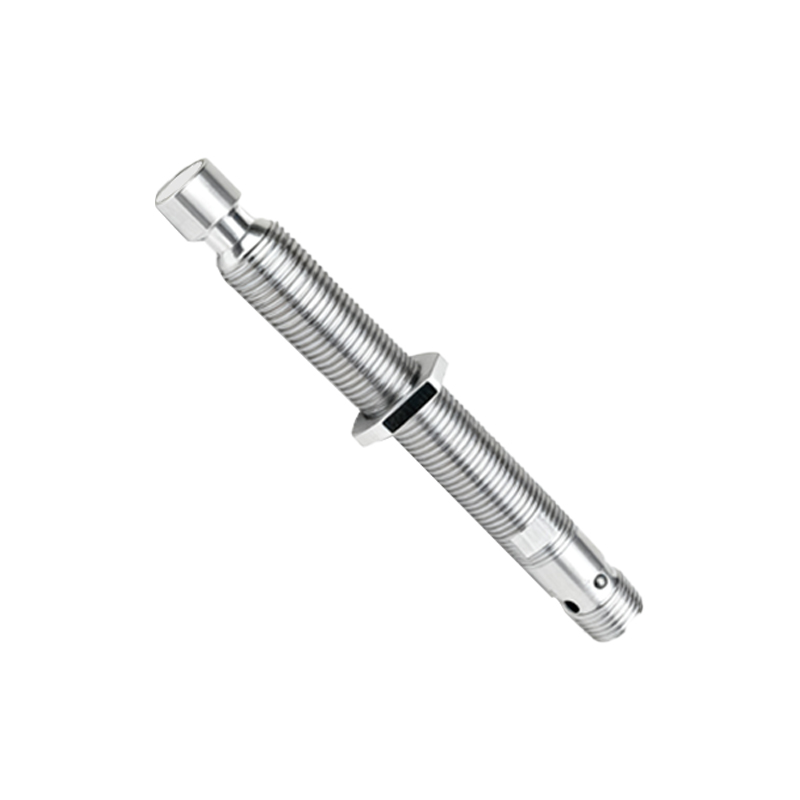
For industrial proximity sensors, the diagnostic process involves checking the power supply, wiring connections, and output signals with a multimeter. Consulting the sensor's datasheet for its specific voltage and output specifications is crucial. The sensing environment must also be evaluated for the presence of contaminants, excessive heat, or electrical noise that could interfere with operation.
When all software and simple hardware interventions prove unsuccessful, the problem is likely a hardware failure. In consumer devices, this often means a component-level repair, such as replacing the sensor module or, more commonly, the entire screen assembly to which the sensor is attached. For industrial sensors, replacement is typically the most cost-effective solution. Attempting a DIY repair on miniaturized consumer electronics carries a high risk of causing further damage and is generally not recommended for non-experts.
Preventative measures can extend the life of a proximity sensor. Using high-quality, properly fitted screen protectors, keeping devices clean and dry, and protecting them from drops and impacts are key. In industrial applications, selecting a sensor with an appropriate ingress protection (IP) rating for the environment and installing it correctly according to manufacturer guidelines will prevent many common failures.
In conclusion, proximity sensor malfunctions disrupt the seamless interaction we expect from our devices. The path from symptom to solution involves logical troubleshooting