Understanding the Basics of Photoelectric Sensors and PLC Inputs
As a control engineer, integrating multiple sensors into a PLC (Programmable Logic Controller) is a common task in industrial automation. Photoelectric sensors, which detect objects using light, are essential for applications like conveyor belt monitoring or part presence detection. Each sensor typically has three wires: power (VCC), ground (GND), and output signal (usually NPN or PNP). The PLC input module receives these signals via digital input (DI) channels. For two sensors, you need to ensure electrical compatibility and avoid signal conflicts. Most PLCs have multiple input terminals, often grouped into common (COM) ports. Always check the sensor type (e.g., NPN sinking or PNP sourcing) and match it with the PLC input configuration to prevent damage.
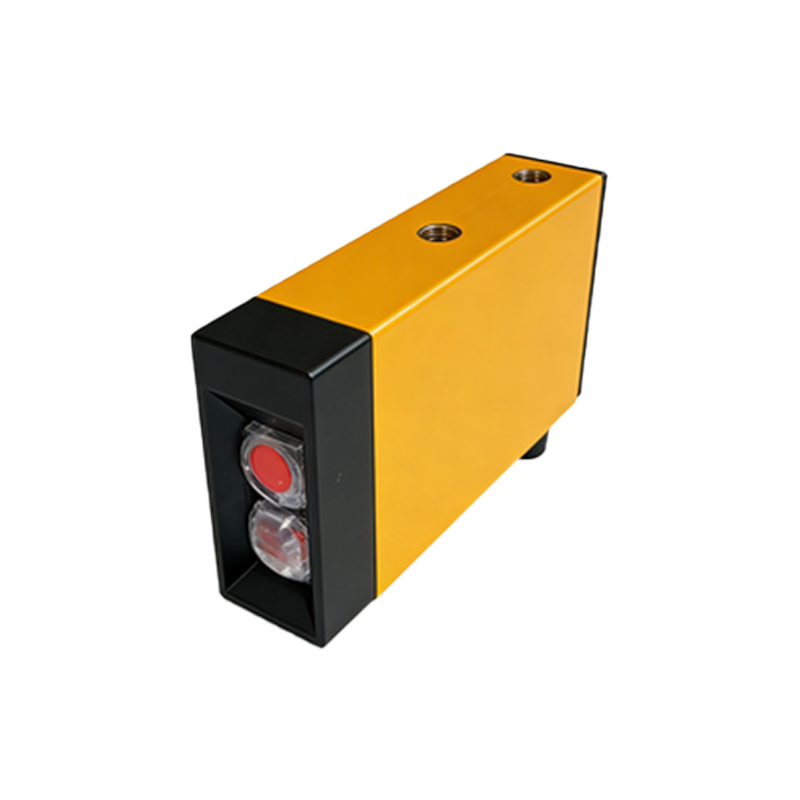
Wiring Two Sensors with Separate PLC Inputs
The simplest method is to connect each sensor to a dedicated PLC input terminal. For example, assign Sensor 1 to Input 0 and Sensor 2 to Input 1. First, connect the VCC (brown wire) of both sensors to the +24V DC supply. Connect the GND (blue wire) to the 0V terminal. For the output (black wire), connect Sensor 1 to PLC input I0.0 and Sensor 2 to I0.1. Ensure the PLC input module supports the sensor's output type. If using NPN sensors (sinking), connect the output to the PLC input and the COM terminal to +24V. For PNP sensors (sourcing), connect the output to the input and COM to 0V. This setup provides independent signal processing, ideal for applications requiring separate logic.
Using a Single PLC Input with a Logical OR Configuration
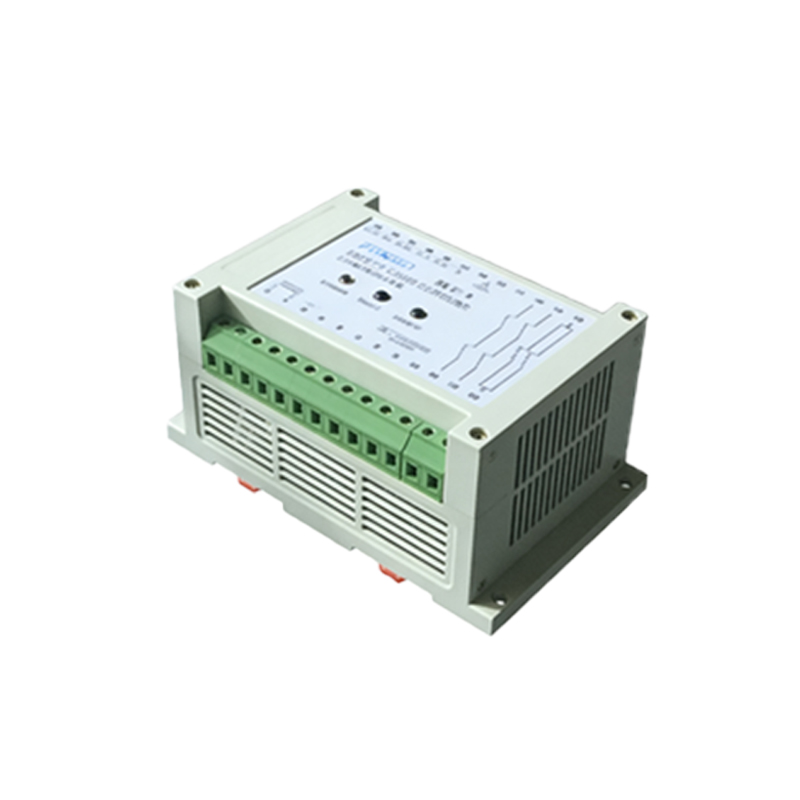
In some cases, you may need to connect both sensors to one PLC input to trigger a single action, such as activating an alarm if any sensor detects an object. This requires a wired-OR configuration. For NPN sensors, connect both output wires (black) together and then to the PLC input. The GND wires are shared, but each sensor must have its own VCC connection. Use diodes (e.g., 1N4007) in series with each sensor output to prevent backfeeding: connect the anode to the sensor output and the cathode to the PLC input. For PNP sensors, connect the outputs together via diodes (cathode to sensor, anode to PLC input) and then to the input. This method saves I/O points but limits diagnostic capability.
Setting Up PLC Software for Dual Sensor Inputs
After wiring, configure the PLC software (e.g., Siemens TIA Portal or Rockwell Studio 5000). For separate inputs, assign tags like Sensor1 and Sensor2 to the respective digital inputs. Program logic such as AND or OR functions based on your application. For example, use a ladder logic rung: if Sensor1 is true AND Sensor2 is false, then activate a motor. For the shared input configuration, the PLC sees a single signal from both sensors. Use a timer to debounce the input, as simultaneous detections may cause pulse overlap. Typically, set a 10-20 ms delay. Remember to test the wiring with a multimeter to verify voltage levels before powering the PLC.
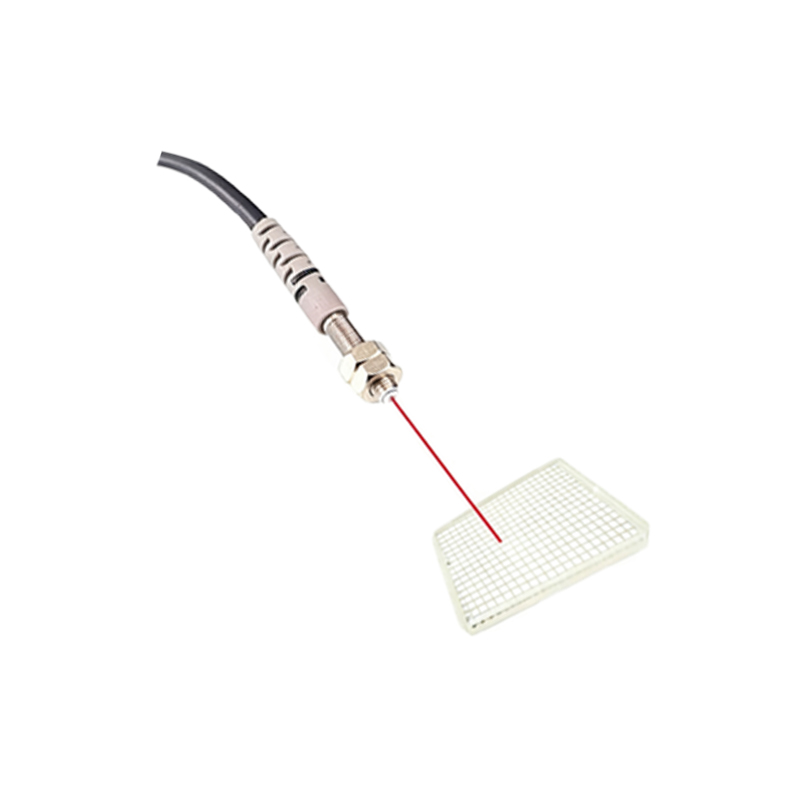
Practical Considerations and Troubleshooting Tips
In industrial environments, noise interference is a major issue. Use shielded cables for long runs (over 10 meters) and ground the shield at one end only. Ensure the PLC power supply is robust enough to handle both sensors (e.g., total current draw under 200 mA). For the shared input method, verify that the diode forward voltage drop (approx. 0.7V) does not affect the PLC logic threshold. Most PLCs accept 0-5V for LOW and 15-24V for HIGH, so this should be fine. If sensors fail to trigger, check wiring polarity and test each sensor individually with a load resistor. Document the connection diagram for future maintenance.