Understanding the Common Causes of Photoelectric Sensor Failure
Photoelectric sensors are essential components in industrial automation, but they can fail due to several factors. The most common issues include dirty or misaligned optics, power supply fluctuations, environmental interference (such as dust, fog, or strong ambient light), and wiring faults. Sensor damage from mechanical impacts or high temperatures also occurs frequently. Understanding these root causes is the first step in effective troubleshooting.
Step 1: Check the Power Supply and Wiring Connections
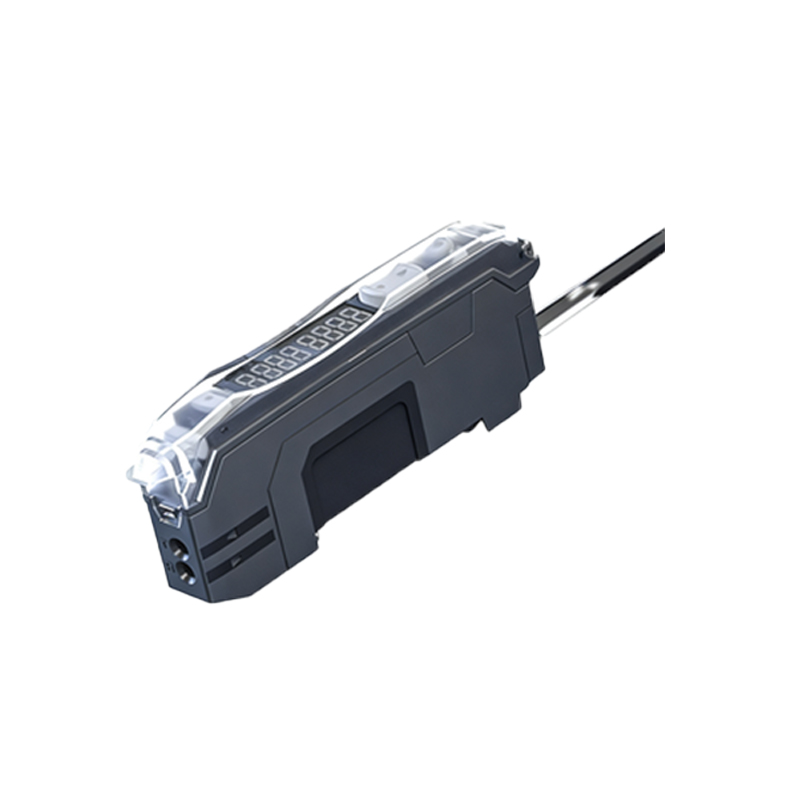
Begin by verifying that the sensor is receiving the correct voltage as specified in its datasheet. Use a multimeter to measure the power supply at the sensor terminals. Loose or corroded connections are a leading cause of intermittent failures. Inspect all wires for breaks, cuts, or signs of overheating. Ensure that the cable shielding is properly grounded to prevent electrical noise interference.
Step 2: Clean and Inspect the Optical Components
Dirt, oil, or condensation on the lens or reflector can block the light beam and cause false readings or no output. Gently clean the optical surfaces with a lint-free cloth and isopropyl alcohol. If the sensor uses a separate reflector, inspect it for scratches or damage. For through-beam sensors, ensure both the emitter and receiver are free from obstructions.
Step 3: Verify Alignment and Sensing Distance
Misalignment is a frequent issue, especially in vibrating machinery. Manually check that the emitter and receiver are directly facing each other (for through-beam) or that the target is within the specified sensing range (for diffuse or retro-reflective sensors). Use an alignment tool or a piece of paper to trace the beam path. Adjust the mounting brackets and retest the sensor output.
Step 4: Assess Environmental Interference
High ambient light, such as from welding arcs or direct sunlight, can saturate the receiver and cause false triggers. Consider installing a sensor with a narrower beam or a light filter. For dusty or humid environments, use a sensor with a higher IP rating (e.g., IP67) or add an air purge system to keep the lens clean. Electromagnetic interference (EMI) from nearby motors or inverters may require shielded cables or physical separation.
Step 5: Test the Sensor Output and Replace if Necessary
Use a multimeter or a PLC diagnostic tool to monitor the sensor’s output signal while moving a target. If the output does not change state (e.g., from high to low) when the beam is interrupted, the internal electronics may be damaged. Compare the sensor’s performance with a known working unit. If all other steps fail, replace the sensor with a compatible model, ensuring the replacement matches the original electrical and mechanical specifications.
Final Checks and Preventive Maintenance
After resolving the issue, document the failure mode and corrective action. Schedule regular preventive maintenance, including quarterly cleaning, alignment verification, and tightening of connections. Keep a spare sensor on hand to minimize downtime. By following these systematic steps, you can quickly restore operation and extend the lifespan of your photoelectric sensors.