1. Understanding the Role of the Photoelectric Sensor in Dascom Printers
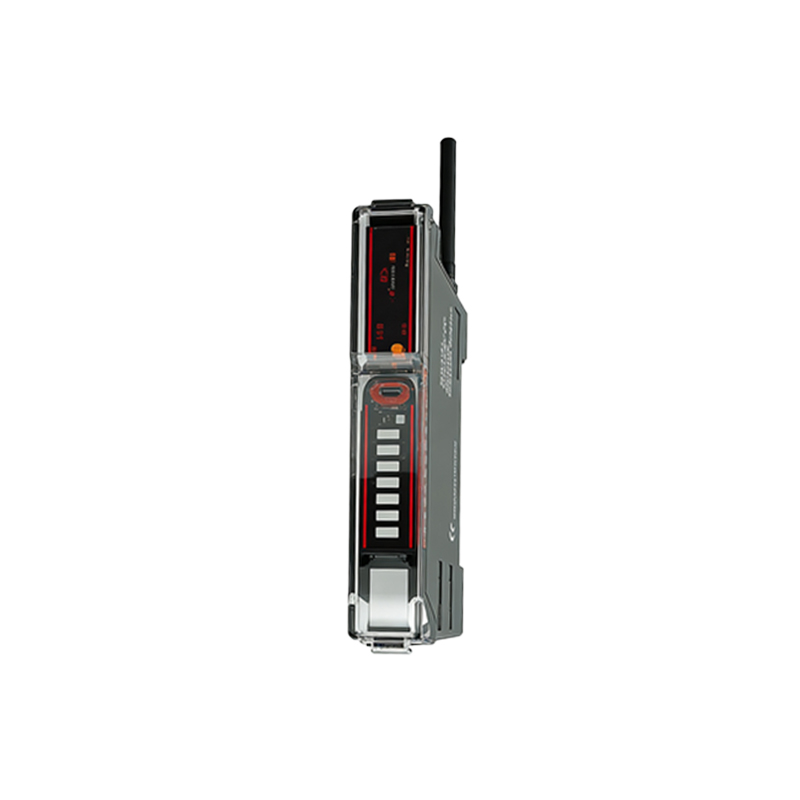
The photoelectric sensor, also known as an optical sensor or paper edge sensor, is a critical component in Dascom printers, particularly in dot matrix models. It detects the presence, position, and movement of paper by emitting and receiving infrared light. When the paper passes through the sensor, it interrupts the light beam, triggering the printer's control logic to start or stop printing operations. A faulty sensor can lead to paper jams, continuous paper feed errors, or complete printer shutdown. As an electrical engineer, you must first verify the sensor's electrical characteristics—typically a phototransistor output with a collector-emitter voltage of 0.4V to 1.2V when illuminated, and near 5V when blocked. Understanding these parameters is essential for accurate diagnostics.
2. Common Symptoms of a Failing Photoelectric Sensor
When the sensor degrades, the printer may exhibit erratic behavior: the printer may refuse to load paper, or it may feed multiple sheets at once. In some cases, the printer will display error codes like "Paper Out" or "Jam" even when paper is present. A less obvious symptom is intermittent failures—the printer works fine for hours, then suddenly stops. This often indicates partial contamination or a weak infrared LED. As an engineer, you should measure the sensor's output while manually moving paper across the sensing gap. Use an oscilloscope to check for clean, sharp transitions between high and low states. A noisy or slow transition suggests the sensor needs replacement.
3. Step-by-Step Diagnostic Procedure for the Sensor
First, power down the printer and disconnect the AC cable. Remove the printer's top cover and locate the sensor assembly—usually a small module near the paper path with a two- or three-wire connector. Use a multimeter set to DC voltage mode. With the printer powered on but idle, probe the sensor's output pin (typically the center pin) relative to ground. A reading of 4.5V to 5V indicates no paper present. Place a piece of paper over the sensor slot; the voltage should drop to below 1V. If the voltage does not change, or remains constant, the sensor is likely defective. Additionally, check the supply voltage (usually +5V) to the sensor module, ensuring it is stable within ±0.25V.
4. Replacing the Photoelectric Sensor: Tools and Precautions
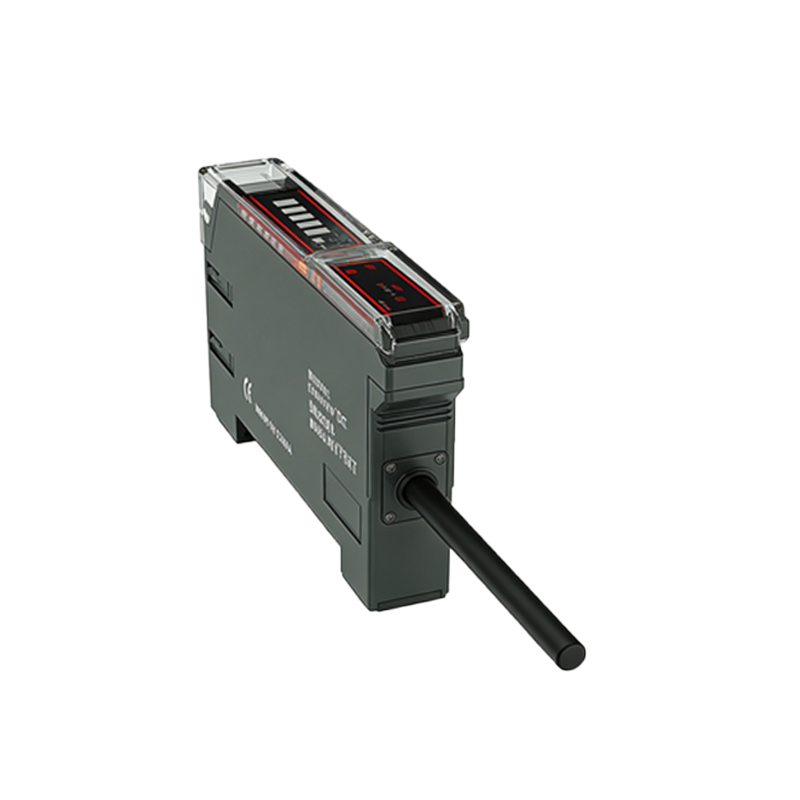
For replacement, you will need a new Dascom-compatible photoelectric sensor module (part numbers often start with "DAS-0xxx"), a small flathead screwdriver, and ESD-safe tweezers. Begin by desoldering the old sensor from its PCB if it is through-hole, or unsoldering the wires if it is a modular type. Take note of the pin orientation—miswiring can destroy the new sensor. Apply a small amount of thermal paste to the sensor's base if it contacts a heatsink. After soldering, use a magnifying glass to check for cold joints. Reassemble the printer and perform a paper feed test. Verify that the sensor's output now switches cleanly between high and low states, with a rise time of less than 10 microseconds.
5. Calibration and Final Testing After Sensor Replacement
After installing the new sensor, you must calibrate the printer's paper detection threshold. Most Dascom printers offer a self-test routine accessible via the front panel (hold the "Feed" button while powering on). This will force the printer to measure the sensor's baseline values. If the printer still fails to detect paper, you may need to adjust the sensor's mounting position using the provided adjustment screws—typically a 1mm lateral shift can restore optimal alignment. Finally, run a full print test with continuous forms and single sheets. Monitor the sensor's output on an oscilloscope to ensure it maintains a clean logic level, with no jitter during high-speed printing.