1. Understanding the Modular Design and Pre-Installation Checks
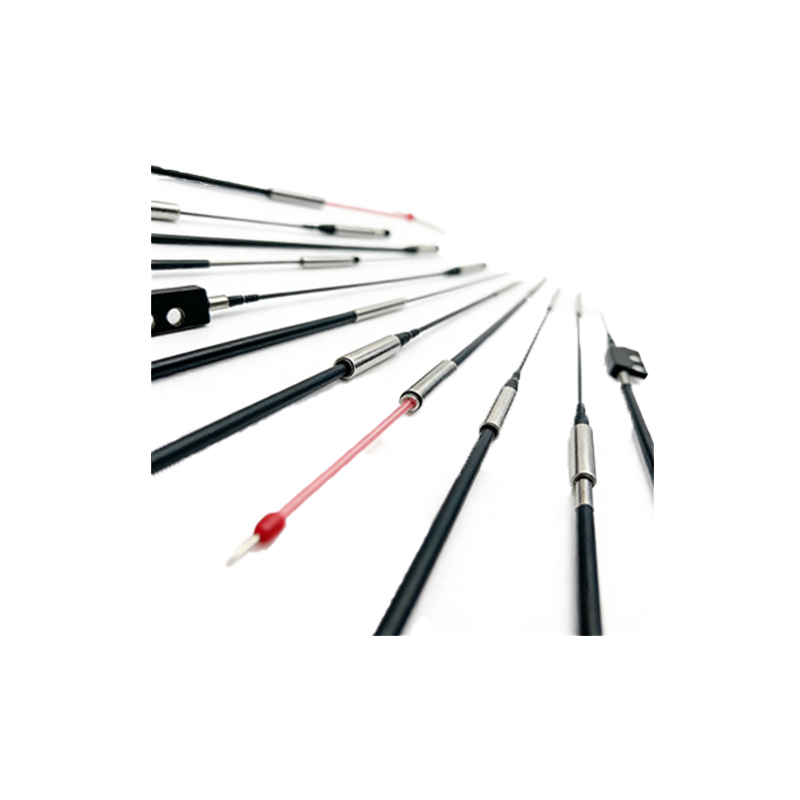
As an electrical engineer, you know that modular photoelectric sensors offer flexibility through interchangeable components like lenses, filters, and mounting brackets. Before installation, verify the sensor model matches your application: through-beam for long-range detection, retro-reflective for medium range, or diffuse for proximity sensing. Ensure the power supply voltage (typically 10-30 VDC) aligns with the sensor specifications. Check the environmental rating (IP67 or higher) to withstand dust or moisture. Inspect the modular base for physical damage and confirm all locking mechanisms are functional. Have a multimeter, screwdrivers, and cable glands ready. Always disconnect power before handling the sensor to prevent short circuits.
2. Mounting the Sensor Base and Aligning the Optic Axis
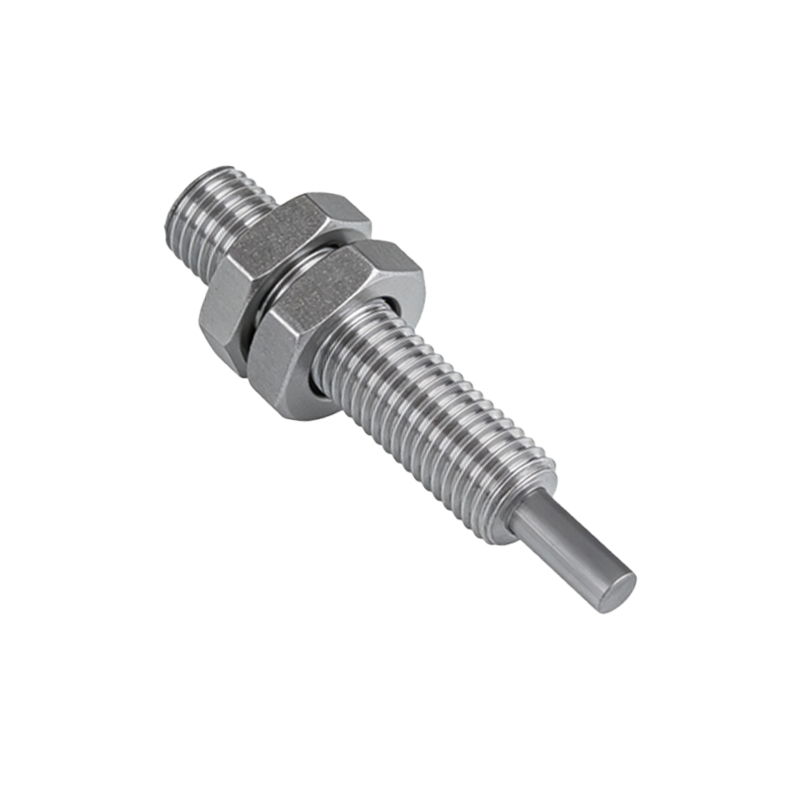
Start by securing the sensor base to the mounting surface using M4 screws or DIN rail clips, depending on the system. Use a spirit level to ensure the base is flat; misalignment can cause false triggers. For modular units, attach the emitter and receiver modules to the base, ensuring they click into place. For through-beam sensors, align the emitter and receiver so their optical axes are parallel. Use a laser alignment tool or a target plate to check the beam path. Tighten the locking screws to 0.5 Nm torque to avoid vibration loosening. For retro-reflective sensors, mount the reflector perpendicular to the sensor head.
3. Wiring and Electrical Connections
Open the sensor housing to access the terminal block. Strip 6-8 mm of insulation from the cable ends. Connect the brown wire to +V (DC positive), blue to GND (DC negative), and black to the output (NPN or PNP, depending on the model). For modular sensors with auxiliary outputs, such as alarm or synchronization, refer to the datasheet for pinout colors. Use ferrule connectors for stranded wires to prevent loose contacts. Apply a torque of 0.2 Nm to the terminal screws. Seal the cable entry with a gland to maintain IP rating. Double-check polarity before powering up to avoid damaging the internal electronics.
4. Configuring Sensitivity and Output Mode
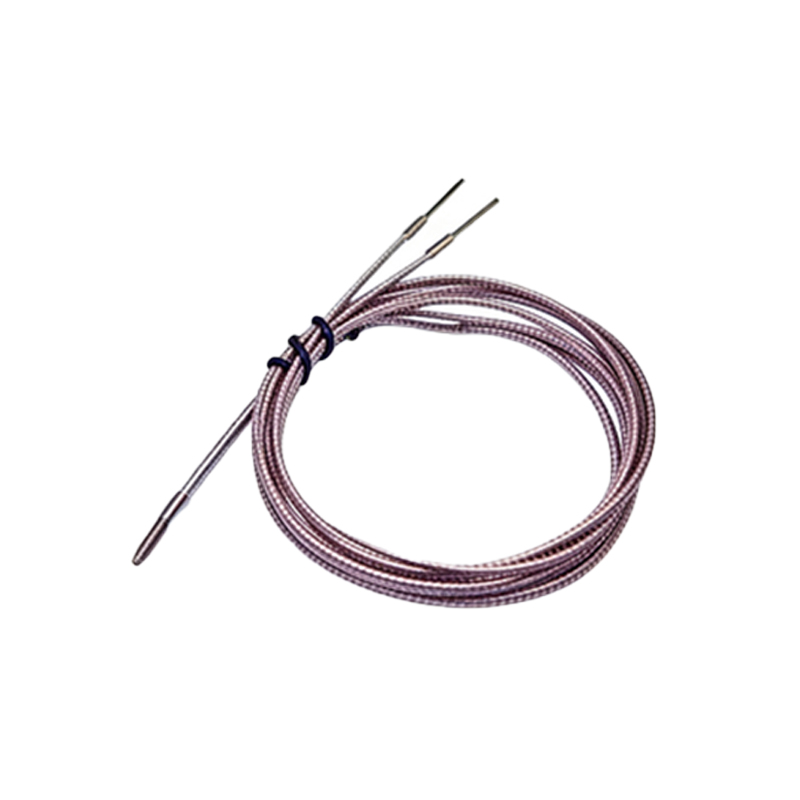
Most modular sensors have a potentiometer or DIP switches for adjustment. Turn the sensitivity potentiometer clockwise to increase detection range, or counterclockwise to reduce it. For background suppression models, adjust the potentiometer to filter out reflective obstacles. Set the output mode: light-on (NO) or dark-on (NC) using the selector switch. If the sensor supports teach-in, use a programming button to lock in the detection threshold for complex targets. Verify the response time (e.g., 1 ms) matches the conveyor belt speed or machine cycle. Use an oscilloscope to check output waveform if required.
5. Testing and Final Calibration
Reconnect power and observe the sensor LED indicator. A steady green LED means normal operation; flashing red indicates a fault. Place a test object at the specified detection distance. For through-beam sensors, block the beam to see the output change state. Adjust the mounting angle or sensitivity if the sensor fails to detect consistently. Perform a vibration test by tapping the mount; if the output flickers, retighten the screws. Record the installation parameters in the maintenance log. Finally, secure the housing cover and apply a thread-locking compound to the screws to prevent loosening over time.