2026-06-09
Tech Hub
By 创始人
Guide to Photoelectric Sensor Application Mode Icons in Industrial Automation
Introduction to Photoelectric Sensors
Photoelectric sensors are essential components in modern industrial automation, detecting the presence, absence, or distance of objects using light beams. These sensors convert light signals into electrical outputs, enabling precise control in manufacturing lines, packaging systems, and material handling. Understanding their application mode icons is crucial for engineers to quickly configure and troubleshoot systems.
Through-Beam Mode Icon
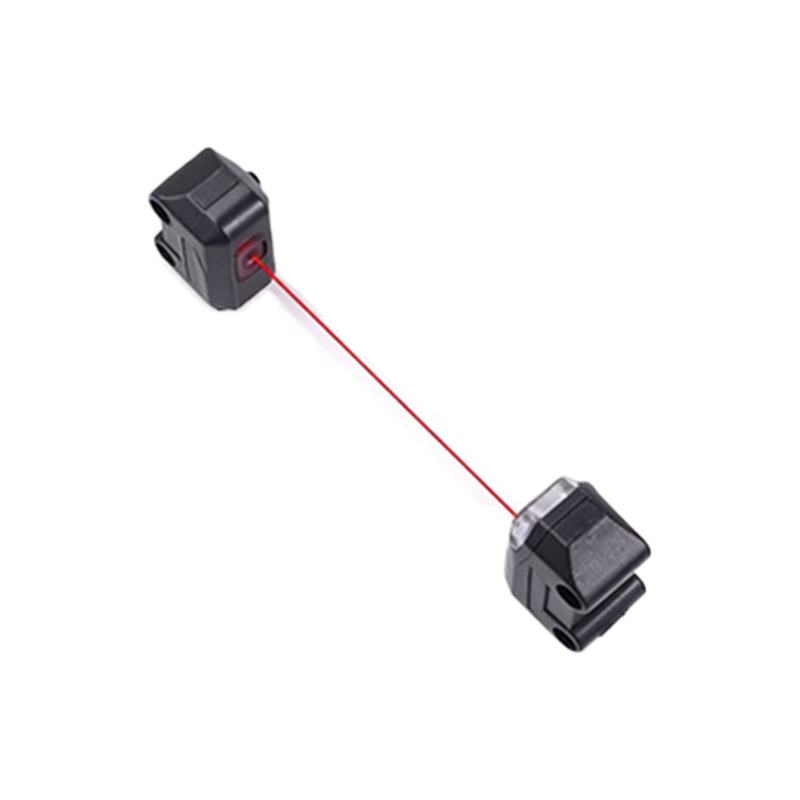
The through-beam mode icon typically features two separate units: a transmitter and a receiver, depicted as a light source (often an arrow or beam) directed from a circle to a rectangle. This icon indicates a setup where the object breaks the light beam between the emitter and detector. It offers the highest detection accuracy and range, suitable for dusty environments or long distances, but requires wiring on both sides.
Retro-Reflective Mode Icon
The retro-reflective mode icon shows a single sensor unit with a light beam bouncing off a reflector, usually represented by a curved arrow or dashed line returning to the sensor. This icon means the sensor detects objects when the beam is interrupted between the sensor and its reflector. It simplifies wiring by housing both emitter and receiver in one device, ideal for medium-range applications like conveyor belts.
Diffuse Mode Icon
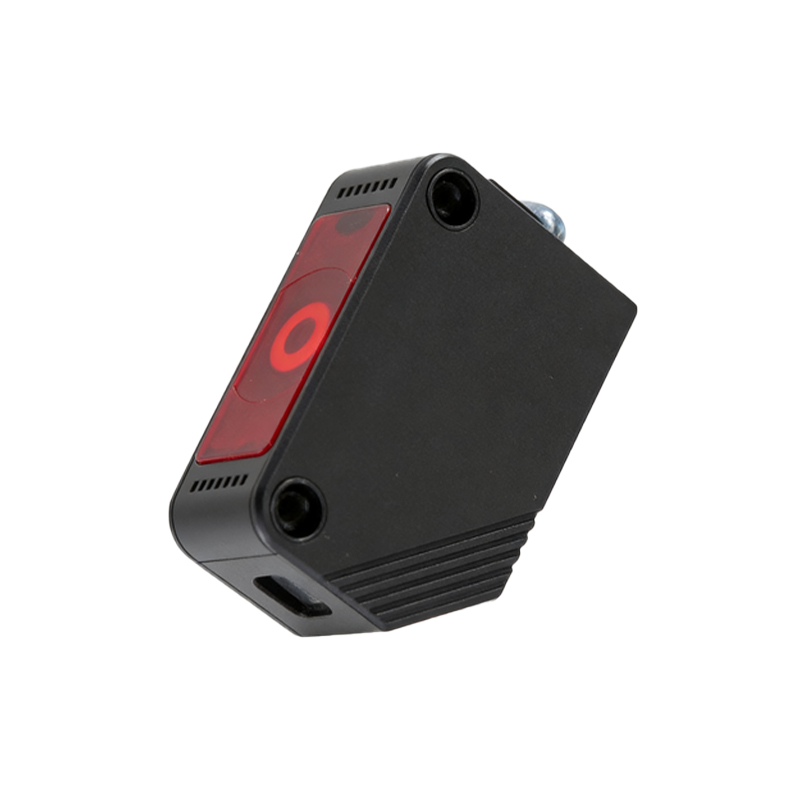
The diffuse mode icon displays a sensor with an angled or scattered light beam, often shown as diverging rays from a single point. This icon indicates that the sensor relies on light reflected directly from the target object. It requires no separate reflector or receiver, making it compact and cost-effective for short-range detection of shiny or light-colored objects, but performance varies with surface properties.
Background Suppression Mode Icon
The background suppression mode icon features a sensor with a focused beam and a small triangle or arrow indicating a defined cutoff point. This icon signifies that the sensor can ignore objects beyond a set distance by using dual detection elements. It is crucial for precise positioning in automated assembly lines, ensuring reliable detection even with dark or irregular backgrounds.
Foreground Suppression Mode Icon
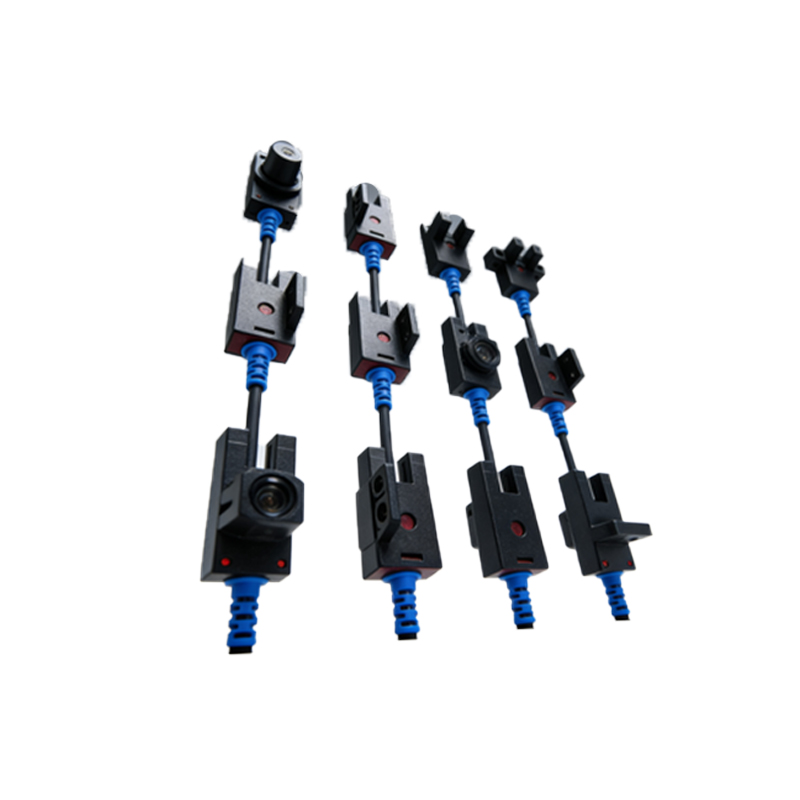
The foreground suppression mode icon resembles the background suppression version but with the triangle reversed, pointing toward the sensor. This icon means the sensor detects only objects beyond a minimum distance, ignoring foreground clutter. It is useful in packaging applications where close proximity may cause false triggers, enhancing system stability.
Polarized Retro-Reflective Mode Icon
The polarized retro-reflective mode icon adds a small wave or crossed lines to the standard retro-reflective symbol. This indicates the sensor uses polarized light filters to reduce false readings from shiny surfaces. Engineers prioritize this icon in food and beverage industries where metallic or glossy packaging is common, as it improves detection reliability.
Conclusion and Best Practices
When selecting a photoelectric sensor application mode icon, always reference the manufacturer's datasheet for specific symbol variations. For optimal performance, match the icon’s depicted beam pattern with your environmental conditions—through-beam for long distances, retro-reflective for medium ranges, and diffuse for short-range tasks. Regular maintenance includes cleaning lenses and checking alignment as per the icon’s implied optical path.