Understanding PNP Photoelectric Sensors
PNP photoelectric sensors are widely used in industrial automation for object detection, positioning, and counting. Unlike NPN sensors, PNP sensors provide a positive output signal when triggered, meaning the load is connected between the output and ground. This configuration is often preferred in systems where the controller input expects a high signal, such as many PLCs and safety relays. Before wiring, always verify the sensor’s datasheet for voltage ratings, typically 10-30V DC, and ensure compatibility with your power supply.
Identifying the Sensor Wires
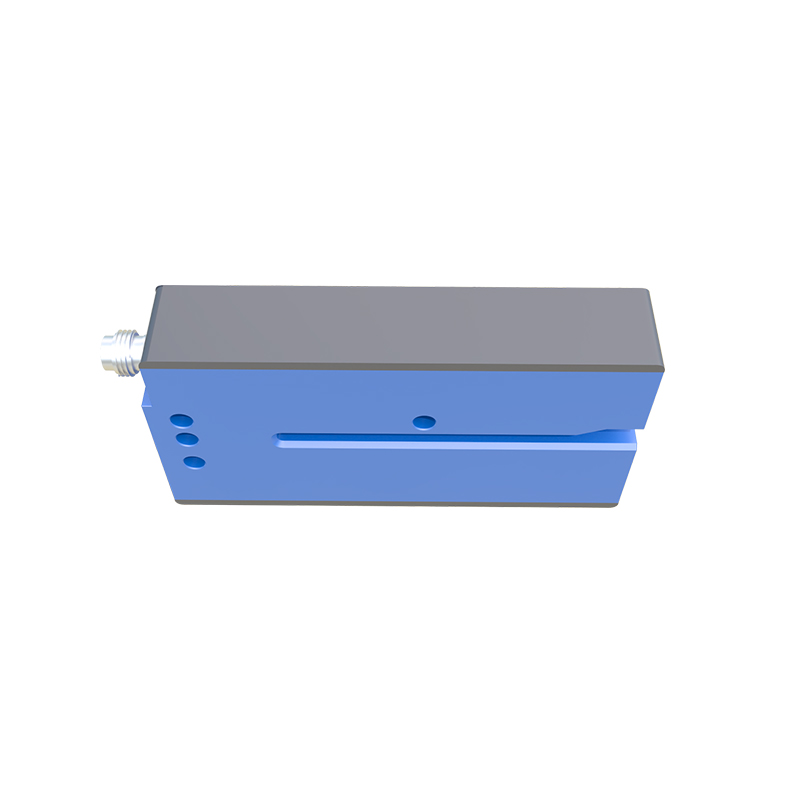
A standard PNP photoelectric sensor has three wires: brown, blue, and black. The brown wire is the power supply positive, usually connected to +24V DC. The blue wire is the negative or ground, connected to 0V DC. The black wire is the output signal, which goes high (close to +24V) when the sensor detects an object. Some sensors may have additional wires for functions like test input or alarm output; refer to the datasheet for specific color codes.
Basic Wiring Steps
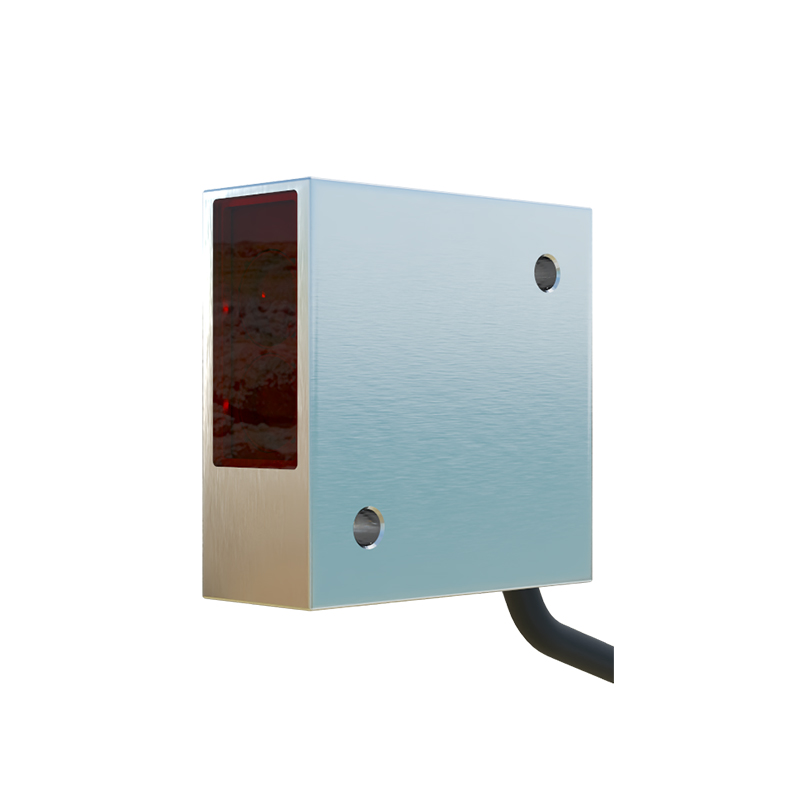
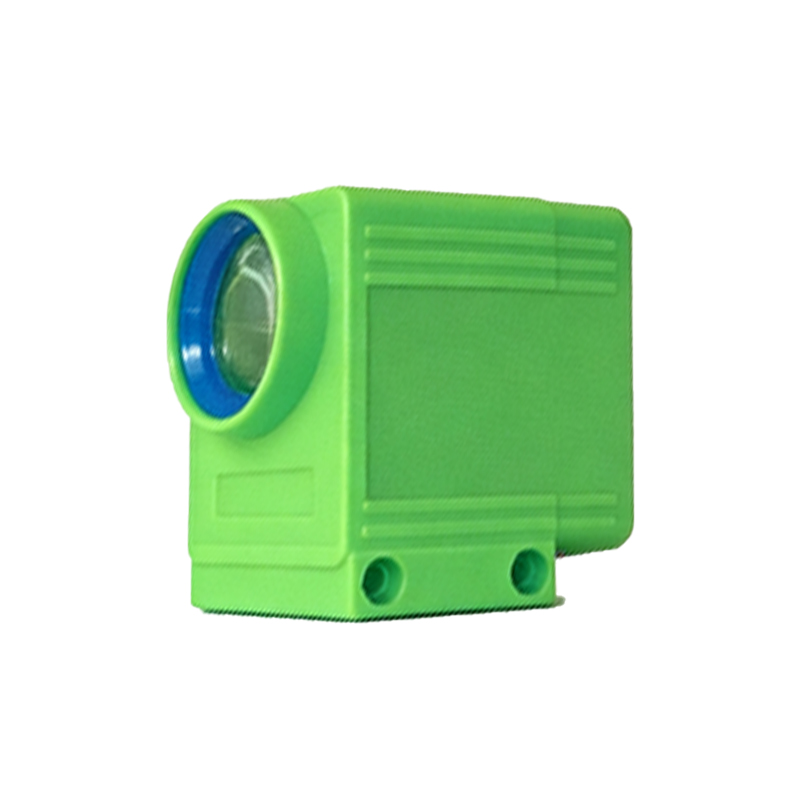
To wire a PNP sensor, first disconnect all power. Connect the brown wire to the positive terminal of your DC power supply, typically +24V. Connect the blue wire to the negative terminal (0V). Connect the black wire to the input of your PLC, relay coil, or load. Ensure the load is rated for the sensor’s output current, usually up to 200mA. After connections, apply power and test the sensor by placing an object in its detection range. The output should go high, indicated by a change in the PLC input or activation of the relay.
Integrating with a PLC or Controller
When connecting a PNP sensor to a PLC, the black wire goes to the PLC’s digital input terminal. Most PLC inputs have internal pull-down resistors, which work well with PNP outputs. If the PLC input is sinking, the PNP sensor provides a positive voltage to the input. For example, in a Siemens S7-1200, connect the black wire to an input like I0.0. Ensure the PLC’s common terminal (M) is connected to the same ground as the sensor’s blue wire. This prevents ground loops and ensures reliable triggering.
Troubleshooting Common Issues
If the sensor does not trigger, first check power supply voltage at the brown and blue wires. Use a multimeter to measure 24V DC between them. If voltage is correct, verify the black wire output. Place an object in front of the sensor; you should see a voltage change from 0V to near 24V on the black wire. If not, the sensor may be misaligned or the object is out of range. Also, check for loose connections or damaged wires. In noisy environments, shielded cables can reduce electromagnetic interference.
Safety and Best Practices
Always wire sensors with the power off to prevent short circuits. Use a fuse on the power line to protect the sensor from overcurrent. Keep sensor cables away from high-voltage power lines to avoid noise. For outdoor or wet environments, use connectors with IP67 rating. When using multiple sensors, ensure the total current draw does not exceed the power supply capacity. Finally, label wires clearly for future maintenance.