2026-06-08
Tech Hub
By 创始人
How to Use Reflective Photoelectric Sensors: A Practical Guide for Engineers
Understanding the Working Principle
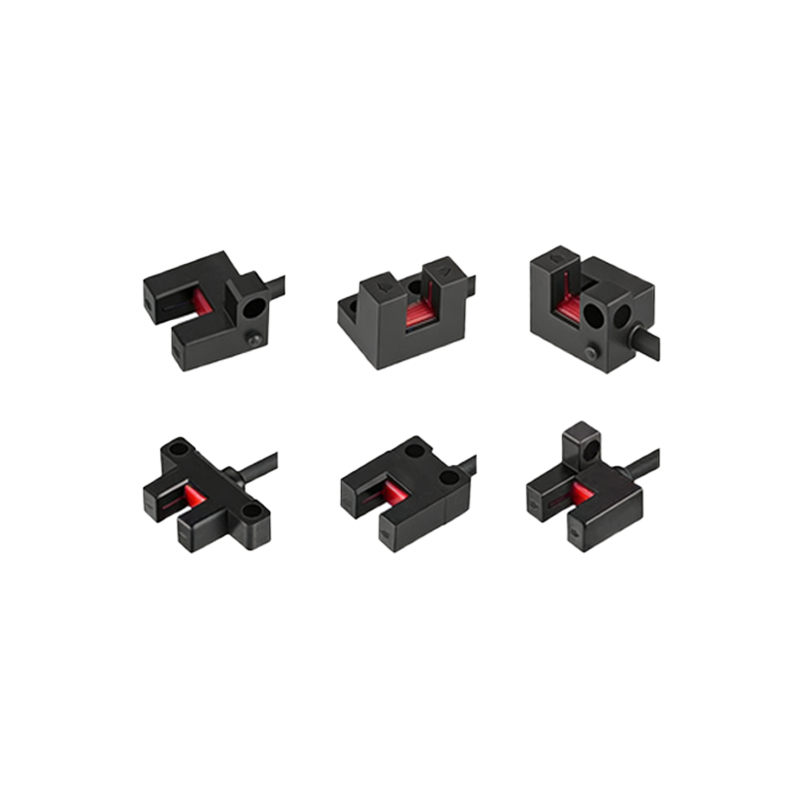
Reflective photoelectric sensors operate by emitting a beam of light, typically infrared or visible red, from an emitter and detecting the reflected light from a target object using a receiver. Unlike through-beam sensors, which require separate emitter and receiver units, reflective sensors integrate both components in a single housing. This simplifies installation, especially in space-constrained environments. The sensor triggers an output when the reflected light intensity exceeds a predefined threshold, indicating the presence of a target. Key factors affecting performance include target surface reflectivity, color, and distance. For example, a shiny metal surface reflects more light than a matte black one, so adjustments to sensitivity or mounting angle may be necessary.
Selecting the Right Sensor for Your Application
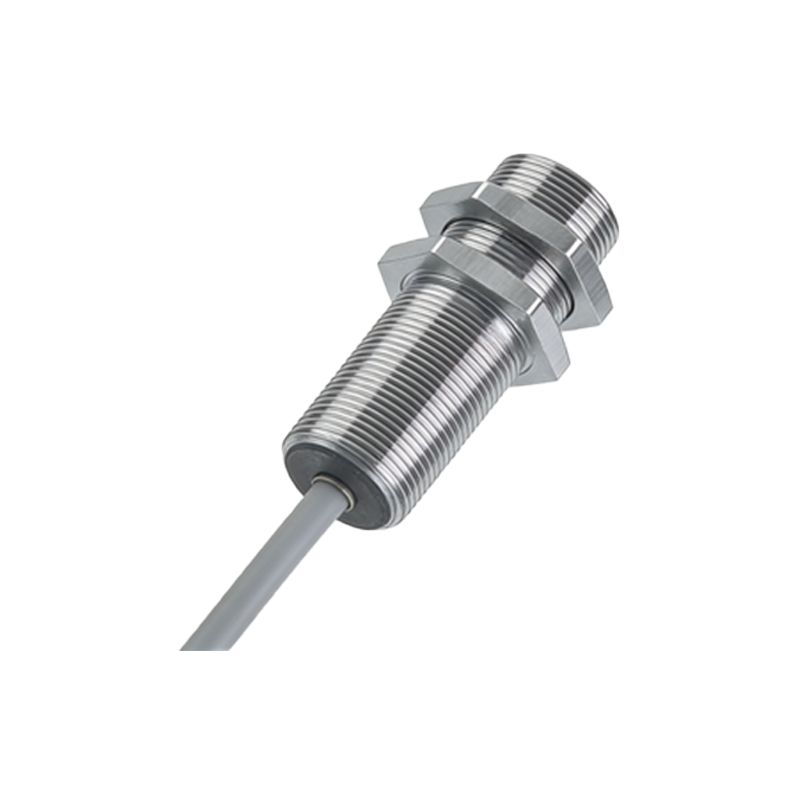
Proper sensor selection is critical for reliable operation. Consider the operating environment: dusty or humid conditions may require sensors with higher IP ratings, such as IP67. Evaluate the target material—reflective sensors work best on objects with high reflectivity (e.g., white, metallic surfaces). For dark or irregular surfaces, use sensors with background suppression or adjustable sensitivity. Also, note the sensing range. Standard reflective sensors typically operate from a few centimeters to several meters, but this depends on the optical design. For long-range detection, choose a sensor with a collimated beam. For example, in packaging lines, a diffuse reflective sensor with a 1-meter range suffices for detecting cardboard boxes, while a polarized reflective sensor is better for transparent film.
Installation and Alignment Best Practices
Install the sensor perpendicular to the target surface to maximize reflected light. Avoid mounting angles greater than 15 degrees, which can cause beam scattering. Use brackets to secure the sensor and minimize vibration. In high-vibration areas, apply thread-locking compound to mounting screws. For alignment, power on the sensor and use a test target positioned at the intended detection point. Adjust the sensor’s position until the output indicator lights up steadily. In multi-sensor setups, ensure beams do not cross to avoid interference. For example, in a conveyor system, space sensors at least twice the sensing range apart to prevent crosstalk. Use a reflective tape or mirror for alignment when troubleshooting weak signals.
Calibration and Sensitivity Adjustment
Most reflective sensors include a potentiometer or digital interface for sensitivity adjustment. Start with the sensitivity at mid-range, then place the target at the farthest expected distance. Increase sensitivity until the sensor reliably detects the target, then reduce it slightly to avoid false triggers from background objects. For background suppression sensors, adjust the cutoff distance to ignore objects beyond the target plane. Use a multimeter to monitor output voltage or current during calibration. In dynamic applications, such as part counting on a fast-moving line, set a response time of 1-5 ms to prevent missed detections. Always test with actual target materials under operating conditions.
Troubleshooting Common Issues
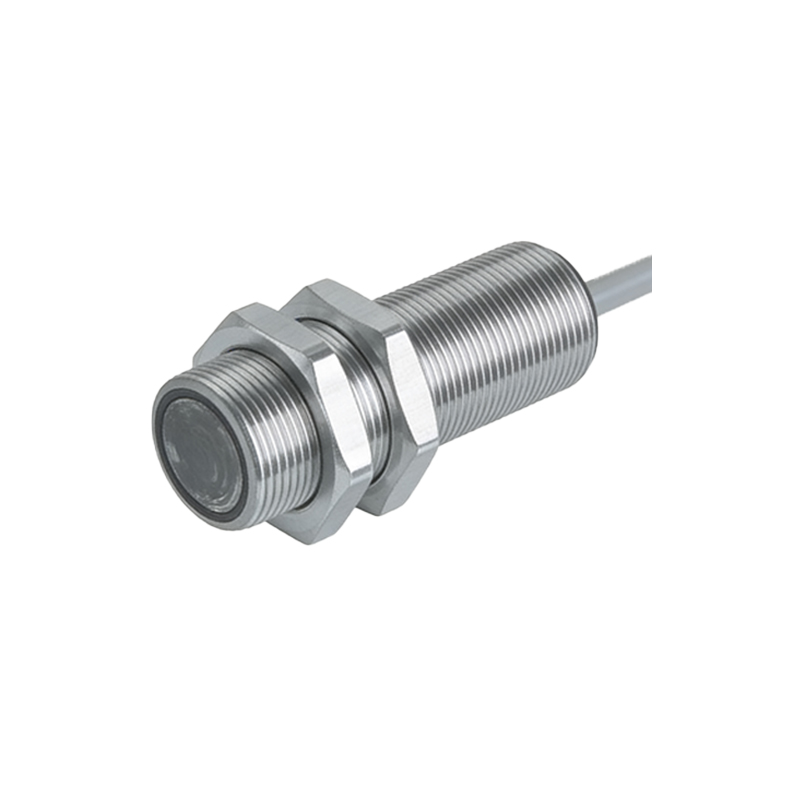
If the sensor fails to detect, first check for dust or moisture on the lens. Clean with a lint-free cloth and isopropyl alcohol. Next, verify power supply voltage and wiring integrity—loose connections can cause intermittent faults. If the sensor triggers falsely, reduce sensitivity or add a shield to block ambient light (e.g., sunlight or other sensors). For transparent or shiny targets, use a polarizing filter to prevent glare-induced false readings. In extreme temperatures (below -10°C or above 55°C), check the sensor’s datasheet for derating curves. For example, in a cold storage facility, use a sensor rated for low temperatures to avoid condensation on the lens.
Integration with Control Systems
Connect the sensor’s output (NPN/PNP, relay, or analog) to a PLC input, ensuring voltage compatibility. For NPN outputs, use a pull-up resistor to avoid floating states. In noisy industrial environments, use shielded cables and ground the shield at one end only. For analog sensors, map the output signal (e.g., 0-10 V or 4-20 mA) to the PLC’s analog input module, and scale it in the software. Implement hysteresis in the PLC code to prevent chatter when the target is near the threshold. For example, in a picking robot application, use the sensor’s digital output to trigger a counter and the analog output to estimate object distance for error correction.