Understanding the Photoelectric Sensor Cable Structure
Photoelectric sensors are essential components in industrial automation, and their cables are critical for transmitting power and signals. Over time, cables may become damaged due to mechanical stress, environmental factors, or wear. Before initiating a cable replacement, it’s crucial to identify the sensor type (e.g., through-beam, retro-reflective, or diffuse) and its cable configuration. Common cable types include pre-wired, connectorized, or pigtail leads. Always verify the sensor’s voltage rating, wiring diagram, and pinout from the manufacturer’s datasheet to ensure compatibility. For safety, disconnect the sensor from the power source and lock out/tag out the system.
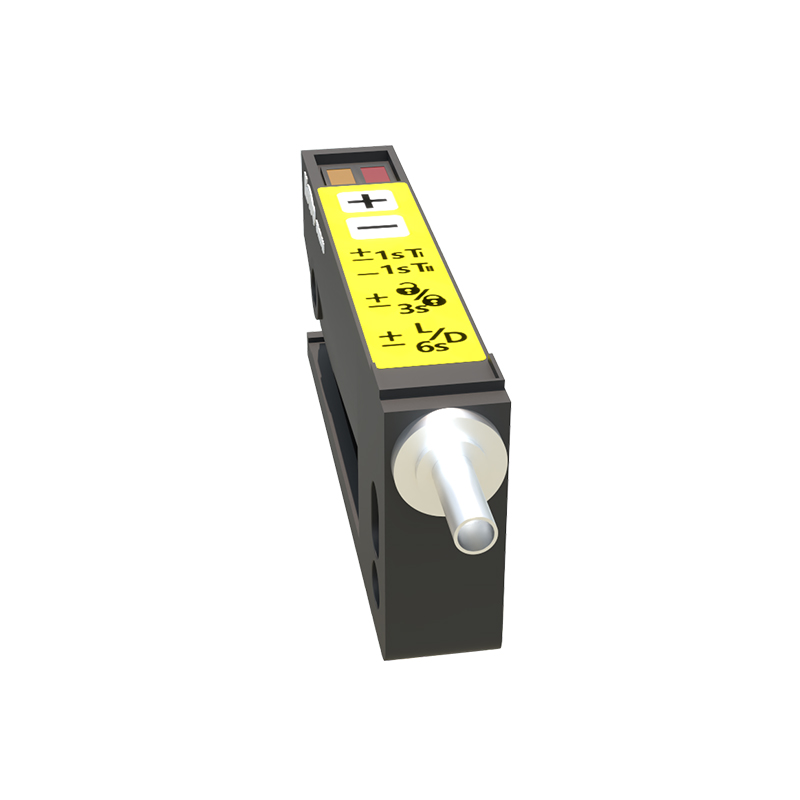
Required Tools and Safety Precautions
To replace the cable efficiently, gather the following tools: a wire stripper, crimping tool, heat shrink tubing, a multimeter, and a screwdriver suitable for the terminal block. Ensure you have the correct replacement cable with matching conductor count and gauges. Personal protective equipment (PPE) like insulated gloves and safety glasses is mandatory. Work in a dry, well-lit area to avoid electric shock or short circuits. Inspect the sensor housing for corrosion or debris, as these can affect the new cable’s performance.
Step 1: Remove the Damaged Cable
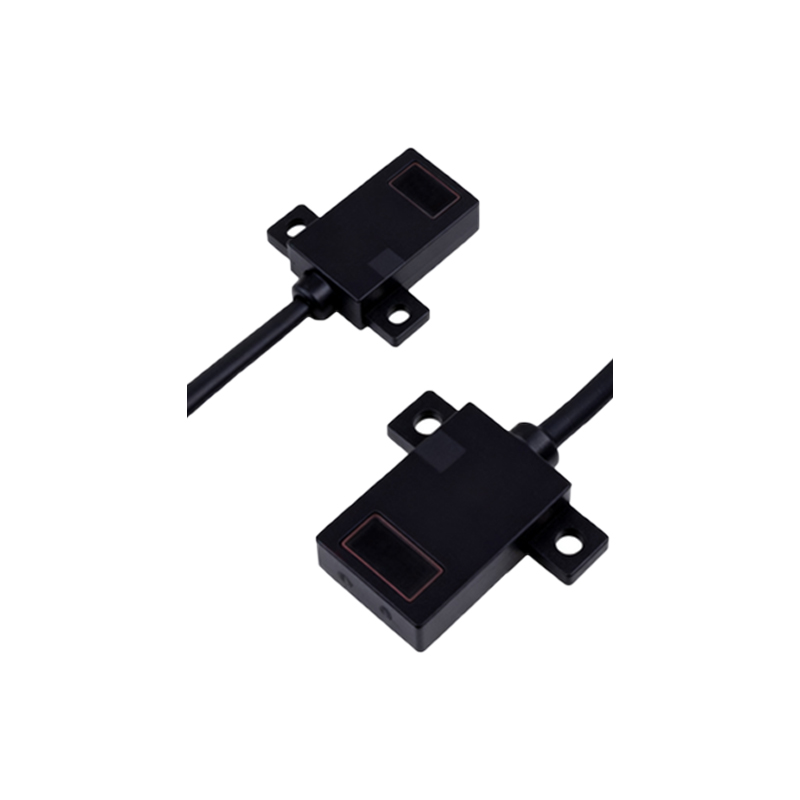
Start by carefully cutting the old cable near the sensor housing if it’s not connectorized. For sensors with terminal blocks, loosen the screws and slide out the wires, noting their positions—label them with tape to avoid confusion. If the cable is potted or molded, you may need to open the housing using a Torx or hex wrench. Gently pull the cable through the cable gland, and remove any gaskets or seals. Dispose of the old cable according to local regulations.
Step 2: Prepare the New Cable
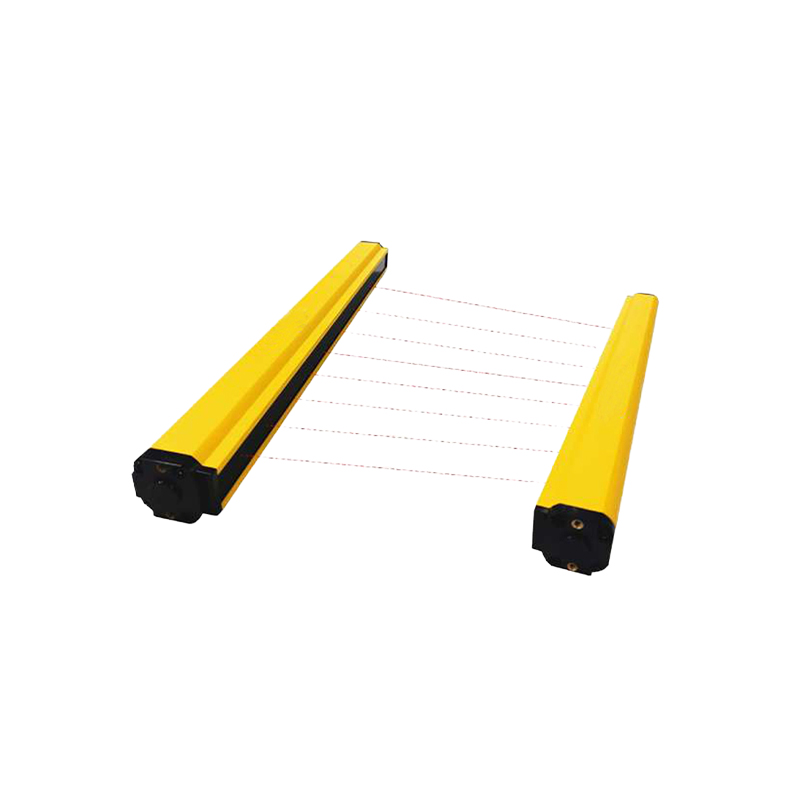
Measure the required length for the new cable, allowing some slack for future maintenance. Strip the outer jacket about 2 inches from each end, then strip the individual conductors to expose 1/4 inch of copper. Twist the strands to prevent fraying. Apply a small amount of dielectric grease to the stripped ends to improve connectivity and prevent oxidation. For sensor types with shielding, ensure the drain wire is properly exposed for grounding.
Step 3: Connect the New Cable to the Sensor
Refer to the wiring diagram to match the new cable’s conductors to the sensor terminals. Common color codes include brown for +24V DC, blue for 0V, and black for output. For AC sensors, colors may vary. Insert each conductor into the correct terminal and tighten the screws securely—use a torque driver if specified. For soldered connections, tin the wires and solder them to the sensor’s PCB pads, then insulate with heat shrink tubing. Verify each connection with a multimeter set to continuity mode.
Step 4: Seal and Test the Assembly
Reattach the cable gland and tighten it to the manufacturer’s torque specification to maintain the IP rating. Apply heat shrink tubing over the junction if the sensor is not enclosed. Power on the sensor and test its functionality using a target object (e.g., a metal plate for a diffuse sensor). Check the LED indicator: a stable light suggests proper operation. If the sensor fails to trigger, reexamine the wiring for shorts or loose connections.
Post-Replacement Inspection and Documentation
After successful testing, secure the cable along cable trays or conduits to avoid future strain. Document the replacement date, cable specifications, and any issues encountered. This practice helps in predictive maintenance and system troubleshooting. Finally, update the sensor’s tag or label in the plant’s maintenance system to reflect the new cable length or type.