Introduction to Photoelectric Sensor Parameter Configuration
Photoelectric sensors are critical components in automation systems, used for object detection, positioning, and counting in industrial environments. Proper parameter setting ensures reliable performance, reduces false triggers, and extends sensor lifespan. This guide covers key parameters including sensitivity, response time, output mode, and ambient light compensation, based on standard practices from leading manufacturers like SICK, Omron, and Keyence.
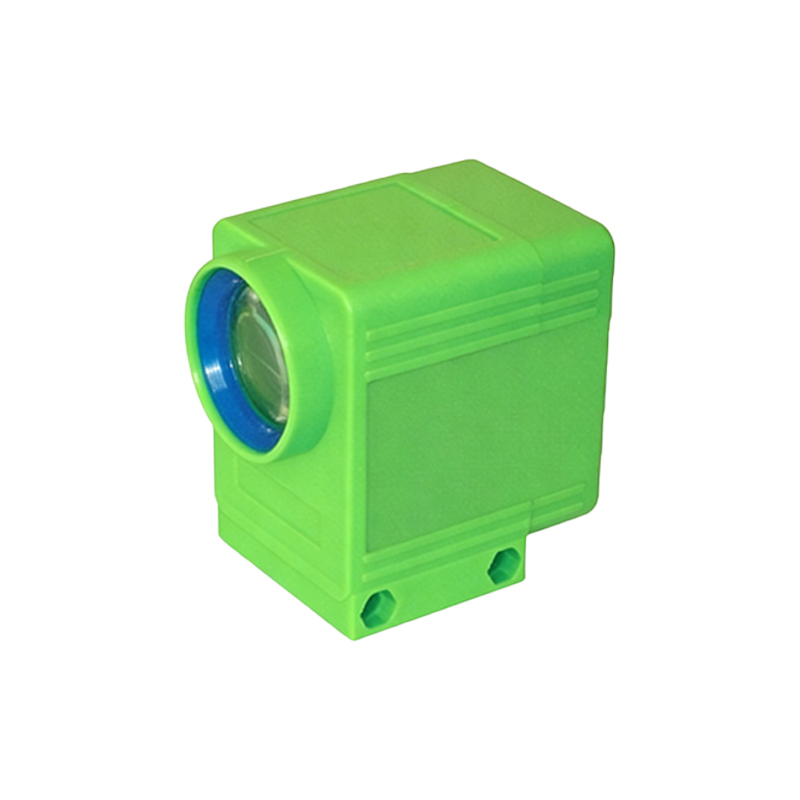
Understanding Sensor Types and Their Default Settings
Before adjusting parameters, identify the sensor type: through-beam, retro-reflective, or diffuse reflective. Through-beam sensors have separate emitter and receiver, offering longest range but require alignment. Retro-reflective sensors use a reflector, while diffuse sensors rely on target reflection. Default settings often assume standard conditions (e.g., 25°C, 50% relative humidity, non-reflective targets). Always review the datasheet for baseline thresholds.
Setting Sensitivity (Threshold) for Reliable Detection
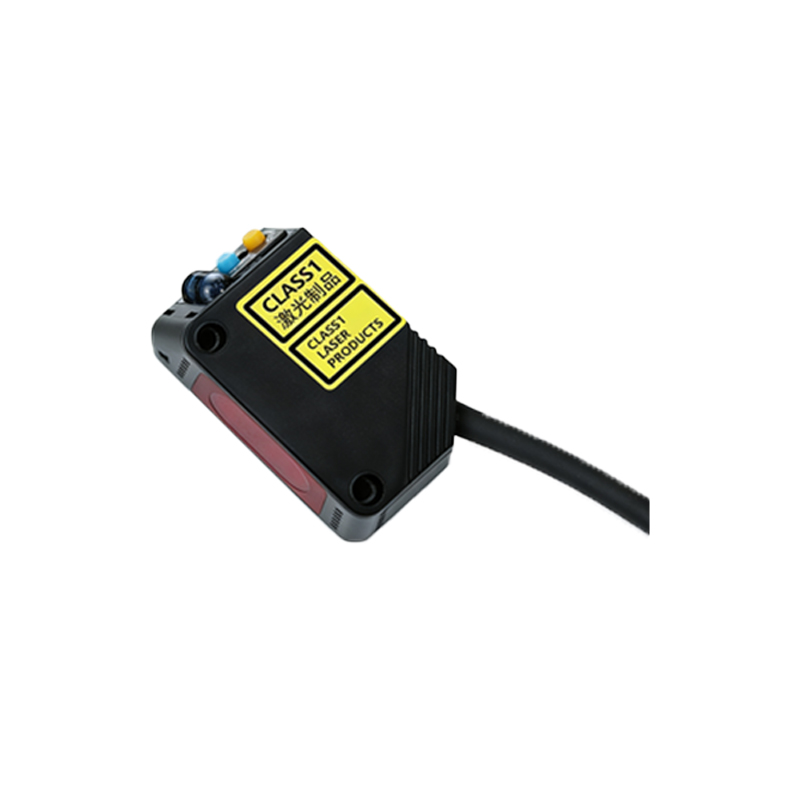
Sensitivity, or threshold, determines the light intensity level that triggers an output. Use the teach-in method: place the target at the detection point and press the teach button. For diffuse sensors, perform a two-point calibration: first with no target to set background, then with target to set detection. For retro-reflective sensors, avoid shiny backgrounds by using a polarizing filter. Adjust potentiometers or use software via IO-Link for fine-tuning.
Configuring Output Mode: NPN vs. PNP and Switching Logic
Select output type based on PLC input requirements: NPN (sinking) for common positive systems, PNP (sourcing) for common negative systems. Set switching logic to Light-ON (output active when light received) or Dark-ON (active when light blocked). In dusty environments, Dark-ON is preferred to avoid false triggers from contamination. Use DIP switches or configuration software to change these settings.
Adjusting Response Time to Match Application Speed
Response time affects maximum detection speed. Standard values range from 0.5 ms to 10 ms. For high-speed applications like conveyor belt counting (e.g., 1000 items/min), set response time below 1 ms. For slower processes, a longer response time reduces noise sensitivity. Some sensors offer adjustable filters; enable them for environments with vibration or EMI.
Compensating for Ambient Light and Environmental Factors
Ambient light interference (sunlight, welding arcs, or artificial lighting) can cause false triggers. Use sensors with built-in ambient light suppression or modulation. Set the modulation frequency (e.g., 1 kHz to 10 kHz) to avoid interference from nearby sensors. For outdoor applications, add a sun shield. For wet or dusty conditions, select sensors with IP67 or higher ratings and set a higher threshold to ignore moisture droplets.
Fine-Tuning with Advanced Features: Timing, Hysteresis, and Blanking
Advanced parameters include on-delay (0.1-10 s) to ignore short-duration pulses, off-delay to extend output after detection, and hysteresis (1-10% of threshold) to prevent oscillation near detection edges. Blanking or masking allows ignoring parts of the beam path (e.g., for irregularly shaped objects). Use IO-Link or handheld programmers to access these features.
Validating Settings with Real-World Testing
After parameter configuration, perform dynamic testing: run the sensor at full production speed with actual targets and background. Use an oscilloscope to monitor output signals for glitches. Check repeatability by measuring 100 cycles. Adjust if miss rate exceeds 0.1%. Document all settings for maintenance reference.
Common Troubleshooting Tips for Parameter Issues
If the sensor does not detect correctly, verify power supply voltage (typically 10-30 VDC). Check for alignment issues: through-beam sensors require ±2° alignment. Clean lenses with a soft cloth. If false triggers persist, reduce sensitivity or increase hysteresis. For unstable output, adjust response time or enable noise filter.