Understanding Slot-Type Photoelectric Sensors
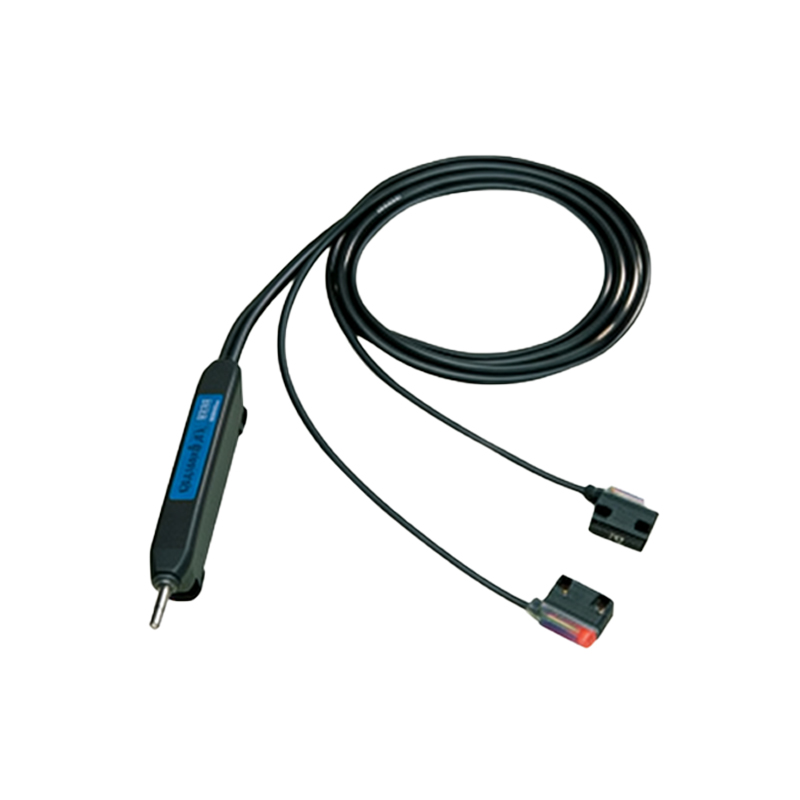
Slot-type photoelectric sensors, also known as fork sensors, are widely used in industrial automation for object detection, counting, and positioning. They consist of an emitter and receiver housed in a U-shaped body, with a light beam passing across the slot. When an object interrupts the beam, the sensor triggers a digital output. Proper wiring is critical to ensure stable operation, reduce noise interference, and protect the sensor from damage in harsh environments.
Standard Wire Color Coding and Functions
Most industrial slot-type sensors follow a standard color coding scheme for wiring: Brown wire is the positive power supply (typically 10-30 VDC), Blue is the negative (0 V or ground), and Black is the output signal (NPN or PNP, depending on the model). Some sensors include additional wires like White for external test input or Gray for alarm output. Always consult the sensor datasheet, as variations exist among manufacturers. For example, a common NPN output sensor uses Brown for V+, Blue for GND, and Black for output, which pulls low when the beam is interrupted.
Wiring for NPN (Sinking) Output Configuration
For NPN output sensors, the load (such as a PLC input module or relay) is connected between the positive power supply and the sensor's Black output wire. When the sensor is activated (beam broken), the Black wire connects to the Blue (GND), completing the circuit and allowing current to flow from V+ through the load to ground. Ensure the load current does not exceed the sensor's rated output (often 100-200 mA). Use a pull-up resistor if connecting to a high-impedance input to avoid floating states.
Wiring for PNP (Sourcing) Output Configuration
PNP output sensors are the opposite: the load is connected between the Black output wire and ground (Blue). When activated, the Black wire connects to V+ (Brown), sourcing current to the load. This configuration is common in PLC systems using sinking inputs. Check that the sensor's supply voltage matches the PLC logic voltage. For 24 VDC systems, ensure the sensor can handle any voltage drop, especially in long cable runs.
Power Supply and Noise Reduction Considerations
Use a regulated DC power supply with proper filtering to avoid voltage spikes. Connect a 100 nF ceramic capacitor close to the sensor's power pins for decoupling. Shielded cables are recommended for high-noise environments, with the shield connected to ground at one end only. For long wiring distances (over 10 meters), consider using a separate power supply for sensors to prevent ground loops. Avoid running sensor cables parallel to high-current AC lines.
Testing and Troubleshooting After Wiring
After wiring, verify the power supply voltage at the sensor terminals (Brown to Blue). Use a multimeter to check the Black output against ground: in the unactuated state, it should be >1V for NPN or near V+ for PNP. Insert an object into the slot; the output should toggle. Common issues include reversed polarity (damage sensor), loose connections (intermittent faults), or incorrect load wiring (e.g., missing pull-up resistors). Use a diagnostic LED on the sensor if available, or monitor the output with an oscilloscope to catch noise glitches.