Understanding the Two-Wire Photoelectric Sensor
A two-wire photoelectric sensor is a common industrial device used for non-contact detection of objects. Unlike three-wire sensors that require separate power and output lines, the two-wire sensor integrates power supply and signal output into a single pair. This design simplifies wiring in tight spaces but demands careful attention to load and polarity. For engineers, mastering this wiring is essential for reliable automation system performance.
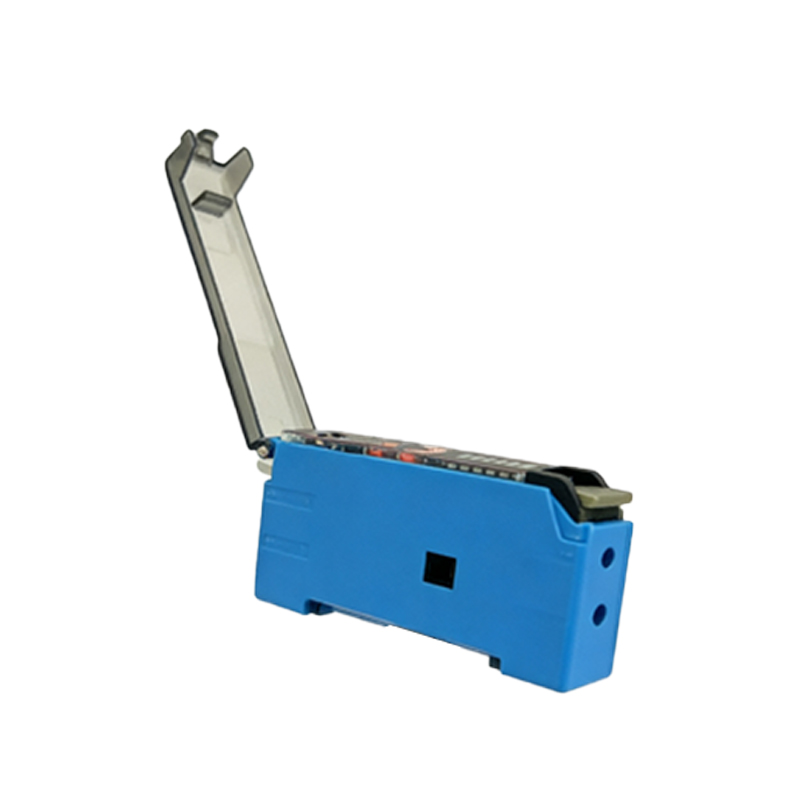
Key Components and Their Functions
Before wiring, identify the sensor’s color-coded leads: typically brown for positive (V+) and blue for negative (V-). Some sensors may include a shield or ground wire. The sensor operates by measuring current flow; when an object is detected, the internal switching circuit changes impedance, altering the current in the loop. Always verify the sensor’s datasheet for specific ratings, such as supply voltage (e.g., 10-30V DC) and maximum load current (often 100-200 mA).
Step-by-Step Wiring Procedure
1. Power Off: Ensure the control system is de-energized to prevent shorts or damage.
2. Connect the Brown Wire: Attach it to the positive terminal of the power supply or PLC input module.
3. Connect the Blue Wire: Link it to the negative terminal of the power supply, then route it through the load (e.g., relay coil, PLC input) to ground. This creates a series circuit: power supply → sensor → load → ground.
4. Check Polarity: Reverse connection can damage the sensor or cause erratic detection. Use a multimeter to confirm voltage polarity before powering on.
5. Test the Loop: Apply power and verify the sensor’s output by passing an object across the sensing face. The load should switch states (e.g., relay clicks or PLC input signal changes).
Common Wiring Mistakes and Solutions
- Leakage Current Issue: Two-wire sensors have a small standby current (1-3 mA), which may falsely trigger sensitive loads like PLC inputs. Solution: Add a bleeder resistor (e.g., 10 kΩ) in parallel with the load to drain leakage current.
- Voltage Drop: Long cable runs can cause insufficient voltage at the sensor. Solution: Use thicker gauge wire (e.g., 18 AWG) or reduce cable length.
- Load Compatibility: The sensor may not work with inductive loads (e.g., solenoids) without a flyback diode. Solution: Install a diode across the load to suppress voltage spikes.
Advanced Tips for Industrial Applications
In harsh environments, use shielded cables to minimize electromagnetic interference (EMI). Ground the shield only at the power supply end to avoid ground loops. For high-speed detection, ensure the sensor’s response time matches the application (e.g., 1 ms for fast-moving parts). Always test the wiring under actual operating conditions, including temperature and vibration, to confirm long-term reliability. When integrating with programmable logic controllers (PLCs), check the input module’s sinking or sourcing configuration to match the sensor’s output type.