Introduction to Photoelectric Sensor and 555 Timer Integration
In industrial automation, photoelectric sensors are widely used for object detection, positioning, and counting. The 555 timer IC, a versatile timing device, can process the sensor's output signal to generate precise pulses or delays. This article provides a step-by-step guide for connecting a standard photoelectric sensor (PNP or NPN type) to a 555 timer in monostable or astable mode, suitable for triggering alarms, controlling relays, or driving counters.
Understanding Sensor Output Types: PNP vs. NPN
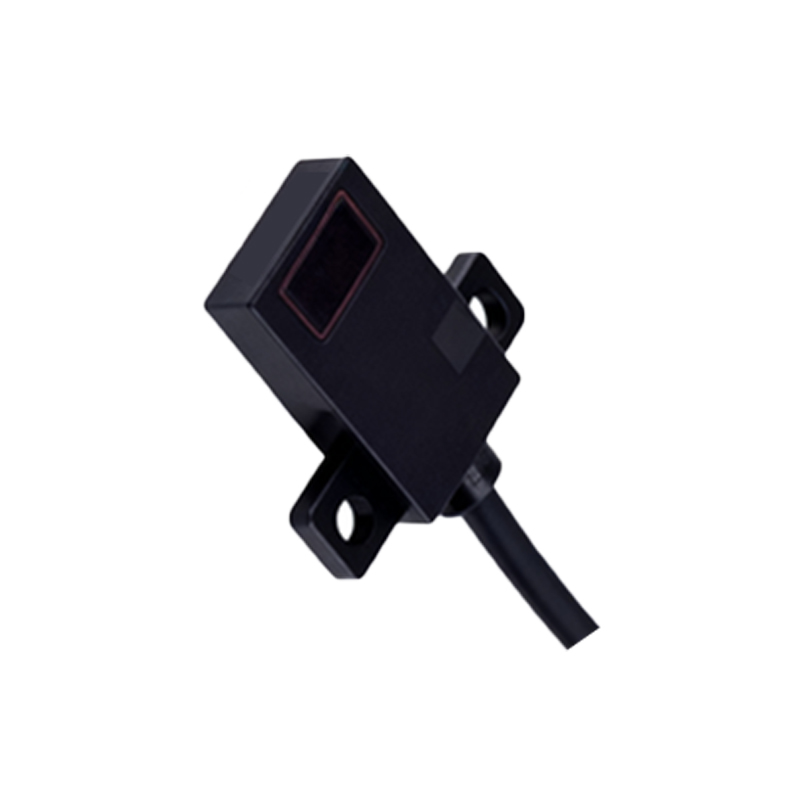
Before wiring, identify your sensor's output type. A PNP (sourcing) sensor outputs a positive voltage when activated, while an NPN (sinking) sensor switches to ground. For connecting to a 555 timer, the sensor's output must match the timer's input logic. Typically, the 555 trigger pin (pin 2) is active low, requiring a low signal to initiate timing. Use a pull-up resistor (e.g., 10 kΩ) to VCC for NPN sensors, or a pull-down resistor to ground for PNP sensors to ensure stable logic levels.
Wiring Diagram for Monostable Mode (One-Shot Pulse)
In monostable mode, the 555 timer outputs a single pulse when triggered. Connect the photoelectric sensor's output to the trigger pin (pin 2) through a 0.1 µF capacitor to avoid false triggers. The timing resistor (R1) and capacitor (C1) determine pulse width: T = 1.1 × R1 × C1. For example, with R1 = 100 kΩ and C1 = 10 µF, the pulse lasts 1.1 seconds. Connect pin 4 (reset) to VCC to disable reset. The output (pin 3) can drive a relay or logic input.
Wiring Diagram for Astable Mode (Continuous Oscillation)
For applications needing a continuous square wave triggered by sensor activation, use astable mode. Connect the sensor output to the reset pin (pin 4) through a transistor or optocoupler to enable/disable oscillation. When the sensor detects an object, it pulls pin 4 high, allowing the 555 to oscillate at frequency f = 1.44 / [(R1 + 2R2) × C1]. Typical values: R1 = 1 kΩ, R2 = 10 kΩ, C1 = 10 µF yields ~6.5 Hz. Ensure the sensor's output voltage does not exceed the 555's supply (5–15 VDC).
Practical Considerations for Industrial Environments
In noisy factory settings, add a 100 nF decoupling capacitor near the 555's VCC pin (pin 8) and a 10 µF electrolytic capacitor. Use shielded cables for the sensor to minimize electromagnetic interference. If the sensor operates at 24 VDC, use a voltage regulator (e.g., 7812) to step down to 12 V for the 555. Test the circuit with an oscilloscope to verify timing and signal integrity.
Common Troubleshooting Tips
If the 555 fails to trigger, check the sensor's output state with a multimeter—it should switch between 0 V and VCC. Ensure the trigger pin voltage drops below 1/3 VCC to activate. For unstable output, increase the pull-up resistor value or add a Schmitt trigger (e.g., 74HC14) between sensor and 555. Always verify polarity and ground loops.