1. Introduction to Photoelectric Sensors in Industrial Automation
Photoelectric sensors are crucial components in modern industrial automation, enabling non-contact detection of objects, distances, and positions. As an electrical engineer, you often need to present technical specifications, application scenarios, and installation guidelines to colleagues or clients. A well-structured PPT on Baidu Wenku can serve as a valuable resource. This guide focuses on creating a clear, English-language presentation that aligns with industry standards and Western reading habits, covering key elements like sensor types, wiring diagrams, and troubleshooting tips.
2. Defining the Scope and Audience for Your PPT
Before drafting slides, identify your target audience. Are you addressing maintenance technicians, project managers, or procurement specialists? For Baidu Wenku, where users seek practical knowledge, focus on real-world applications. Structure your PPT to include an overview of photoelectric sensor technologies—such as through-beam, retro-reflective, and diffuse sensors—and their typical use in conveyor systems, packaging lines, or safety barriers. Use bullet points and diagrams to enhance readability, avoiding dense paragraphs.
3. Key Technical Content: Sensor Specifications and Selection Criteria
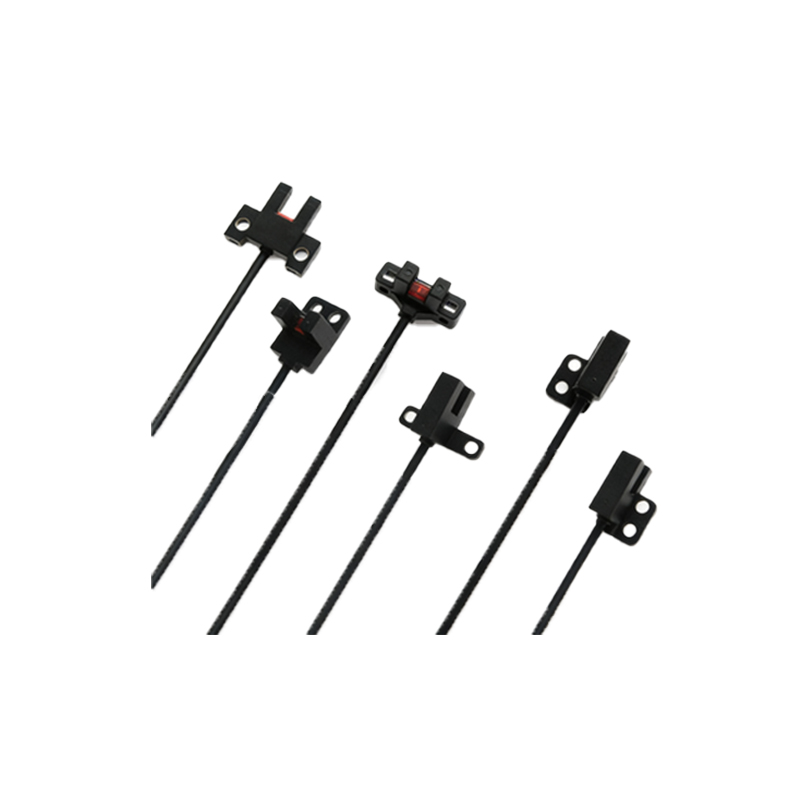
Each slide should highlight critical parameters: sensing range, response time, light source type (LED or laser), and environmental resistance (IP rating, temperature range). For example, through-beam sensors offer long-range detection (up to 30 meters) but require two units, while diffuse sensors are simpler for short-range tasks. Include a comparison table in your PPT to help users select the right sensor for their application. Also, explain wiring connections (NPN vs. PNP outputs) and how to interpret datasheets, as these are common pain points for field engineers.
4. Designing Effective Slides for Baidu Wenku
Since Baidu Wenku users often view documents online, optimize your PPT for digital reading. Use a clean, professional template with a dark blue or gray color scheme to minimize eye strain. Each slide should have a clear title, one main idea, and visual aids like annotated photos or schematic diagrams. Avoid cluttering slides with text; instead, place detailed notes in the speaker notes section. For example, a slide on troubleshooting could show a flowchart of common issues (e.g., no signal, false triggering) with corrective actions.
5. Integrating Practical Examples and Case Studies
To add value, include a brief case study from a real manufacturing line. For instance, describe how a retro-reflective sensor improved detection accuracy on a high-speed bottling plant. Use before-and-after data to demonstrate ROI. This not only makes your PPT more engaging but also helps readers relate technical concepts to their own work. Always cite specific sensor models (e.g., Omron E3Z or Sick WL9) to enhance credibility.
6. Conclusion and Tips for Uploading to Baidu Wenku
Conclude your PPT with a summary slide covering key takeaways: proper sensor mounting, regular cleaning, and output configuration. When uploading to Baidu Wenku, save your file as a PDF to preserve formatting, and write a concise description with relevant tags like "photoelectric sensor," "industrial automation," and "PPT tutorial." This will improve search visibility and attract more downloads. Finally, test your slides on different devices to ensure readability.