In today's rapidly evolving technological landscape, proximity sensors have become integral components across various industries, from automotive and manufacturing to consumer electronics and smart home systems. To effectively demonstrate the capabilities and applications of these sophisticated devices, a well-designed Proximity Sensor Display Box serves as an essential educational and promotional tool. This interactive showcase not only highlights the technical specifications but also provides a hands-on experience that bridges the gap between abstract concepts and tangible real-world utility.
A Proximity Sensor Display Box typically incorporates multiple sensor types, such as inductive, capacitive, ultrasonic, and infrared sensors, each selected to represent common industrial and commercial applications. The enclosure is often constructed from durable, transparent materials like acrylic or polycarbonate, allowing observers to view the internal components and wiring while protecting the delicate electronics. Inside, a microcontroller, such as an Arduino or Raspberry Pi, processes signals from the sensors, triggering visual or auditory feedback through integrated LEDs, LCD screens, or buzzers. This setup creates an engaging loop where the presence or movement of an object—like a hand, metal tool, or liquid container—activates a clear, immediate response, effectively illustrating the sensor's detection range, sensitivity, and response time.
The primary function of the display box is to educate. For engineers, students, and procurement specialists, it offers a practical comparison of different sensing technologies. For instance, an inductive sensor within the box might detect only metallic objects, lighting a blue LED, while a capacitive sensor responds to both metallic and non-metallic materials, activating a green LED. Side-by-side demonstrations clarify distinctions in operating principles, such as how inductive sensors rely on electromagnetic fields and capacitive sensors detect changes in capacitance. This direct comparison aids in selecting the appropriate sensor for specific applications, whether it's for object detection on an assembly line, liquid level monitoring, or touchless interface controls.
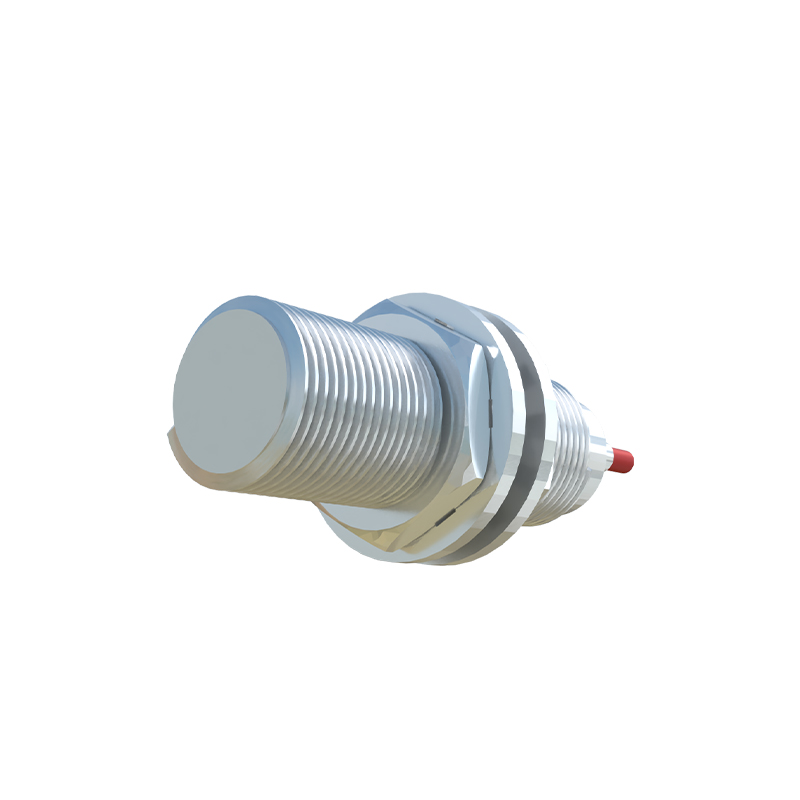
Beyond education, the Proximity Sensor Display Box serves as a powerful sales and marketing asset. At trade shows, exhibitions, or client meetings, it captures attention through interactive demos, allowing potential customers to test the sensors themselves. This hands-on interaction fosters a deeper understanding and appreciation of the product's reliability and precision, often more effectively than brochures or datasheets alone. The display can be customized to reflect specific industry scenarios, such as simulating a packaging machine's detection system or a vehicle's parking assist feature, making the technology relatable and relevant.
Designing an effective display box requires careful consideration of several factors. The layout should be logical and intuitive, with sensors arranged to avoid interference and each clearly labeled with its type, detection range, and common applications. Power management is crucial; many units use rechargeable batteries or low-voltage USB power for portability and safety. Additionally, incorporating modular components allows for easy updates or swaps as sensor technology advances. Accompanying documentation, such as QR codes linking to technical manuals or application notes, enhances the educational value, providing resources for deeper exploration.
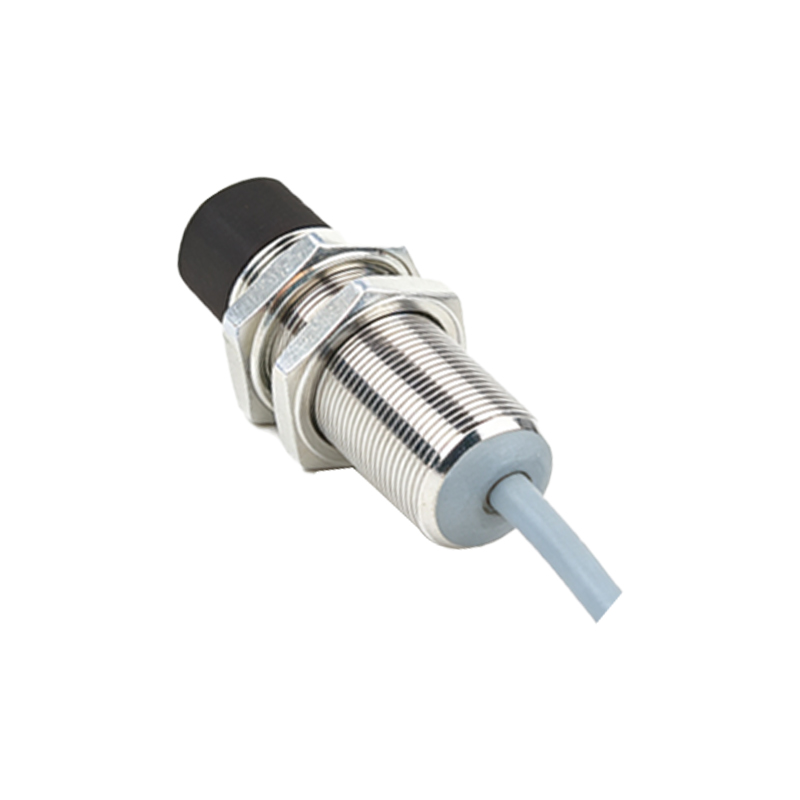
In educational institutions, these display boxes are invaluable teaching aids. They transform theoretical lessons on electromagnetism, capacitance, or wave propagation into engaging, hands-on experiments. Students can modify code, adjust sensor thresholds, or even integrate additional components, fostering skills in programming, electronics, and system integration. This practical exposure prepares them for careers in automation, robotics, and IoT development, where sensor technology is foundational.
The future of Proximity Sensor Display Boxes is likely to incorporate even more interactivity and connectivity. With the integration of IoT capabilities, data from the sensors could be streamed to cloud platforms for real-time analysis and remote demonstration. Augmented reality (AR) interfaces might overlay technical data or animated diagrams onto the physical box when viewed through a smartphone, creating an immersive learning experience. As sensors become smaller, more energy-efficient, and multifunctional, display boxes will evolve to showcase these advancements, perhaps including miniaturized MEMS sensors or AI-enhanced predictive sensing.
Ultimately, a Proximity Sensor Display Box is more than just a collection of components; it is a dynamic bridge between innovation and understanding. By making invisible sensing fields visible and interactive, it demystifies complex technology, empowers informed decision-making, and inspires the next generation of engineers and technologists. Whether used for training, sales, or education, this tangible showcase proves that experiencing technology firsthand is the most compelling way to grasp its potential and drive its adoption forward.