Introduction to Photoelectric Sensors and Their Adjustment Knobs
Photoelectric sensors are critical components in modern industrial automation, used for detecting objects, presence, or distance without physical contact. The small adjustment knob located on the rear or side of these sensors often plays a pivotal role in fine-tuning performance. This guide focuses on the function, types, and practical use of this knob, helping engineers optimize sensor accuracy in harsh manufacturing environments.
Purpose of the Adjustment Knob
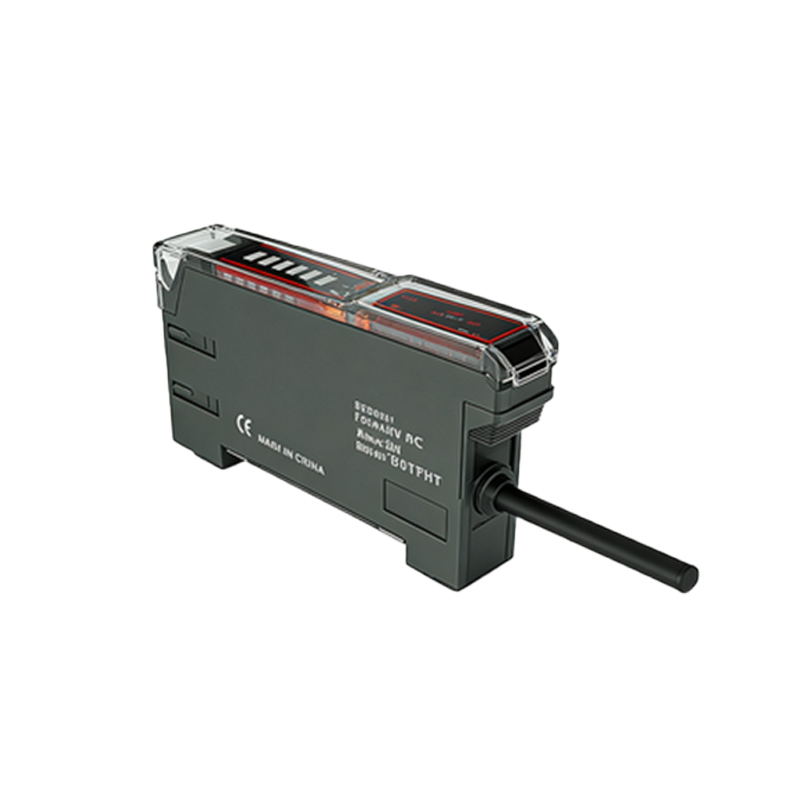
The adjustment knob on a photoelectric sensor is typically used to set the sensitivity or threshold level. In diffuse reflective sensors, it adjusts the detection distance by controlling the receiver's gain. For through-beam or retro-reflective sensors, it may fine-tune the response to varying background conditions. Proper adjustment ensures reliable switching, prevents false triggers, and extends sensor life.
Common Types of Adjustment Knobs
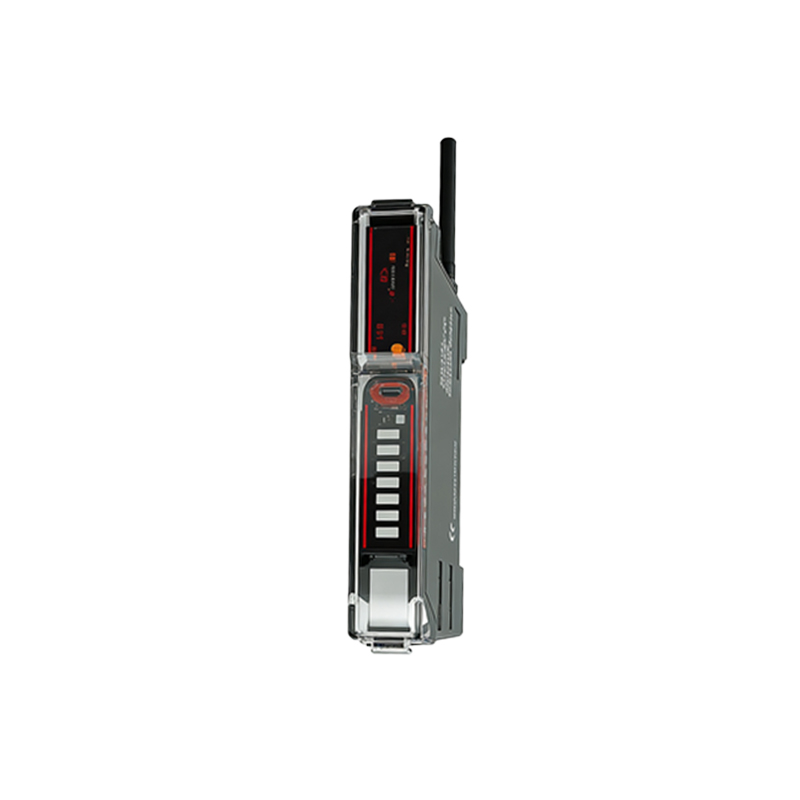
Most industrial photoelectric sensors feature a potentiometer-based knob, often marked with a + and - symbol or a numbered scale. Some advanced models use multi-turn potentiometers for precise adjustments, while others offer push-button or digital interfaces. The knob is usually sealed with an O-ring to meet IP67 or IP69K ratings, protecting against dust and water ingress.
Step-by-Step Adjustment Procedure
1. Power on the sensor and observe the indicator LED.
2. For diffuse sensors, place the target at the desired detection point.
3. Slowly turn the knob clockwise to increase sensitivity or counterclockwise to decrease it.
4. Monitor the output signal (e.g., NPN/PNP transistor or relay) until stable switching occurs.
5. Test with background objects to ensure no false detection.
Always refer to the manufacturer's datasheet for specific ranges, as excessive adjustment can lead to oscillation or sensor damage.
Common Issues and Troubleshooting
- Knob stuck or hard to turn: Check for debris or corrosion; clean with isopropyl alcohol.
- No response after adjustment: Verify power supply and wiring; the knob might be in a locked position.
- Drift over time: Environmental factors like temperature or dust can shift sensitivity; re-calibrate periodically.
In high-vibration environments, consider using a locking nut or digital sensor to prevent accidental knob movement.
Best Practices for Industrial Use
- Avoid overtightening the knob, as it may damage the internal potentiometer.
- Use a small flathead screwdriver or a special tool designed for fine adjustments.
- Document the final knob setting for each sensor in the system for easy troubleshooting.
- For critical applications, choose sensors with a teach-in function or remote adjustment to minimize manual intervention.
Conclusion
Mastering the adjustment knob on photoelectric sensors is essential for maintaining reliable detection in automated lines. By understanding its function, following proper procedures, and applying best practices, engineers can significantly reduce downtime and improve system efficiency.