Proximity sensors are critical components in modern automation and electronic devices, detecting the presence or absence of objects without physical contact. However, like any technology, they can malfunction, leading to operational disruptions. This guide provides a systematic approach to diagnosing and resolving common proximity sensor issues, ensuring minimal downtime and optimal performance.
First, verify the power supply. Many sensor failures stem from inadequate voltage or current. Use a multimeter to check if the input voltage matches the sensor’s specifications—typically 10-30V DC for inductive models or 5-24V DC for capacitive types. Fluctuations or drops below the required range can cause erratic behavior. Ensure the power source is stable and free from electrical noise, which may interfere with signal integrity.
Next, inspect the sensor’s installation and environment. Misalignment is a frequent culprit; the sensor must be positioned correctly relative to the target object. Check for obstructions, dust, or debris that could block detection. For inductive sensors, ensure the target material is ferrous (e.g., steel) if designed for such metals, while capacitive sensors may require adjustments for non-metallic objects. Environmental factors like temperature extremes, humidity, or chemical exposure can also degrade performance. Refer to the datasheet for operating limits and consider protective housings if needed.
Examine the wiring and connections. Loose or corroded terminals can disrupt signals. Confirm that cables are undamaged and securely connected to both the sensor and control unit. For three-wire sensors, distinguish between NPN (sinking) and PNP (sourcing) configurations, as incorrect wiring may lead to no output or reverse logic. Shielded cables are recommended in high-interference areas to prevent electromagnetic interference from motors or other equipment.
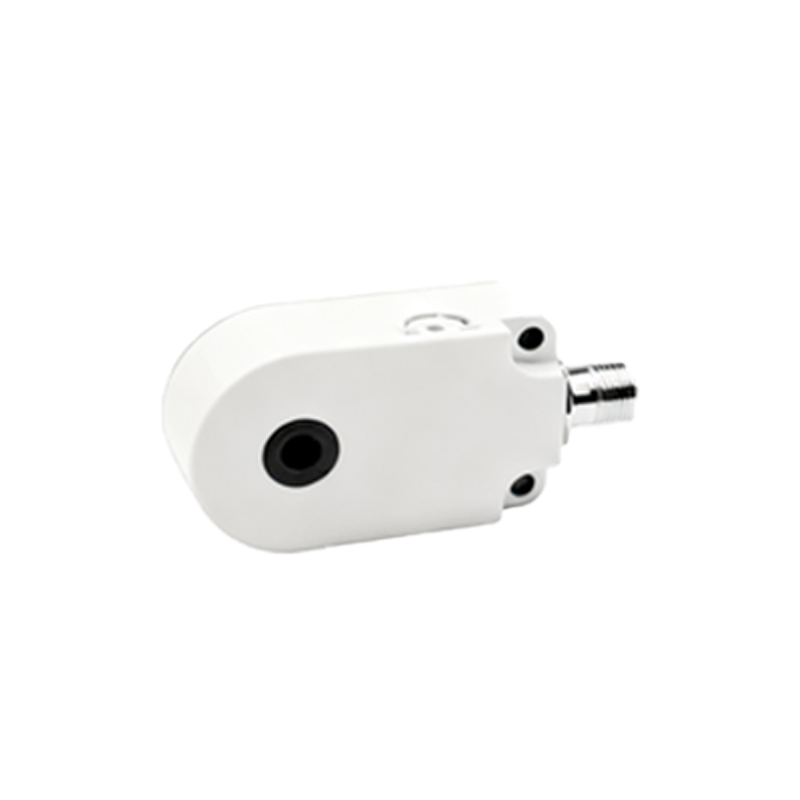
Test the sensor’s output. Use an oscilloscope or multimeter to monitor the output signal when an object enters the detection range. If the sensor fails to trigger, adjust the sensing distance—most models have a potentiometer for fine-tuning. Note that excessive distance or rapid object movement can cause missed detections. For programmable sensors, review settings like hysteresis or response time via software interfaces.
If issues persist, consider sensor degradation. Over time, components may wear out, especially in high-cycle applications. Compare current performance with baseline data from installation. Swapping the sensor with a known working unit can help isolate the problem. Additionally, check for compatibility with the control system; some sensors require specific input modules or protocols.
Preventive maintenance is key to longevity. Regularly clean sensor lenses or faces, calibrate as per manufacturer guidelines, and log performance trends. In industrial setups, integrate sensors into predictive maintenance schedules to catch anomalies early.
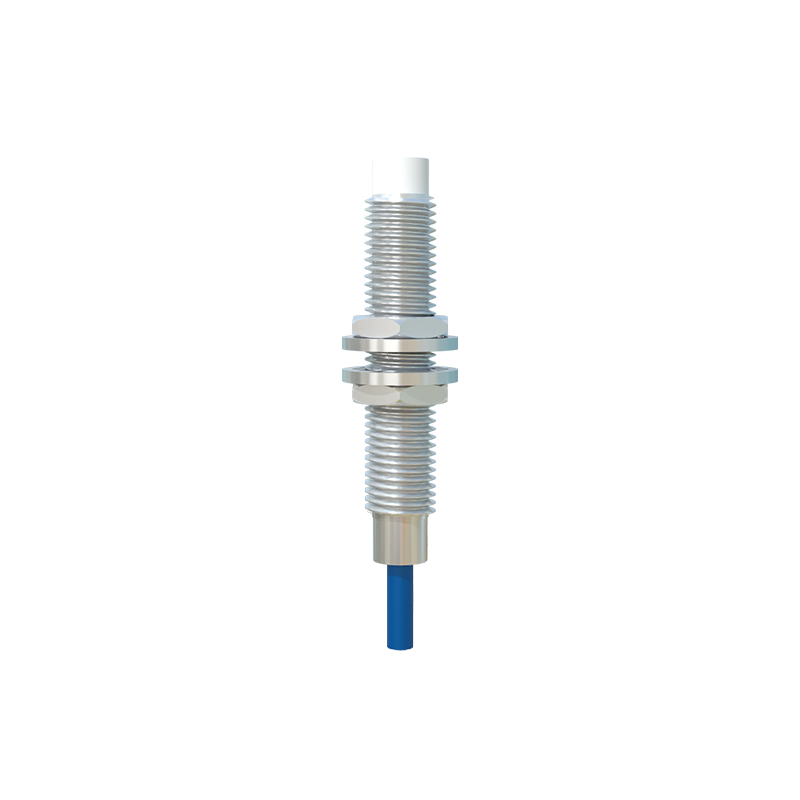
By following these steps, most proximity sensor faults can be identified and rectified efficiently. Always prioritize safety: disconnect power before inspections and consult technical manuals for model-specific advice. With proper care, these sensors can deliver reliable service for years, supporting seamless automation across industries.