Proximity sensor lights are a common feature in modern automation, security, and convenience systems. From automatic doors and security alarms to touchless faucets and smartphone screens, these devices rely on sensors to detect the presence or absence of an object within a specific range. A core component is the indicator light, often an LED, which provides visual feedback about the sensor's status. When this light starts flashing unexpectedly or erratically, it typically signals that the system requires attention. Understanding the common causes behind a flashing proximity sensor light is the first step toward diagnosing and resolving the issue.
One of the most frequent reasons for a flashing light is a low power supply. Proximity sensors require stable, adequate voltage to function correctly. If the battery is depleted or the wired connection provides inconsistent power, the sensor may enter a low-power or fault state, often indicated by a blinking LED. For battery-operated units, simply replacing the batteries with fresh ones can resolve the problem. For hardwired systems, checking the power source, transformer, and wiring connections for corrosion, looseness, or voltage drops is essential. A multimeter can be used to verify if the sensor is receiving power within its specified range.
Environmental interference is another major culprit. Proximity sensors, especially infrared (IR) or ultrasonic types, can be sensitive to their surroundings. Strong ambient light, such as direct sunlight or bright artificial lights, can overwhelm an IR sensor's receiver, causing false triggers or a fault condition shown by a flashing light. Similarly, ultrasonic sensors might be disrupted by high-frequency noise from other equipment. Dust, dirt, cobwebs, or condensation accumulating on the sensor's lens or surface can obstruct its detection field, leading to erratic behavior. Regular cleaning of the sensor face with a soft, dry cloth is a simple but effective maintenance step. Sometimes, relocating the sensor or adjusting its sensitivity settings, if available, can mitigate environmental interference.
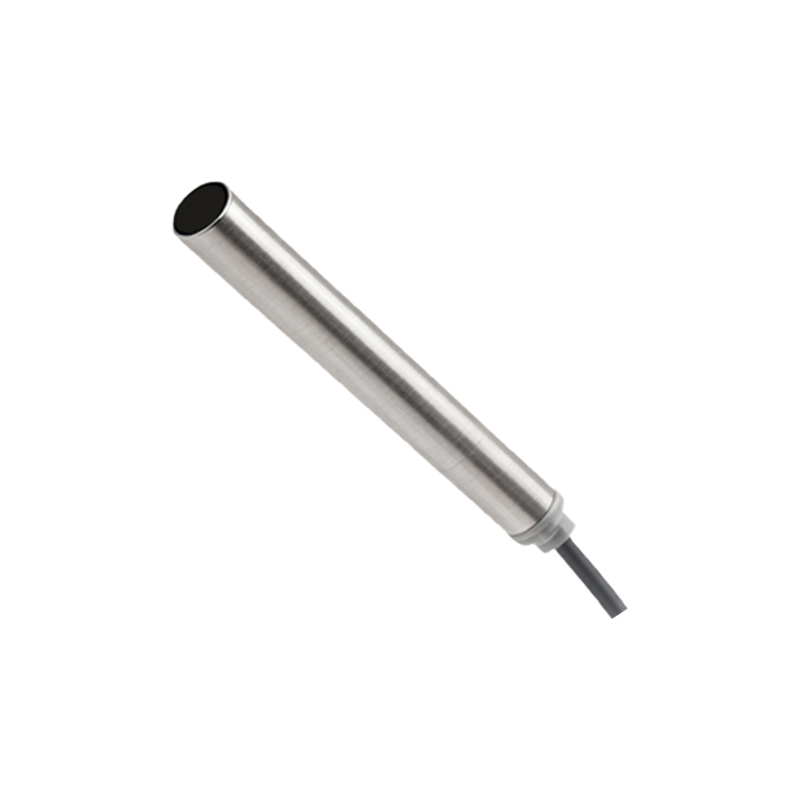
Improper calibration or incorrect installation can also lead to a flashing indicator. Every sensor has a defined detection range and field of view. If installed too close to an object it's meant to monitor (like a door frame for an automatic door sensor), it might be in a constant state of "detection," causing confusion and a flashing alert. Conversely, if aimed incorrectly, it may fail to detect targets reliably. Reviewing the manufacturer's installation guidelines for correct mounting height, angle, and clearance is crucial. Some advanced sensors have calibration modes where the flashing light indicates it's in a setup phase; failing to complete this calibration properly can leave the light flashing indefinitely.
Internal component failure is a more serious possibility. Over time, or due to power surges, moisture ingress, or physical damage, the sensor's internal circuitry, the LED itself, or the photoelectric components can fail. A consistent, rhythmic flash pattern might be a specific error code. Consulting the device's user manual or technical sheet is vital, as manufacturers often design flash sequences (e.g., two short flashes, a pause, then one long flash) to communicate specific fault codes related to hardware problems. In such cases, professional repair or replacement of the sensor unit is usually required.
Finally, in systems where multiple sensors are networked or connected to a central control unit, a flashing light might indicate a communication error. The sensor might be operational but failing to send or receive data correctly from the main controller due to wiring issues, protocol mismatches, or controller faults. Troubleshooting such issues often requires checking data cables, connectors, and the status of the central control panel.
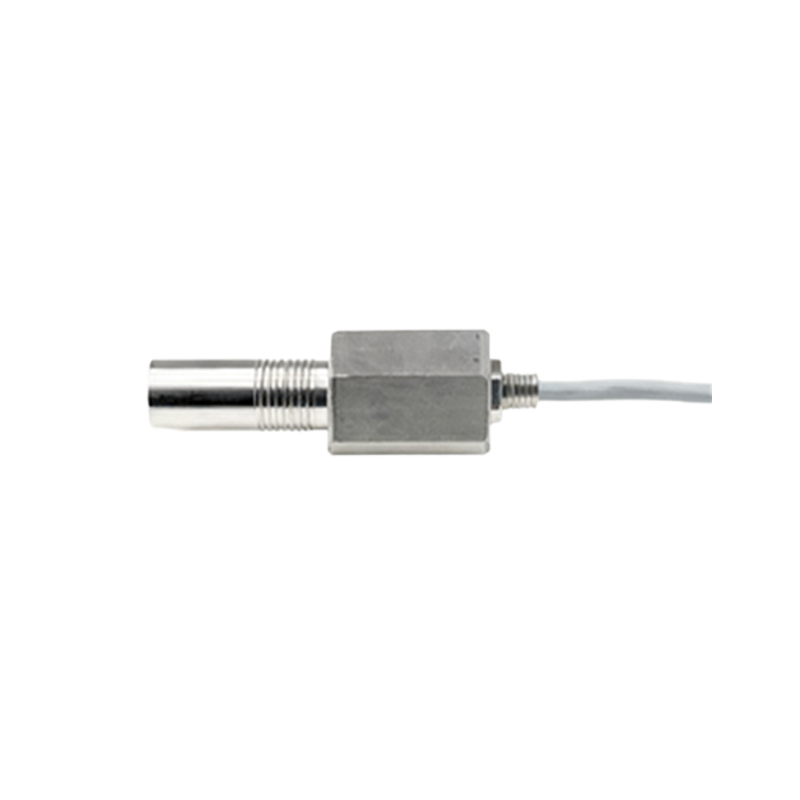
Diagnosing a flashing proximity sensor light follows a logical process. Start with the simplest solutions: check and secure the power source, then clean the sensor thoroughly. Observe if the flashing changes when objects move in and out of the detection zone. Consult the product manual for meaning of flash patterns and reset procedures—many devices have a reset button or a power-cycle method to clear temporary glitches. If basic steps fail, investigate environmental factors and installation parameters. For complex systems or persistent hardware error codes, contacting a qualified technician is the safest and most efficient course of action. Regular preventive maintenance, including cleaning and periodic functional checks, can prevent many common issues that lead to that worrying flash.