Introduction to Photoelectric Sensors
Photoelectric sensors are essential components in modern industrial automation, providing reliable non-contact detection of objects, materials, and positions. These sensors use light beams to detect the presence, absence, or distance of targets, offering high accuracy and fast response times. As an electrical engineer, understanding sensor principles, installation, and troubleshooting ensures optimal performance in harsh environments.
Working Principle and Types
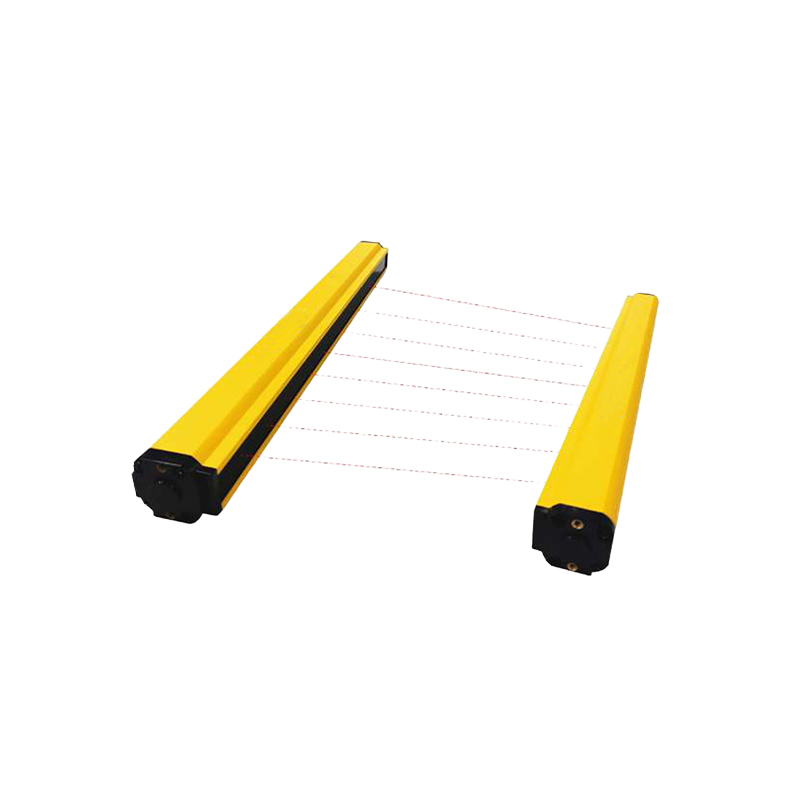
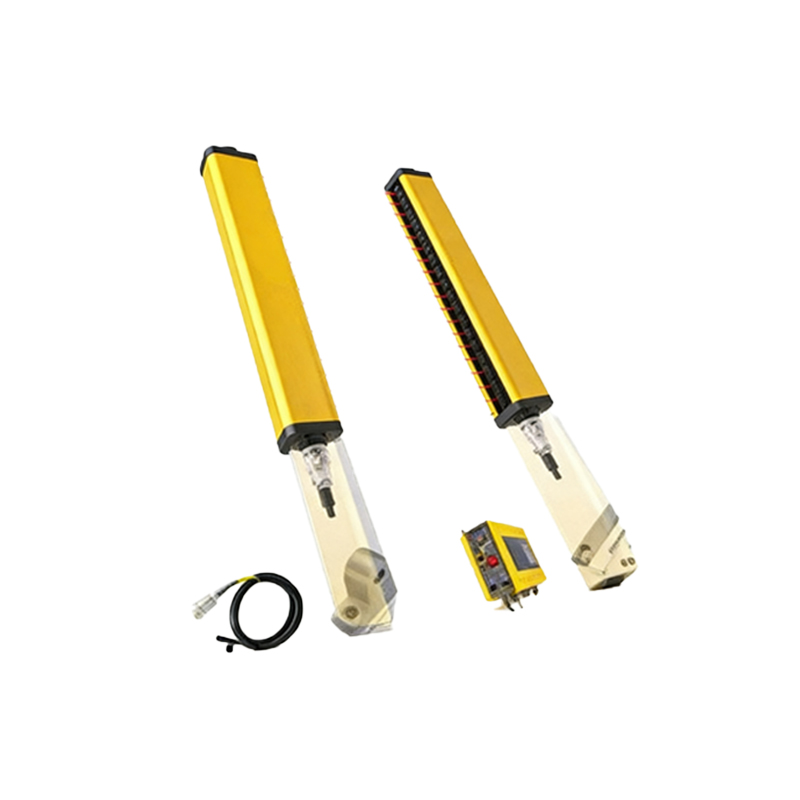
Photoelectric sensors operate based on three primary modes: through-beam, retro-reflective, and diffuse-reflective. Through-beam sensors consist of separate emitter and receiver units, offering the longest sensing range and highest immunity to contamination. Retro-reflective sensors combine emitter and receiver in one housing, using a reflector to bounce the light beam back. Diffuse-reflective sensors detect objects by reflecting light directly off the target, suitable for short-range applications. Key parameters include sensing distance (e.g., 0-20m for through-beam), response time (typically<1ms), and wavelength (e.g., 660nm red light for alignment ease).
Installation Guidelines
Proper installation is critical for reliable operation. Mount the sensor on a stable bracket, ensuring alignment with the target or reflector. Avoid direct sunlight and strong ambient light interference. For through-beam sensors, align emitter and receiver coaxially within ±5 degrees. Use shielded cables to prevent electromagnetic interference from nearby motors or drives. Verify power supply voltage (e.g., 10-30V DC) and output type (NPN or PNP) match your PLC input requirements.
Parameter Configuration and Adjustment
Configure sensitivity via a potentiometer or teach-in button. For retro-reflective sensors, adjust to ignore background reflections. Use the "light-on" or "dark-on" mode selector based on the application: light-on activates output when light is received, dark-on activates when blocked. Set hysteresis (usually 10-20%) to prevent output flutter near the detection threshold. Some advanced models offer IO-Link communication for remote parameter tuning and diagnostics.
Troubleshooting Common Issues
If the sensor fails to detect correctly, first check for dirt, dust, or condensation on the lens or reflector. Clean with a lint-free cloth and isopropyl alcohol. Verify alignment using an alignment tool or visual indicator (e.g., LED steady on indicates proper alignment). Adjust sensitivity if false triggers occur due to shiny or transparent objects. For intermittent operation, inspect cable connections and shield grounding. Replace damaged seals in washdown environments (IP67 or IP69K rated sensors recommended).
Maintenance and Safety Precautions
Regularly inspect sensor lenses and reflectors for scratches or cracks. Calibrate sensitivity after replacing components. Do not exceed the rated voltage or current (e.g., 100mA max output). Use a fuse or circuit breaker for protection. When installing in explosive atmospheres, select intrinsically safe or explosion-proof models. Ensure compliance with local electrical codes and standards (e.g., IEC 60947-5-2).
Conclusion
Mastering photoelectric sensor installation and configuration enhances production line efficiency and reduces downtime. By following the guidelines above, engineers can achieve reliable detection in diverse applications ranging from conveyor systems to packaging machinery. For detailed specifications, refer to the manufacturer's datasheet for your specific model.