Why Chinese Photoelectric Sensor Downloads Matter
As an electrical engineer, you know that accessing reliable technical documentation is critical for designing automation systems. Chinese photoelectric sensors, such as those from Autonics, Omron China, or local brands like Keyence (via authorized distributors), are widely used in industrial applications due to their cost-effectiveness and performance. Their official websites provide essential downloads including datasheets, CAD models, manuals, and software for sensor configuration. These resources save time during installation and troubleshooting, especially for custom setups in manufacturing lines or logistics.
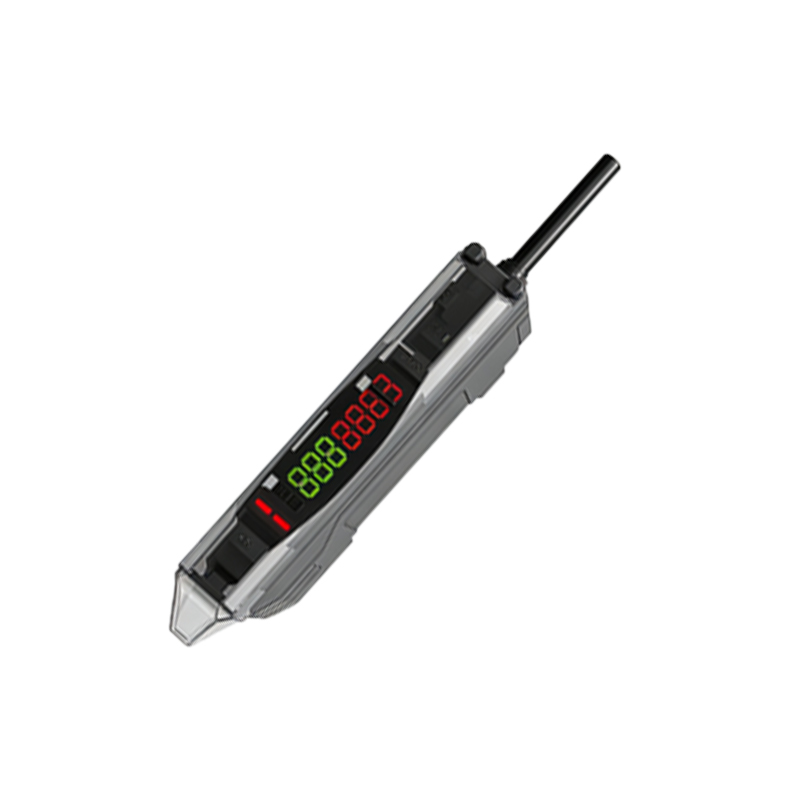
Top Official Download Portals
1. Autonics Official Site (autonics.com/cn): Offers a dedicated download center for photoelectric sensors like the BJ series. You can find 2D/3D CAD files, wiring diagrams, and user manuals in English, updated regularly.
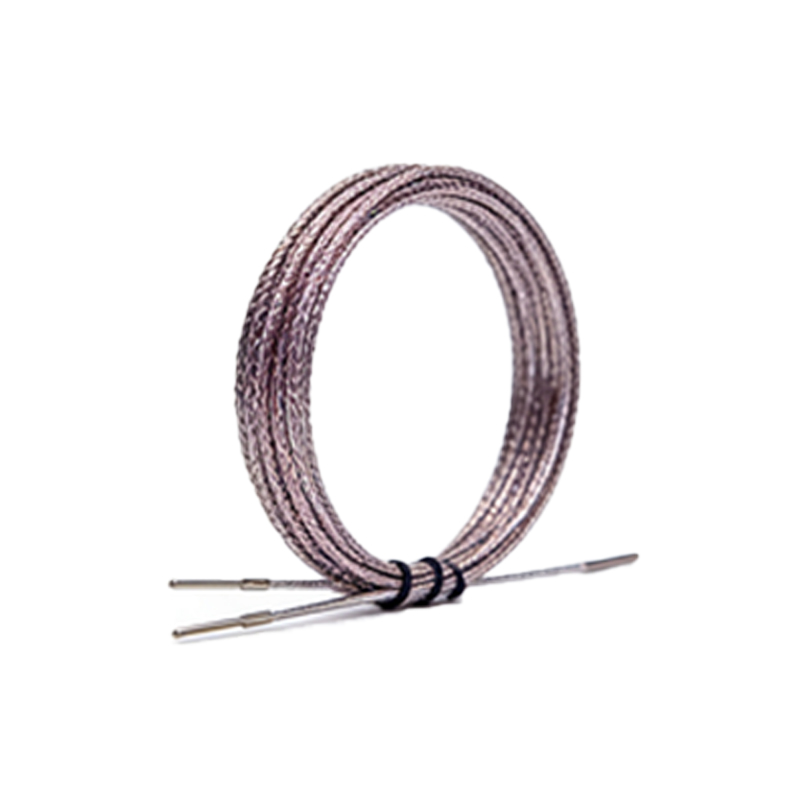
2. Omron China Industrial Automation (omron.com.cn): Provides downloads for E3Z and E3S series sensors, including IO-Link configuration tools and application notes. The site supports English language toggle for easy navigation.
3. Keyence Sensor Download Portal (keyence.com.cn): While not a Chinese brand, Keyence’s China branch hosts localized downloads for laser sensors and photoelectric switches, with detailed tech specs in English.
4. Sick China (sick.com/cn): Offers firmware updates, safety manuals, and software like SOPAS for photoelectric sensors, all accessible after a simple registration.
How to Navigate These Sites for Efficient Downloads
Most Chinese sites follow a similar structure: a “Support” or “Download” section. Look for filters by product series (e.g., “photoelectric,” “through-beam,” “diffuse reflective”). For CAD files, choose between STEP, IGES, or STP formats—common in European and American design software. Always check the language dropdown: many sites default to Chinese, but a flag icon or “EN” button switches to English. If you encounter Chinese text in navigation, use browser translation tools like Chrome’s auto-translate to locate “datasheet” (数据表) or “manual” (手册).
Key Technical Resources to Download
- Datasheets: Include electrical specifications (e.g., response time, sensing distance, output type).
- CAD Models: Essential for mechanical integration in SolidWorks or AutoCAD.
- Software Tools: For example, Autonics’ “SensorMaster” for parameter setting via USB.
- Certification Documents: CE, RoHS, and UL certificates are often available for compliance auditing.
- Application Notes: Real-world examples like “Detecting transparent bottles in packaging lines” help optimize sensor placement.
Troubleshooting Common Download Issues
Engineers often report slow download speeds or broken links. Solution: Use a VPN with a China server (e.g., ExpressVPN) if accessing from abroad, as some sites geo-restrict content. For missing files, contact local distributors via email—they provide direct links. If a manual is only in Chinese, request an English version through the site’s “Contact Us” form; most manufacturers respond within 48 hours.
Final Tips for Efficient Use
Bookmark the download pages of your preferred brands. Set up alerts for firmware updates using RSS feeds if available. When integrating sensors into PLC systems (like Siemens or Allen-Bradley), cross-reference the sensor’s electrical specifications with the PLC’s input module datasheet—this avoids costly mismatches. Always verify the download file’s checksum (MD5) if provided, to ensure integrity.