Understanding the 12pm Proximity Sensor's Core Function
The 12pm proximity sensor is a critical component in modern electronic assemblies, particularly in smartphones and other compact devices. Its primary function is to detect the presence of nearby objects without any physical contact. This is typically achieved using infrared (IR) technology. When a user brings the device close to their ear during a call, the sensor detects this proximity and signals the system to turn off the display. This action serves a dual purpose: it conserves battery power by deactivating the screen and prevents accidental screen touches from the user's cheek or ear. The sensor operates by emitting an IR beam and measuring the reflection; the intensity of the reflected signal determines the distance to the object.
Technical Consequences of Omitting the Sensor

From a purely electrical and functional standpoint, a device can often boot and operate without the 12pm proximity sensor installed. The mainboard may complete its power-on sequence. However, this omission triggers significant software and user experience failures. The operating system's kernel or dedicated firmware continuously polls the sensor's data line. The absence of a valid sensor response, or the presence of open-circuit errors, will be logged as a hardware fault. This typically results in system software disabling the associated features entirely. Consequently, the automatic screen-off function during calls will be permanently inactive. The display will remain lit throughout any call, leading to the high probability of unintended screen input and rapid, unnecessary battery drain.
Impact on System Diagnostics and Calibration
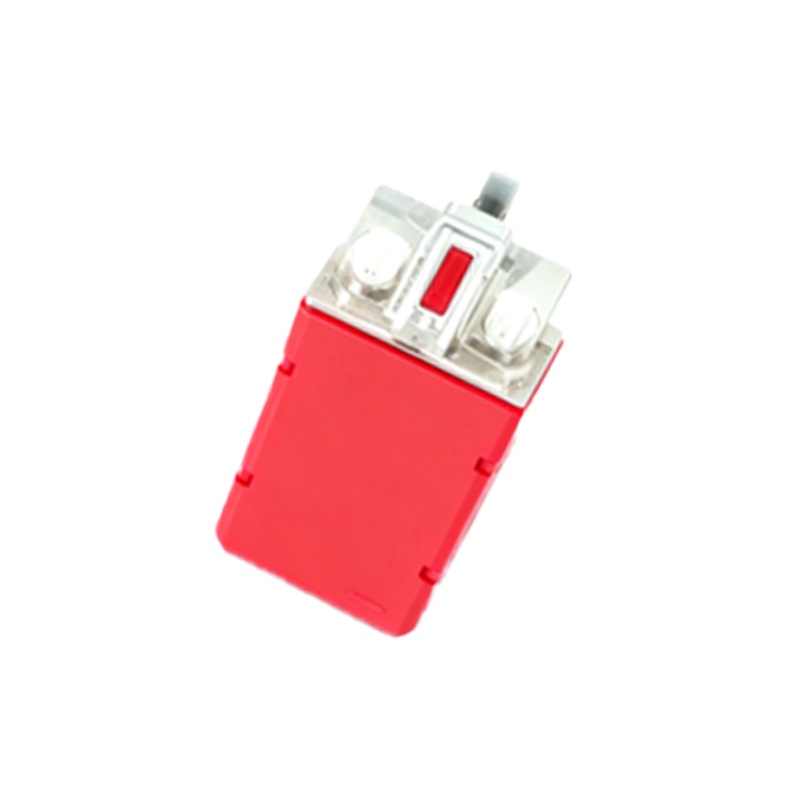
Modern devices rely on comprehensive self-diagnostics during startup and operation. The absence of a key sensor like the 12pm proximity module will almost certainly cause the device's diagnostic routines to fail a specific hardware check. This failure can manifest in several ways. It may generate persistent error codes in the system log, trigger a warning message in engineering or diagnostic modes, or even prevent certain calibration procedures from completing. For instance, post-repair calibration suites often require all sensors to be present and responsive to perform display and audio tuning accurately. A missing sensor can halt these processes, leaving the device with suboptimal performance even if other repairs are successful.
Potential Workarounds and Their Drawbacks
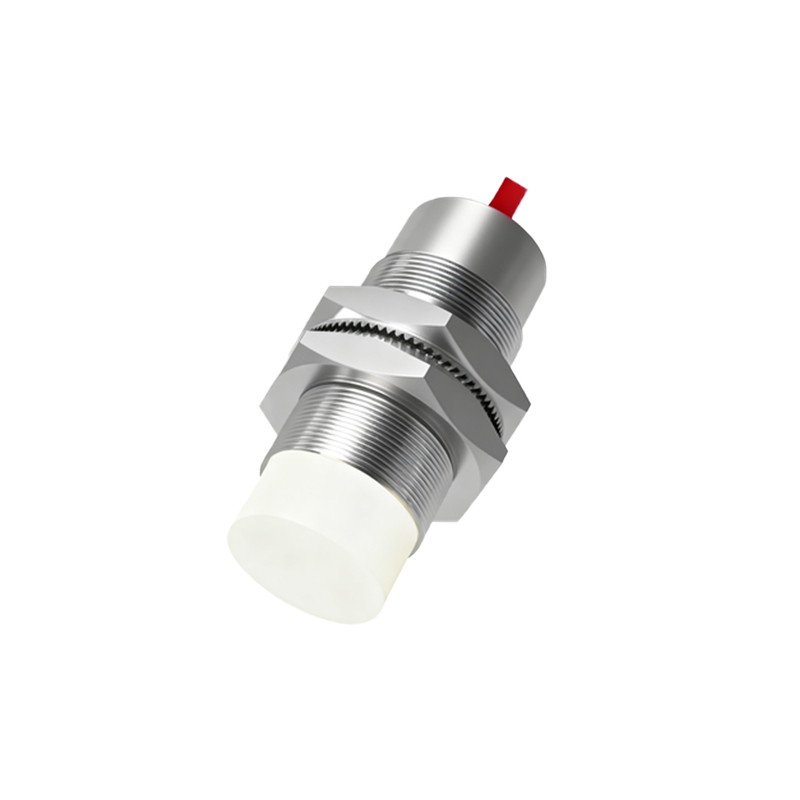
In repair or prototyping scenarios, one might consider temporary workarounds. A common question is whether bridging connections or installing a dummy component can bypass the error. While physically shorting specific data lines might trick the system into detecting a component, it would provide no meaningful data, leading to erratic behavior. Software modifications, such as editing system files or flashing custom firmware to ignore the sensor, present another avenue. However, these methods are highly complex, often device-specific, and void warranties. They can introduce system instability, security vulnerabilities, and compatibility issues with official software updates. For a reliable, production-standard device, these workarounds are not considered viable solutions.
Final Verdict for Engineering and Repair Contexts
In conclusion, while the physical absence of the 12pm proximity sensor may not prevent basic device operation, it is strongly advised against in any professional engineering or repair context. The sensor is not an optional component but an integral part of the device's intended human-machine interface and power management system. Omitting it degrades core user functionality, negatively impacts battery life, and compromises the device's diagnostic integrity. For a fully functional, reliable, and market-compliant product, the correct installation of a genuine or high-quality compatible 12pm proximity sensor is a mandatory step. Its function is essential for delivering the complete, intended user experience.