Introduction to Proximity Displacement Sensor Displays
Proximity displacement sensor displays are critical components in modern industrial automation, providing real-time visual feedback on the position and movement of objects without physical contact. These displays interface with sensors that detect the presence, distance, or displacement of targets through technologies like inductive, capacitive, ultrasonic, or optical methods. In industrial settings, the display unit translates raw sensor data into actionable insights, enabling operators to monitor processes, ensure precision in manufacturing, and maintain safety standards. The evolution from simple analog indicators to advanced digital interfaces has revolutionized how industries utilize proximity sensing, making these displays indispensable in applications ranging from assembly lines to robotics and quality control.
Key Features and Functionality
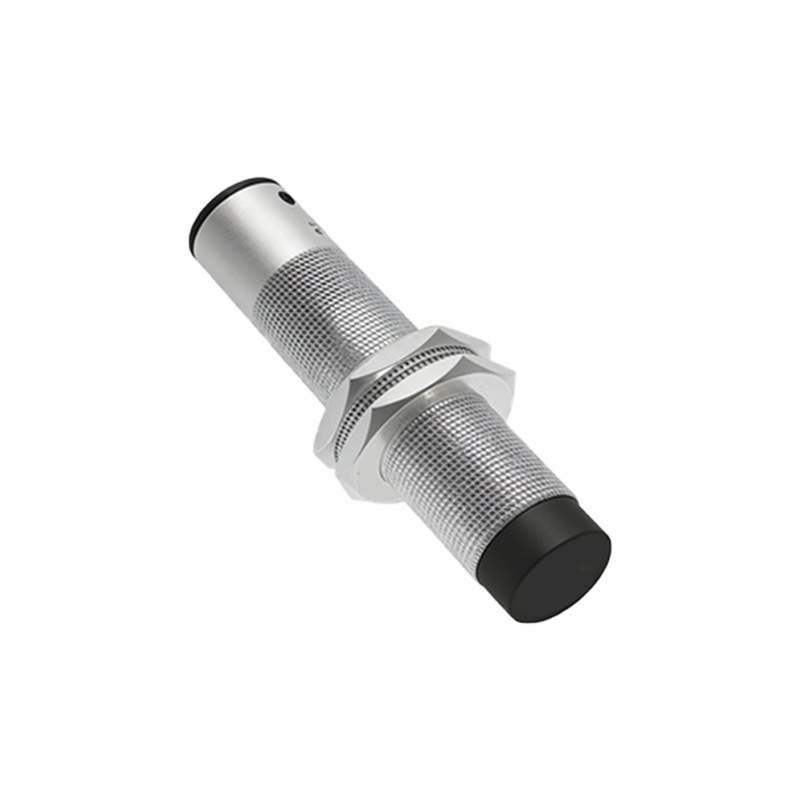
Modern proximity displacement sensor displays offer a range of features designed to enhance usability and reliability. High-resolution screens, often LCD or OLED, present data clearly even in low-light or high-glare environments. Key functionalities include configurable measurement units (e.g., millimeters, inches), adjustable sampling rates, and programmable alarm thresholds for out-of-range conditions. Many displays support multiple sensor inputs, allowing simultaneous monitoring of several points in a system. Advanced models incorporate data logging capabilities, enabling historical trend analysis and predictive maintenance. The interface typically includes touchscreens or tactile buttons for easy navigation, with some units offering remote connectivity via Ethernet, Wi-Fi, or industrial protocols like PROFINET or Modbus for integration into larger control systems.
Types of Displays and Their Applications
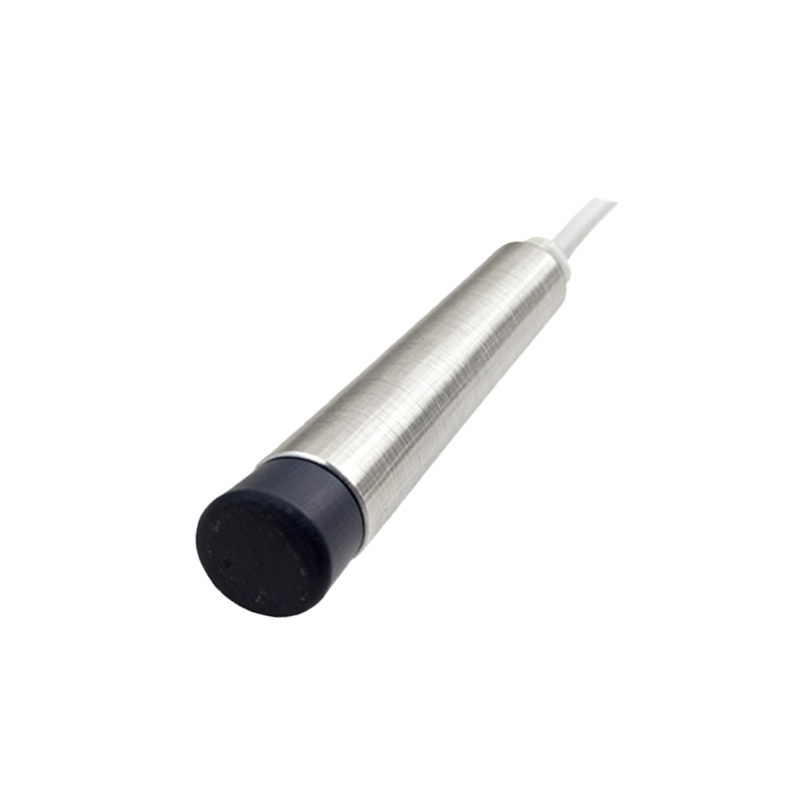
Proximity displacement sensor displays vary based on the sensor technology and application requirements. Digital displays provide numerical readouts with high accuracy, suitable for precision tasks such as machining or semiconductor fabrication. Analog displays, though less common, offer quick visual cues through bar graphs or dials, ideal for rapid monitoring in dynamic environments like conveyor systems. Multi-channel displays can handle inputs from multiple sensors, used in complex setups like automotive assembly or packaging lines. Specialized displays for harsh conditions feature rugged enclosures with IP67 or higher ratings, resistant to dust, moisture, and extreme temperatures, making them perfect for outdoor or heavy industrial use. In robotics, displays often include graphical representations to visualize movement paths and alignment.
Installation and Calibration Best Practices
Proper installation and calibration are essential for optimal performance of proximity displacement sensor displays. Mount the display in a location with minimal vibration and electromagnetic interference, following manufacturer guidelines for power supply and grounding. Connect sensors using shielded cables to reduce noise, and ensure secure connections to prevent signal loss. During calibration, use certified reference standards to zero the display and set measurement ranges accurately. Many digital displays include auto-calibration features, but manual verification is recommended periodically. Adjust display settings such as brightness and contrast to match ambient lighting, and configure alarm limits based on operational tolerances. Regular maintenance, including firmware updates and cleaning, helps sustain accuracy and longevity.
Common Challenges and Troubleshooting Tips
Despite their robustness, proximity displacement sensor displays can encounter issues. Common problems include inaccurate readings due to sensor misalignment, environmental interference, or display malfunctions. To troubleshoot, first verify sensor placement and target material compatibility—for instance, inductive sensors may not detect non-metallic objects. Check for loose wiring or damaged cables, and inspect the display for error codes or flickering screens, which could indicate power supply issues. Resetting the display to factory settings can resolve software glitches, while recalibration may fix drift in measurements. In cases of persistent faults, consult technical documentation or contact support for diagnostic tools. Preventive measures like regular testing and environmental shielding can minimize downtime.
Future Trends and Innovations
The future of proximity displacement sensor displays is shaped by advancements in IoT and Industry 4.0. Emerging trends include the integration of AI algorithms for predictive analytics, enabling displays to forecast equipment failures or optimize processes autonomously. Wireless displays with low-power Bluetooth or LoRaWAN connectivity are gaining traction, reducing installation complexity and enabling flexible monitoring in remote areas. Enhanced user interfaces with augmented reality (AR) overlays provide immersive training and maintenance support. Additionally, miniaturization is leading to compact, wearable displays for field technicians. Sustainability efforts are driving energy-efficient designs with solar-powered options. As industries embrace smart manufacturing, these innovations will further enhance the role of displays in achieving higher efficiency and safety standards.
Conclusion and Industry Recommendations
Proximity displacement sensor displays are vital tools for modern industrial operations, bridging sensor data and human decision-making. To maximize their benefits, professionals should select displays based on specific application needs, considering factors like sensor compatibility, environmental conditions, and connectivity requirements. Investing in training for operators on advanced features can improve utilization and reduce errors. Regularly updating