What is a Proximity Sensor in 3D Printing?
A proximity sensor in a 3D printer is a critical electronic component designed to detect the presence or absence of the print bed (or sometimes the nozzle) without any physical contact. Its primary function is to establish an accurate and consistent reference point for the Z-axis, known as the "Z-offset" or "home position." This process, called bed leveling or bed probing, is fundamental for successful first-layer adhesion and overall print quality. By precisely measuring the distance between the nozzle and the print surface, the sensor enables the printer's firmware to create a detailed mesh map of the bed's topography. This data is then used to automatically compensate for any unevenness during the printing process, ensuring the nozzle maintains a perfect first-layer height across the entire build plate.
Core Types of Proximity Sensors
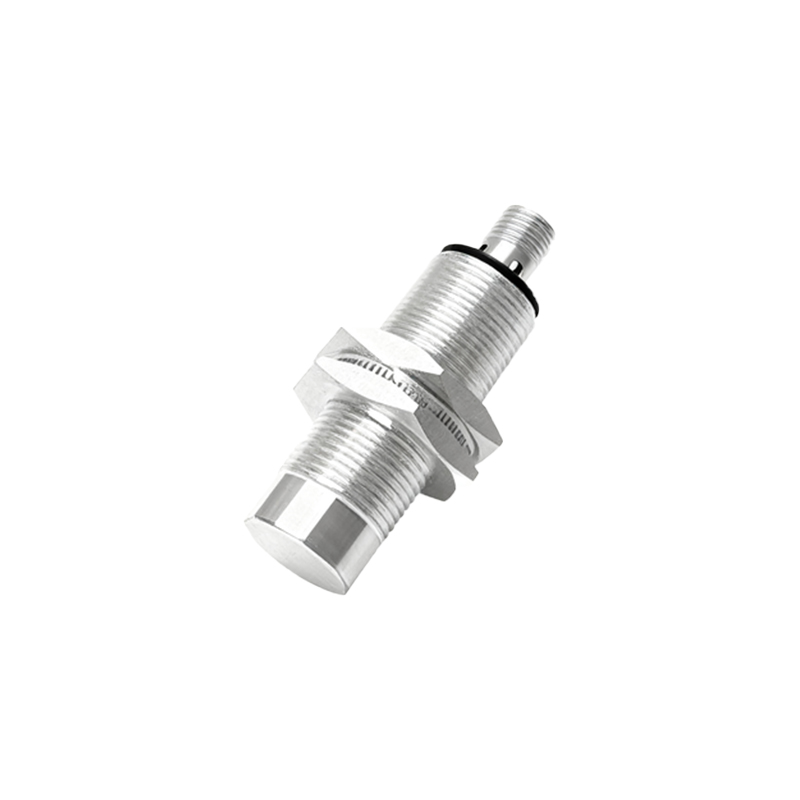
Several sensor technologies are employed in modern 3D printers, each with distinct operating principles and advantages. Inductive sensors are among the most common. They generate an electromagnetic field and detect changes caused by conductive materials, typically a metal print bed or a dedicated metal sheet. Consequently, they do not work with glass or other non-conductive surfaces. Capacitive sensors, on the other hand, detect changes in an electrostatic field and can sense both conductive and non-conductive materials, making them versatile for various bed types. However, they can be sensitive to environmental factors like humidity and temperature. A highly popular and precise option is the BLTouch or similar servo-based probes. These are physical probes that extend and retract a pin to touch the bed directly, providing excellent accuracy independent of the bed material. Finally, optical and infrared sensors use light beams to detect the bed surface but can be fooled by transparent or reflective materials.
Key Functions and Operational Benefits
The implementation of a reliable proximity sensor system delivers transformative benefits. The foremost is automated bed leveling (ABL). Manual bed leveling is a tedious and often imprecise task. An ABL system with a proximity sensor probes multiple points on the bed in seconds, creating a compensation mesh automatically. This directly translates to perfect first-layer adhesion, which is the foundation of any successful print, preventing warping, elephant's foot, or poor layer bonding. Furthermore, it enhances reliability and reduces failed prints and material waste. For users with slightly warped beds, the sensor's mesh leveling capability is a lifesaver, dynamically adjusting the Z-height during the first layer to follow the bed's contours. This functionality is essential for large-format printers where manual leveling across a vast area is exceptionally challenging.
Installation, Calibration, and Troubleshooting
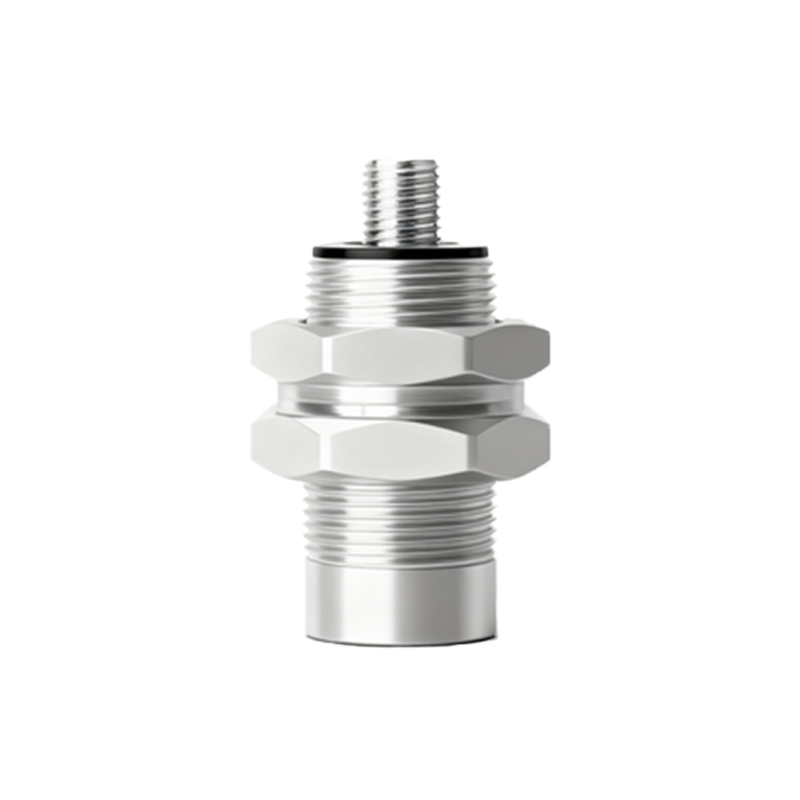
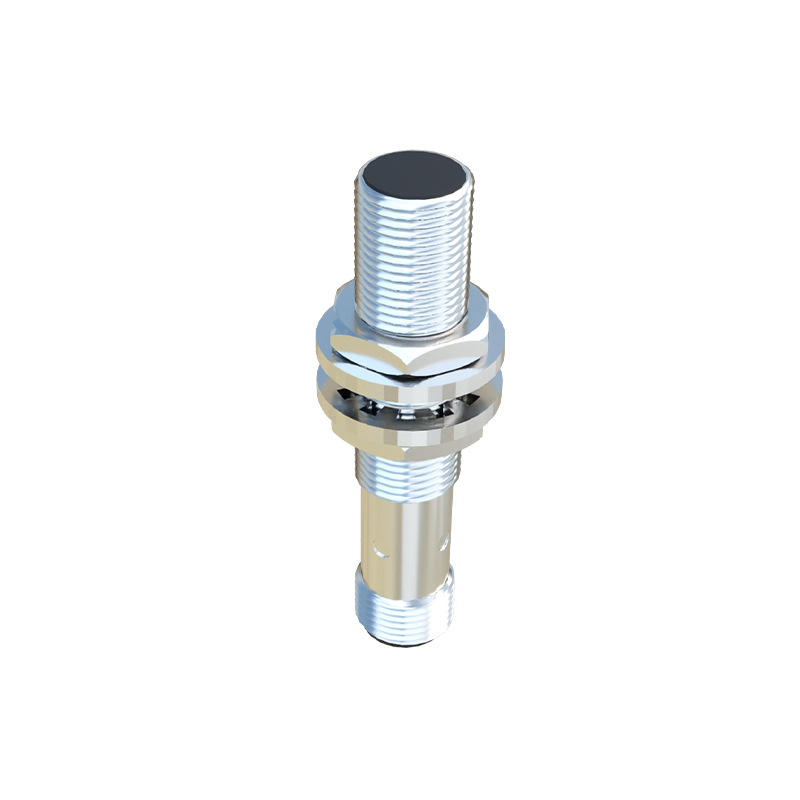
Proper installation and calibration are paramount for sensor accuracy. The sensor must be mounted rigidly to the printer's toolhead or frame, and its trigger point relative to the nozzle must be meticulously set in the firmware (Z-offset). Calibration involves commanding the printer to home Z, then using a piece of paper or a feeler gauge to fine-tune the nozzle-to-bed distance at the probe point. This offset value is stored in the printer's memory. Common issues include false triggers due to electrical noise, especially with inductive sensors near stepper motors, which may require shielded cables or ferrite cores. A sensor failing to trigger might indicate incorrect wiring, voltage issues, or being out of its specified detection range. For capacitive sensors, environmental changes can cause drift, necessitating occasional re-calibration. Always consult your printer and sensor manufacturer's documentation for specific wiring diagrams and firmware configuration steps.
Choosing the Right Sensor for Your Printer
Selecting an appropriate proximity sensor depends on your specific printer setup and bed material. For printers with a spring steel sheet with a PEI magnetic surface, an inductive sensor is often a simple and effective choice. If you use a glass bed, a capacitive sensor or a physical probe like the BLTouch is necessary. Consider the required precision; for high-detail printing with layer heights below 0.1mm, a highly repeatable sensor like a servo probe is recommended. Ease of integration is another factor; some sensors are plug-and-play with certain printer boards, while others require firmware modifications. Finally, budget plays a role, with basic inductive sensors being very affordable and more sophisticated auto-leveling kits costing more. Researching compatibility with your printer's mainboard and available firmware is a crucial step before purchase.