Capacitive proximity sensors are versatile devices widely used in industrial automation, packaging, and material handling applications. Their ability to detect both metallic and non-metallic objects through changes in capacitance makes them indispensable in various settings. Proper installation is crucial for ensuring reliable operation, longevity, and safety. This guide outlines essential steps and considerations for installing capacitive proximity sensors effectively.
Before installation, carefully review the manufacturer’s datasheet and specifications. Key parameters include sensing range, operating voltage, output type (e.g., NPN or PNP), and environmental ratings like IP protection. Ensure the sensor is suitable for the target application—whether detecting liquids, plastics, or granular materials. Verify the power supply matches the sensor’s requirements to prevent damage.
Mounting the sensor correctly is fundamental. Choose a stable location free from excessive vibration or mechanical stress. The sensing face should be oriented toward the target object without obstructions. Maintain the recommended sensing distance, typically 50% to 80% of the rated range, to account for environmental factors like temperature fluctuations. Avoid mounting near metal surfaces or other sensors unless specified, as this can cause interference or false triggering. Use appropriate brackets or fixtures to secure the sensor, ensuring it remains aligned during operation.
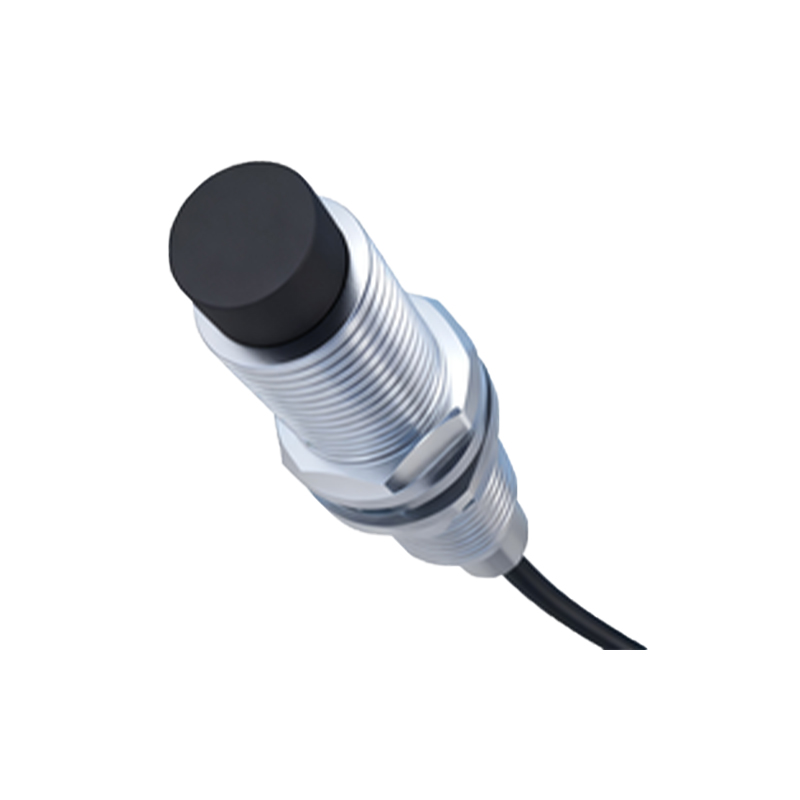
Wiring must adhere to electrical standards and safety protocols. Disconnect power before making connections to prevent shocks or short circuits. Follow the wiring diagram provided by the manufacturer, connecting the power leads, output wires, and ground properly. For DC sensors, observe polarity to avoid reverse voltage damage. Shielded cables are recommended in electrically noisy environments to minimize electromagnetic interference. Secure cables with clamps or conduits to prevent strain on the terminals and reduce wear over time.
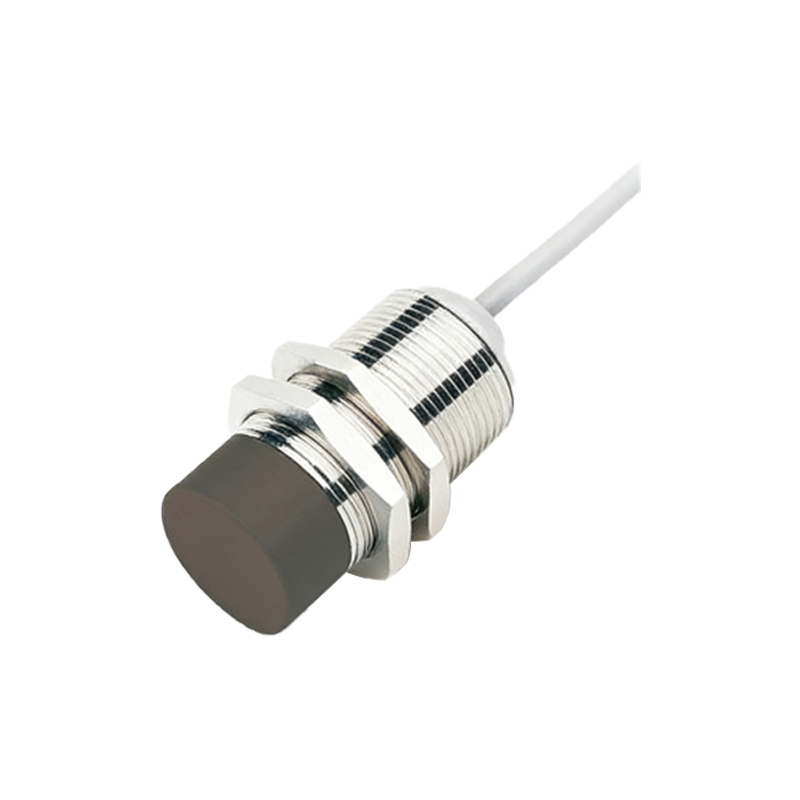
Environmental factors significantly impact performance. Capacitive sensors are sensitive to moisture, dust, and temperature extremes. Select sensors with adequate IP ratings (e.g., IP67 for dust and water resistance) if installed in harsh conditions. Avoid direct exposure to chemicals or oils unless the sensor is specifically rated for such exposure. In applications involving conductive materials or liquids, adjust the sensitivity potentiometer to fine-tune detection and avoid false signals from background objects.
Calibration and testing are critical post-installation steps. Power on the system and use the sensor’s sensitivity adjustment to set the detection threshold. Place the target object within the sensing range and verify consistent triggering. Monitor the output signal via an indicator light or multimeter to ensure stability. If the sensor fails to detect objects, check for alignment issues, power supply problems, or environmental interference. Regular maintenance, including cleaning the sensing face and inspecting connections, helps sustain optimal performance.
Common installation pitfalls include ignoring grounding requirements, using incompatible power sources, or mounting sensors too close to each other. Always refer to troubleshooting guides if issues arise. By following these guidelines, users can maximize the efficiency and reliability of capacitive proximity sensors in diverse industrial applications.