Introduction to Autonics Proximity Switch Sensors
Autonics proximity switch sensors are widely recognized in industrial automation for their reliability and precision. These non-contact sensors detect the presence or absence of metallic objects without physical contact, making them ideal for harsh environments where wear and tear are concerns. The three-wire configuration is particularly common, offering a balance of simplicity and functionality. This design typically includes power supply, ground, and output wires, enabling seamless integration into control systems. Engineers favor Autonics sensors for their robust construction, consistent performance, and adaptability across diverse applications, from manufacturing lines to robotics.
Key Features of Three-Wire Autonics Proximity Sensors
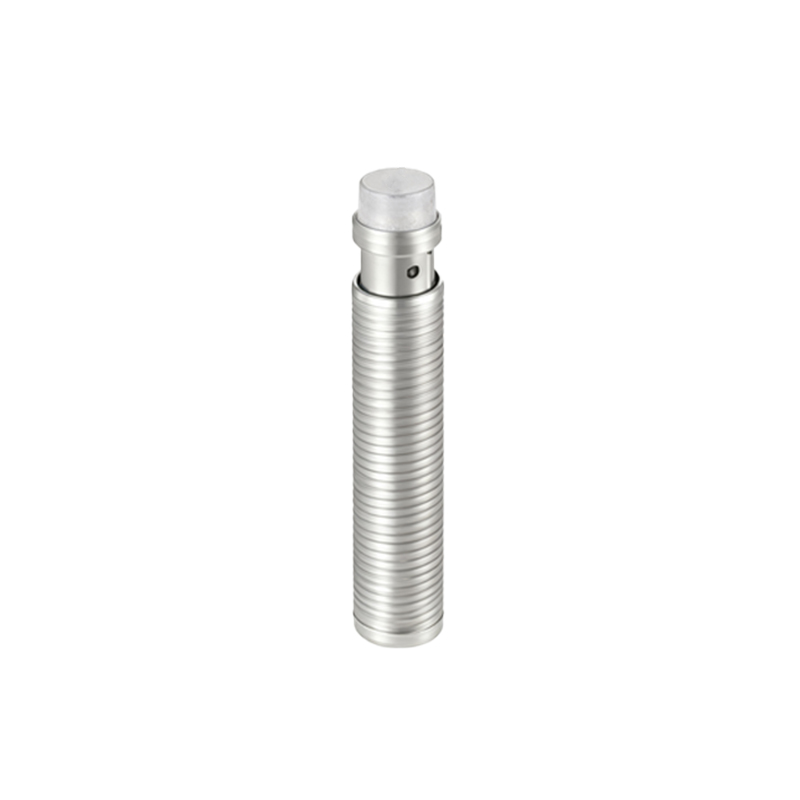
The three-wire Autonics proximity sensors boast several standout features. They are available in both NPN (sinking) and PNP (sourcing) output types, allowing compatibility with various PLCs and controllers. These sensors operate on DC voltage, commonly 12-24V DC, ensuring low power consumption and stable operation. With high switching frequencies, they can handle rapid detection tasks, such as counting or positioning in fast-paced production settings. Additionally, Autonics models often include LED indicators for status monitoring, IP-rated enclosures for dust and water resistance, and short-circuit protection to enhance durability. Their compact size facilitates installation in tight spaces without compromising detection range.
Wiring Configuration and Installation Guidelines
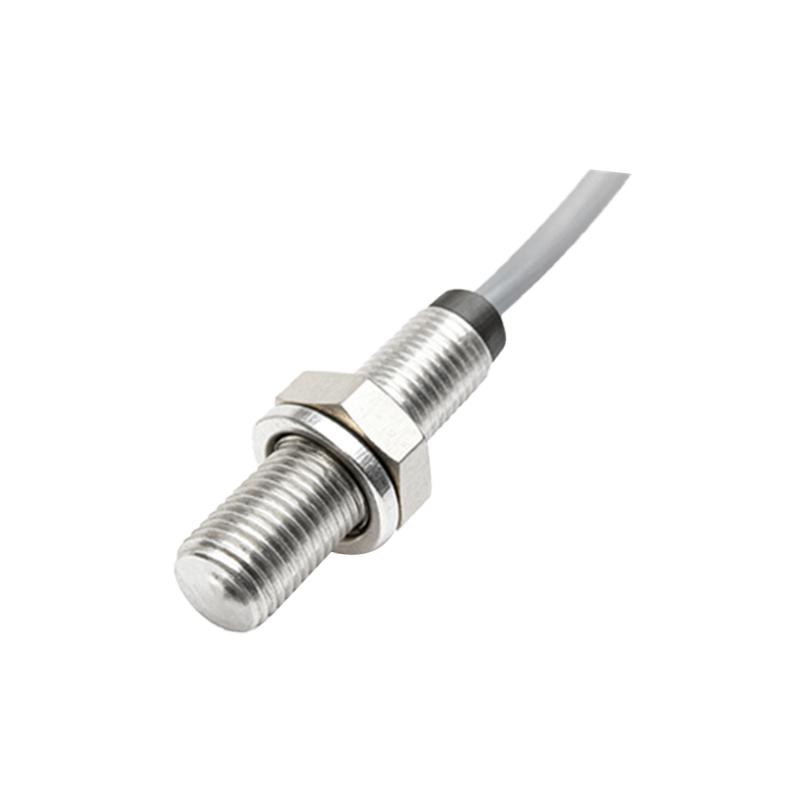
Proper wiring is crucial for optimal sensor performance. In a three-wire Autonics proximity sensor, the wires are typically color-coded: brown for positive power supply (V+), blue for negative or ground (V-), and black for the output signal. For NPN versions, the output sinks current to ground when activated, while PNP versions source current from the positive supply. During installation, ensure the power supply matches the sensor's voltage rating and avoid voltage spikes with surge protectors if needed. Mount the sensor securely, maintaining the recommended sensing distance from target objects, and shield it from electromagnetic interference by separating signal cables from power lines. Regular testing with a multimeter can verify correct operation.
Applications in Industrial Automation
Autonics three-wire proximity sensors play a vital role in numerous industrial scenarios. In conveyor systems, they detect objects for sorting or stopping mechanisms, improving efficiency and safety. Machine tools use these sensors for position feedback, ensuring accurate cutting or drilling operations. In automotive assembly lines, they monitor part presence for quality control. Other applications include packaging machinery for item counting, robotic arms for object detection, and safety systems to prevent accidents by sensing unauthorized access. Their non-contact nature reduces maintenance needs, making them cost-effective for long-term use in demanding environments.
Advantages Over Two-Wire and Four-Wire Sensors
Compared to two-wire sensors, three-wire Autonics models offer distinct benefits. Two-wire sensors simplify wiring but may have lower switching speeds and compatibility issues with some controllers. Three-wire sensors provide faster response times and better load handling, thanks to separate power and output lines. They also minimize leakage current, reducing false triggers. On the other hand, four-wire sensors often include dual outputs or analog signals for advanced functions, but they are more complex and costly. For most standard applications, three-wire Autonics sensors strike an ideal balance, delivering reliable performance without unnecessary complexity, which is why they are a popular choice in the industry.
Maintenance and Troubleshooting Tips
To ensure longevity, regular maintenance of Autonics proximity sensors is essential. Keep the sensing face clean from debris, oil, or metal shavings that could interfere with detection. Check wiring connections periodically for corrosion or looseness, and inspect the housing for physical damage. If a sensor fails, start troubleshooting by verifying the power supply voltage and output with a multimeter. Ensure the target object is within the specified material and size range, as non-metallic objects may not be detected. Replace sensors if LED indicators show abnormal patterns or if they consistently underperform. Consulting the Autonics datasheet for specific model details can aid in diagnosing issues quickly.
Future Trends and Innovations
The future of Autonics proximity sensors is evolving with Industry 4.0 trends. Innovations may include enhanced connectivity options, such as IO-Link integration for real-time data exchange and diagnostics. Smart sensors with self-calibration features could reduce setup time and improve accuracy. Additionally, developments in materials and design might lead to even smaller form factors with extended sensing ranges. As automation becomes more sophisticated, Autonics is likely to focus on energy-efficient models and sensors capable of operating in extreme temperatures or volatile environments. Staying updated with these advancements can help engineers optimize their systems for greater productivity