Introduction to Photoelectric Proximity Sensor Imaging
Photoelectric proximity sensors are pivotal in modern automation, utilizing light beams to detect objects without physical contact. Images of these sensors provide critical insights into their design, application, and functionality. For engineers, analyzing such photos involves examining components like the emitter, receiver, lens, and housing. High-quality images often showcase the sensor's compact size, durable materials such as IP-rated enclosures, and LED indicators for status monitoring. Understanding these visual elements helps in selecting the right sensor for specific industrial environments, from conveyor systems to robotic arms.
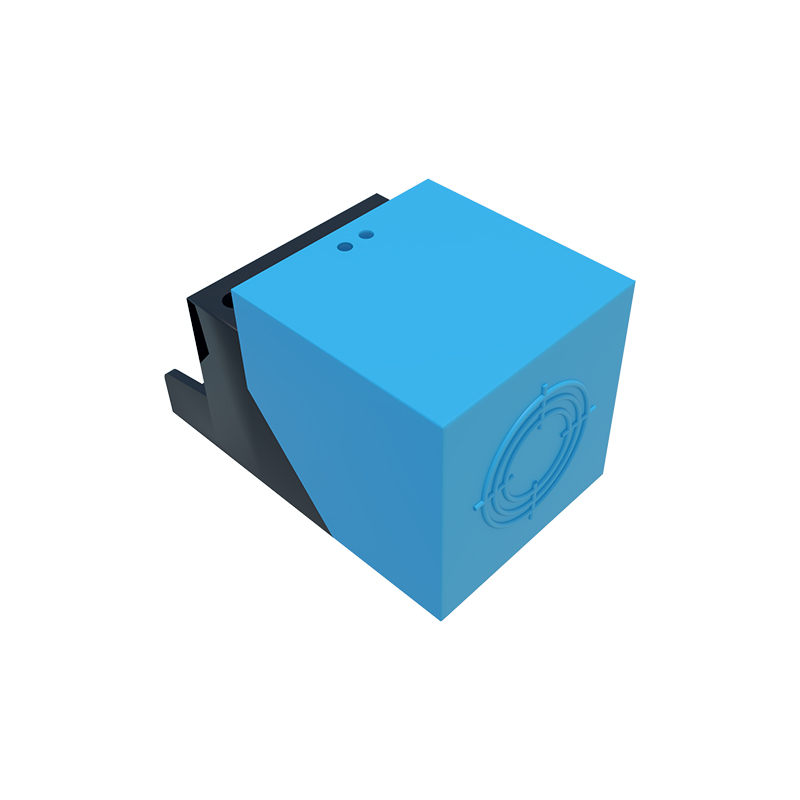
Key Components Visible in Sensor Images
When reviewing photos of photoelectric proximity sensors, several key features stand out. The emitter typically appears as a small LED or laser diode, often colored red or infrared, which projects the light beam. Opposite it, the receiver is designed to capture reflected or transmitted light, with lenses that focus the beam for accuracy. Housing details, including mounting brackets, cable connections, and protective casings, indicate the sensor's robustness against dust, moisture, or mechanical stress. Engineers should note labeling on the housing, which specifies voltage ratings, sensing ranges, and output types like NPN or PNP.
Interpreting Sensing Modes Through Visual Cues
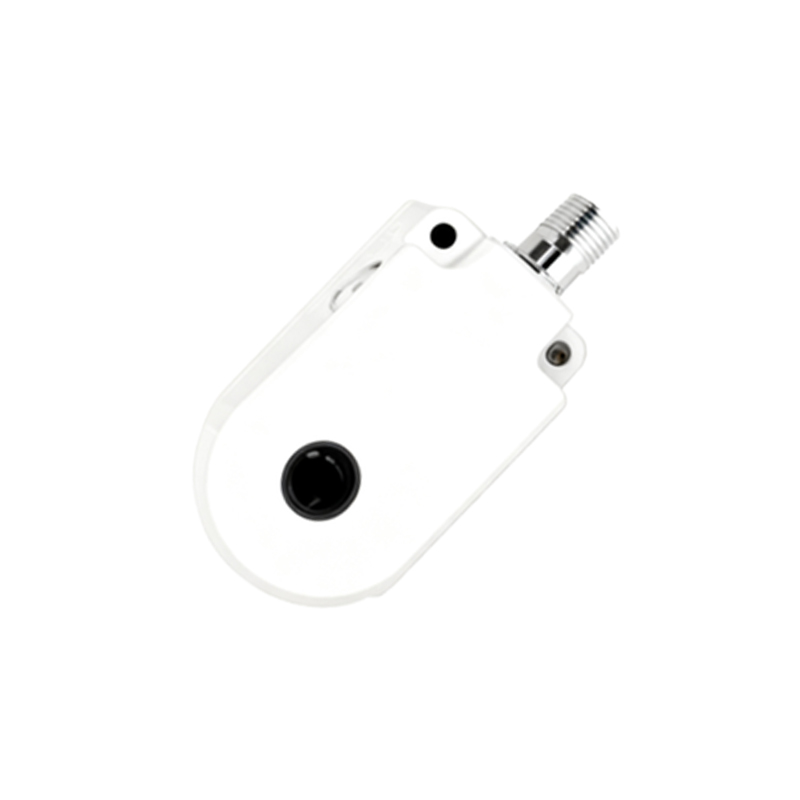
Images can reveal the sensor's operating mode, such as diffuse, retro-reflective, or through-beam. In diffuse mode photos, a single unit combines emitter and receiver, suitable for detecting objects at close ranges. Retro-reflective sensors show a reflector opposite the sensor, enabling longer detection distances, while through-beam models display separate emitter and receiver units for high-precision applications. Visual indicators, like alignment marks or beam patterns in diagrams, assist engineers in installation and calibration, ensuring optimal performance in varied lighting conditions.
Applications Illustrated in Industrial Settings
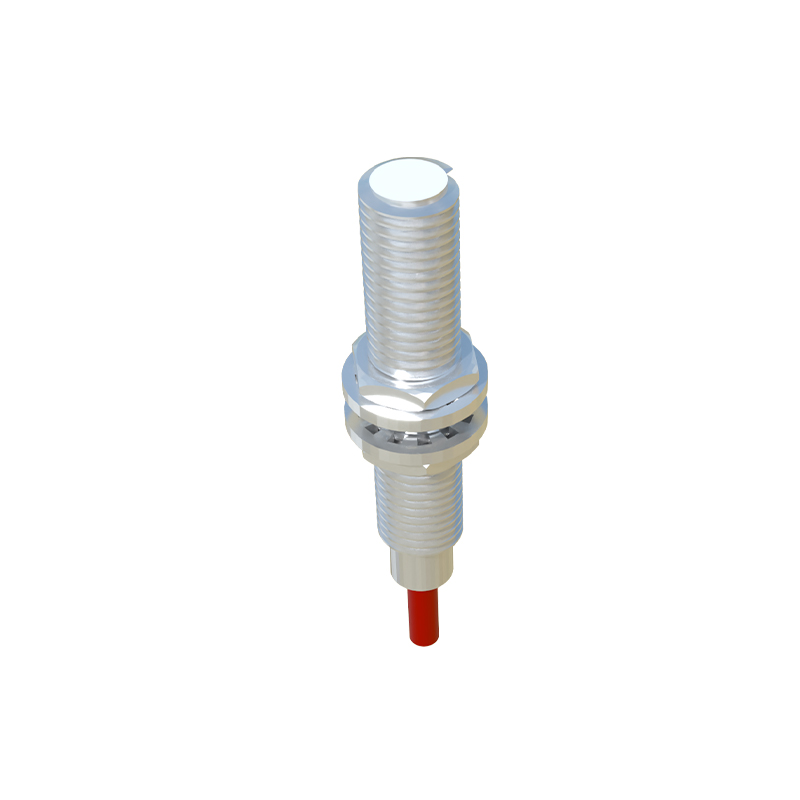
Photographs often depict sensors in real-world scenarios, highlighting their versatility. Common applications include object counting on production lines, position sensing in machinery, and safety systems in automated doors. Images may show sensors integrated with PLCs, encoders, or other control devices, emphasizing connectivity options. Engineers can assess environmental factors from these visuals, such as exposure to heat, vibration, or electrical interference, which influence sensor selection and maintenance schedules for reliability.
Analyzing Technical Specifications from Product Images
Detailed sensor images provide clues about technical specs without reading datasheets. For instance, the size and shape of the lens indicate the sensing angle and range, while cable types suggest flexibility or shielding needs. LED colors in images—green for power, yellow for output—help troubleshoot operations. Engineers should compare images across brands to evaluate build quality, such as metal vs. plastic housings, which affect durability in harsh industries like automotive or packaging.
Best Practices for Using Sensor Images in Projects
To leverage sensor images effectively, engineers should source high-resolution photos from manufacturer websites or technical manuals. These images aid in CAD modeling, system integration, and training materials. When documenting projects, include annotated photos showing wiring diagrams, mounting positions, and alignment tips. Regularly update image libraries with new sensor models to stay current with advancements like IO-Link connectivity or smart sensors with diagnostic capabilities, enhancing system efficiency and reducing downtime.
Conclusion: The Value of Visual Analysis in Engineering
In summary, photos of photoelectric proximity sensors are more than just illustrations; they are essential tools for design, installation, and troubleshooting. By critically examining these images, engineers can make informed decisions, improve system accuracy, and adapt to evolving industrial needs. As technology progresses, incorporating visual data into workflows will remain a cornerstone of effective engineering practices in automation and beyond.