When a proximity sensor light fails to illuminate, it disrupts automated systems, security lighting, and industrial processes. This issue can stem from various causes, ranging from simple power failures to complex sensor malfunctions. Understanding the systematic approach to diagnosing and resolving this problem is crucial for maintenance personnel, homeowners, and technicians alike.
The first and most fundamental step is to verify the power supply. Ensure the device is receiving the correct voltage as specified by the manufacturer. Use a multimeter to check for voltage at the sensor's power terminals. A lack of power could indicate a blown fuse, a tripped circuit breaker, a faulty power supply unit, or broken wiring. Inspect all cables and connections for physical damage, corrosion, or loose terminals. Even if power is present, unstable or fluctuating voltage can prevent the sensor from operating correctly.
Next, examine the sensor's detection environment. Proximity sensors, whether inductive, capacitive, or photoelectric, have specific operational requirements. An inductive sensor might fail to detect a non-ferrous metal target if it's out of its specified sensing range. Dust, dirt, grease, or other contaminants on the sensor's face can severely attenuate its signal. For optical sensors, ensure the lens is clean and that there is no ambient light interference overpowering the sensor's beam. Also, verify that the target object is within the sensor's stated sensing distance and is of the correct material, size, and shape to be detected.
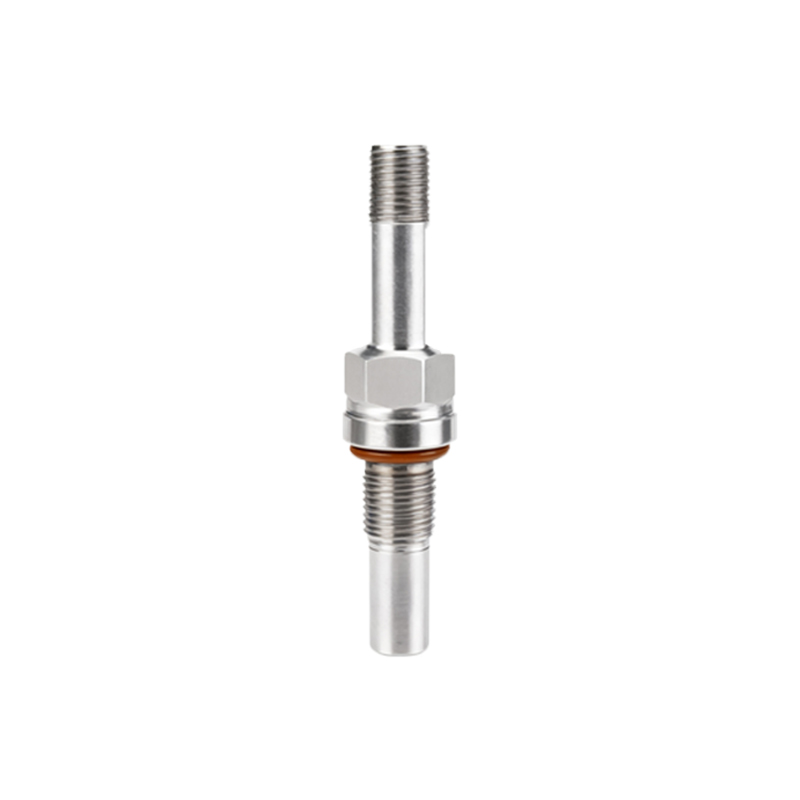
The load connected to the sensor's output is a common culprit. If the sensor's output is a solid-state switch or a relay driving a light, the load itself might be faulty. Disconnect the sensor's output wire from the load (e.g., the light fixture or control relay) and test the sensor's output independently. You can connect a multimeter in voltage mode or a small indicator lamp to the output terminals. Activate the sensor by bringing the target object into its detection field. If the sensor's output switches correctly (provides voltage or closes the circuit), then the problem lies with the original load—the light bulb may be burnt out, or the relay coil may be open.
Configuration and settings are often overlooked. Many modern proximity sensors have adjustable parameters such as sensitivity, time delay (on-delay/off-delay), and output mode (light-on/dark-on for photoelectric sensors). An incorrectly set sensitivity might cause the sensor to ignore valid targets. A long off-delay could make it seem like the sensor is not responding. Consult the sensor's datasheet or manual to ensure all dip-switches or potentiometers are correctly configured for the application.
Internal component failure is a definitive possibility. Sensors can be damaged by electrical surges, excessive vibration, mechanical stress, or moisture ingress leading to short circuits. While internal repairs are often not feasible, you can perform a basic swap test. Replace the suspect sensor with a known-good unit of the same model. If the new sensor works immediately, the original sensor is likely defective. Before replacement, always double-check the wiring against the new sensor's diagram to prevent damage.
Finally, consider environmental factors beyond simple dirt. Extreme temperatures can cause sensors to operate outside their rated specifications. Strong electromagnetic interference (EMI) from nearby motors, welders, or power lines can disrupt sensor electronics. Chemical exposure can degrade sensor housings and components over time.
A methodical troubleshooting process—checking power, environment, load, settings, and finally the sensor itself—will isolate the cause of the failure in most cases. Always prioritize safety: lock out and tag out power before inspecting connections. Refer to the manufacturer's documentation for specific testing procedures and safety warnings. Regular preventive maintenance, including cleaning and periodic functional checks, can prevent many instances of "sensor light not working" and ensure reliable system operation.