Understanding Proximity Sensor Flickering
Proximity sensors are fundamental components in industrial automation, providing non-contact detection of objects. However, a common and disruptive issue encountered by engineers and maintenance personnel is sensor flickering or unstable output. This phenomenon manifests as erratic switching, where the sensor output rapidly toggles between on and off states even when the target object is stationary at the detection boundary. This instability can lead to production line stoppages, incorrect counting, faulty machine sequencing, and overall reduced system reliability. Addressing flickering requires a systematic approach to diagnose the root cause, which often lies in the interplay between the sensor's operating principles and its installation environment.
Primary Causes of Unstable Operation
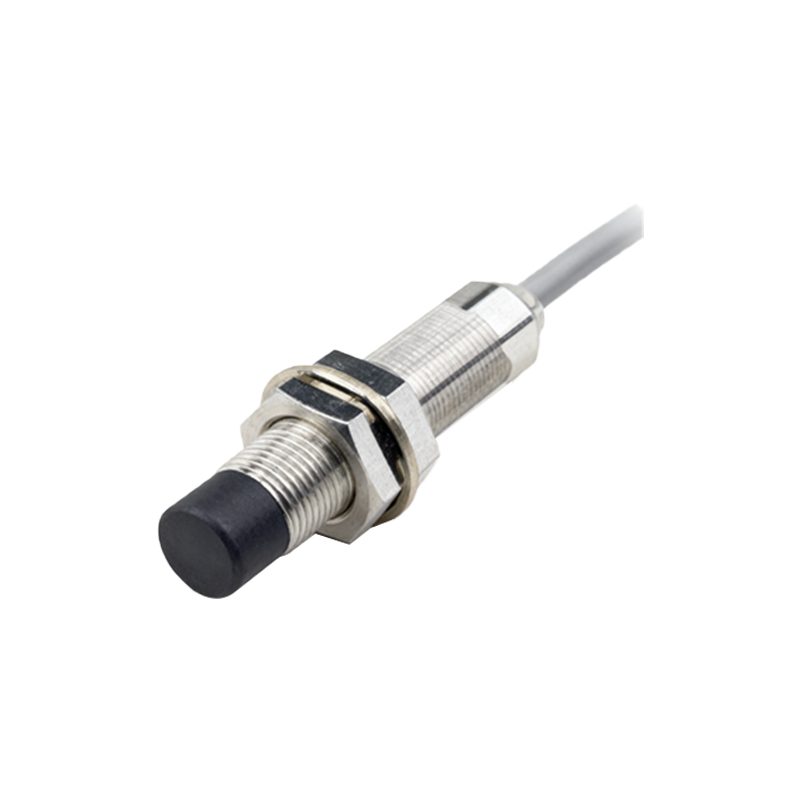
Several factors can trigger flickering in inductive, capacitive, or photoelectric proximity sensors. Electrical noise interference is a leading culprit. This can originate from nearby variable frequency drives (VFDs), welding equipment, large motors, or power lines. Noise can be inductively or capacitively coupled into the sensor's signal lines or power supply, corrupting the sensing signal. Another frequent cause is an improper sensing distance. Operating the sensor at its absolute maximum rated sensing distance, especially with a smaller-than-specified target, pushes the sensor to its limits, making it susceptible to minor variations in temperature, voltage, or target position. Mechanical vibration can also induce flickering if the sensor or the target is not securely mounted, causing minute changes in the air gap.
Environmental and Installation Factors
The physical installation environment plays a critical role. Contaminants such as metal chips, dust, oil, or coolant accumulating on the sensor's active face can alter its sensing field, particularly for inductive and capacitive types. For capacitive sensors, changes in humidity or the presence of non-target materials can affect dielectric constants and cause instability. Incorrect sensor mounting is another key factor. Embedding a sensor in metal without proper flush-mounting provisions, or mounting multiple sensors too close to each other, can cause mutual interference (cross-talk). Additionally, using an unshielded sensor in close proximity to grounded metal can distort its electromagnetic field.
Power Supply and Wiring Issues
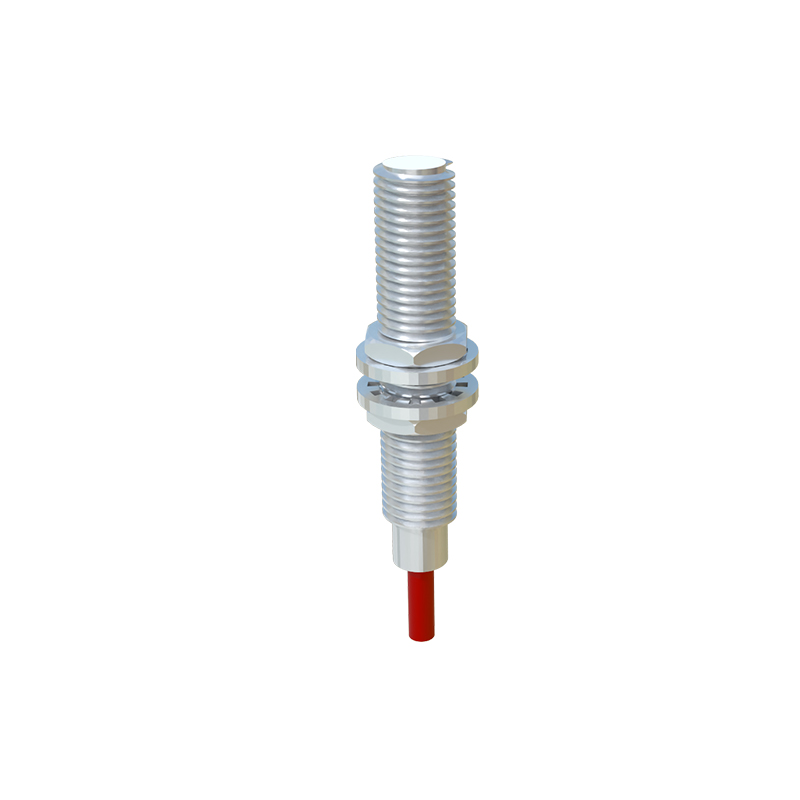
An unstable or inadequate power supply is a common but often overlooked cause. Voltage dips, ripple, or insufficient current capacity can prevent the sensor's internal oscillator and output circuit from functioning correctly. Shared power lines with high-inrush devices can cause temporary voltage drops. Wiring problems, such as loose connections, corroded terminals, or damaged cables with intermittent breaks, create high-resistance paths that lead to signal loss. For DC sensors, ensuring correct polarity is essential. Furthermore, failing to use twisted-pair cables for the signal line or neglecting proper grounding practices for both the sensor and the machine can exacerbate noise susceptibility.
Sensor-Specific Considerations and Wear
Different sensor technologies have unique vulnerabilities. Inductive sensors can be affected by variations in the target material's conductivity and permeability. A mild steel target provides a longer sensing range than stainless steel, for instance. Capacitive sensors are highly sensitive to changes in the material's dielectric constant and can be triggered by unwanted substances like water or glue. Photoelectric sensors may flicker due to ambient light interference, dirty lenses, or misalignment. Over time, all sensors can experience component degradation. Aging oscillators, deteriorating capacitors, or physical damage to the sensing face can reduce performance and lead to intermittent operation, signaling the end of the sensor's service life.
Systematic Troubleshooting Methodology
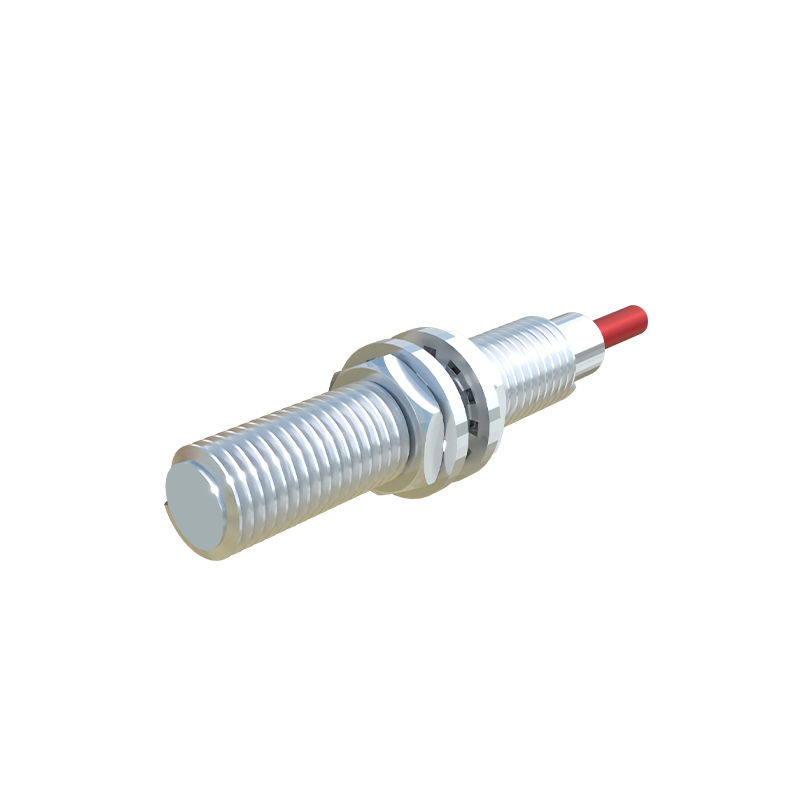
Effective troubleshooting begins with isolation. First, observe the conditions under which flickering occurs. Is it consistent or intermittent? Does it correlate with the operation of other machinery? Simplify the setup by testing the sensor with a known-good target in a controlled environment, away from potential interference. Use an oscilloscope to monitor the power supply line for noise and the output signal for stability. Check the sensor's installation against the manufacturer's datasheet for proper mounting distances, target size, and environmental ratings. Verify all electrical connections for tightness and integrity. Temporarily replacing the sensor with a new unit can quickly determine if the issue is sensor-specific or systemic.
Practical Solutions and Corrective Actions
Once the cause is identified, implement targeted solutions. To combat electrical noise, use shielded cables and connect the shield to ground at the controller end only. Install ferrite cores on cables near noise sources. Consider using sensors with built-in noise immunity features or DC sensors with analog output for threshold-based damping. Ensure a stable, regulated power supply, potentially with a separate line for sensitive electronics. For installation issues, remount the sensor securely, ensure proper clearance from metal and other sensors, and clean the sensing face regularly. Adjust the sensing distance to operate within 70