Understanding Proximity Sensor Basics
Proximity sensors are essential components in industrial automation, designed to detect the presence or absence of objects without physical contact. They operate based on principles such as inductive, capacitive, or ultrasonic sensing, each suited for specific applications. Inductive sensors detect metallic objects, capacitive sensors sense both metallic and non-metallic materials, and ultrasonic sensors use sound waves for detection. Before adjusting parameters, it is crucial to identify the sensor type and its intended use, as this determines the appropriate adjustment methods. Familiarity with the sensor's datasheet, including its sensing range, output type (e.g., NPN or PNP), and environmental tolerances, forms the foundation for effective parameter tuning.
Key Parameters for Adjustment
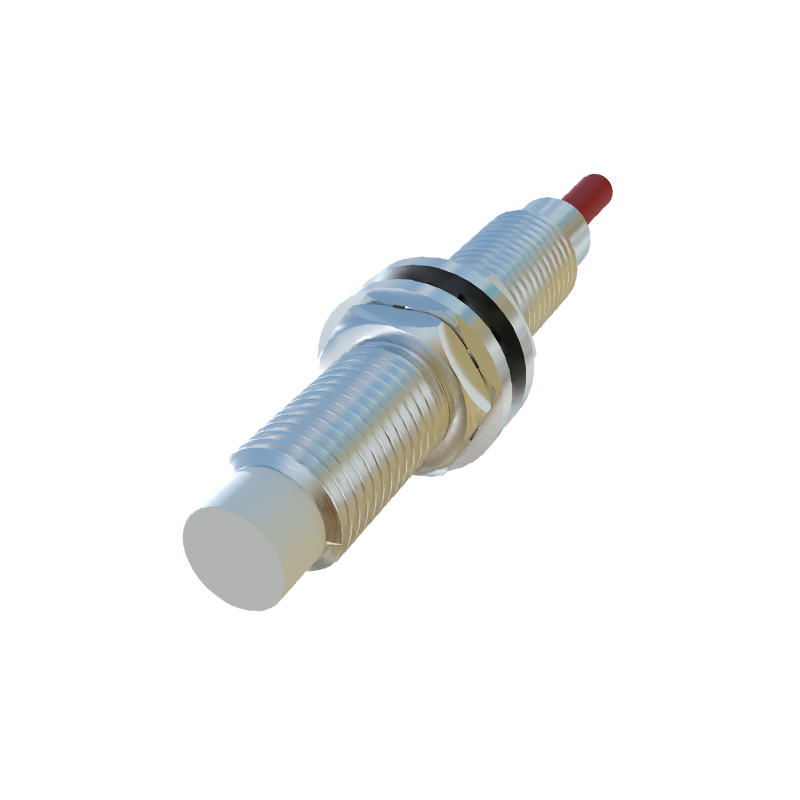
Several parameters influence proximity sensor performance, with sensitivity, hysteresis, and response time being the most critical. Sensitivity adjusts the detection distance, allowing fine-tuning to avoid false triggers from background objects. Hysteresis sets a difference between the switch-on and switch-off points, preventing rapid toggling when an object is near the threshold. Response time controls how quickly the sensor reacts to changes, which is vital for high-speed applications. Additionally, parameters like output delay or teach-in functions may be available, enabling customization for complex setups. Understanding each parameter's role ensures precise adjustments that match operational requirements.
Step-by-Step Adjustment Procedure
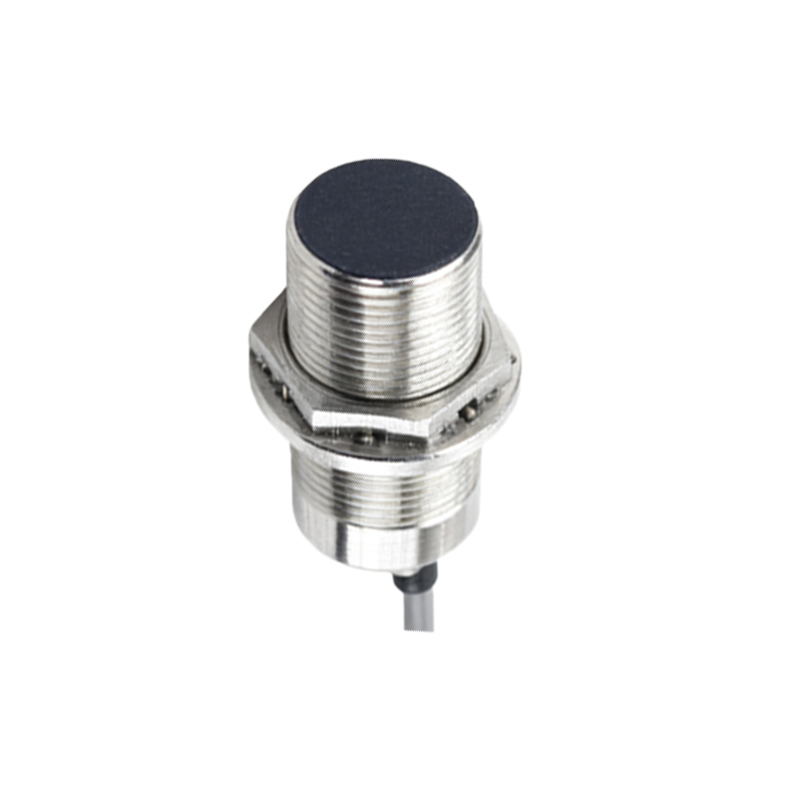
To adjust proximity sensor parameters, start by powering off the system to ensure safety. Mount the sensor securely in its intended location, aligning it properly with the target object. Power on the sensor and access its adjustment interface, which may involve physical potentiometers, digital buttons, or software tools. First, set the sensitivity by placing a standard target at the desired detection distance and tuning until the sensor activates consistently. Next, adjust hysteresis to create a stable switching buffer, typically 10-20% of the sensing range. Test the response time by moving objects at operational speeds, reducing it if necessary to avoid missed detections. Document all settings for future reference.
Common Challenges and Solutions
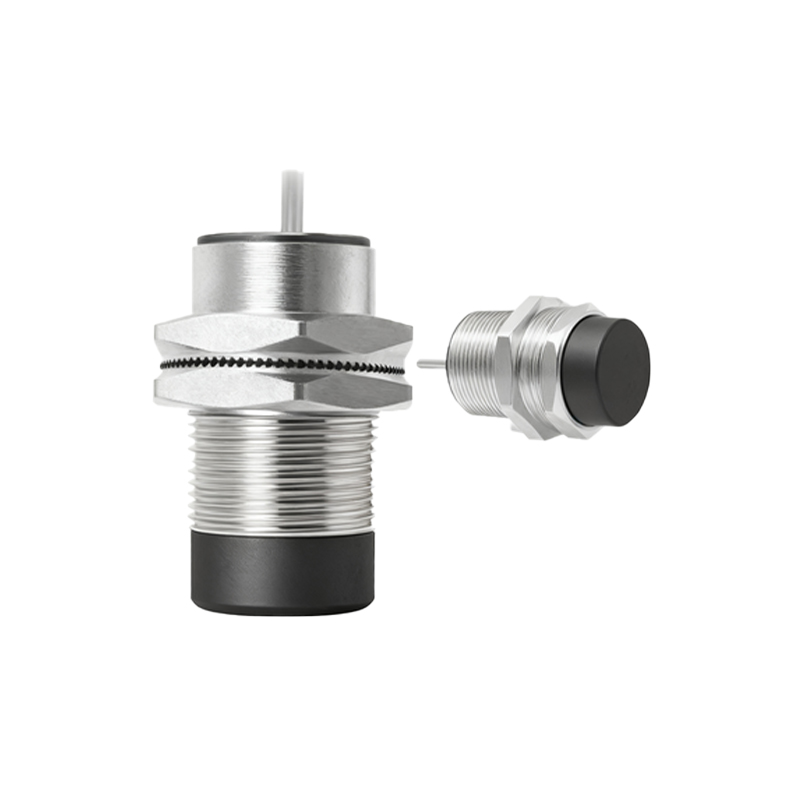
During adjustment, issues like false triggering, insufficient range, or inconsistent performance may arise. False triggers often result from high sensitivity or environmental interference; reduce sensitivity or shield the sensor from nearby metal or electrical noise. If the detection range is too short, check for obstacles or material properties, and increase sensitivity cautiously. Inconsistent performance might stem from voltage fluctuations or temperature changes; ensure stable power supply and consult the datasheet for environmental limits. Regular calibration and maintenance, such as cleaning the sensor face, can mitigate these problems and prolong sensor life.
Best Practices for Optimal Results
Achieving reliable sensor performance involves adhering to industry best practices. Always use the manufacturer's guidelines and calibration tools for adjustments. Perform tests under real operating conditions, including varying temperatures and object materials, to validate settings. Implement redundancy in critical applications by using multiple sensors or backup systems. Monitor sensor performance over time, scheduling periodic checks to detect drift or wear. Training personnel on proper adjustment techniques and safety protocols further enhances efficiency. By following these practices, engineers can maximize sensor accuracy, reduce downtime, and improve overall system productivity.
Advanced Tuning for Specialized Applications
In complex scenarios like high-precision manufacturing or harsh environments, advanced tuning may be required. For example, in applications with varying object sizes, use programmable sensors with teach-in modes to adapt dynamically. In noisy industrial settings, employ filtering parameters to suppress electromagnetic interference. For fast-moving objects, optimize response times while balancing stability to avoid overshoot. Collaborate with sensor manufacturers for custom solutions if standard adjustments are insufficient. Leveraging data logging and diagnostic features in modern sensors can also provide insights for fine-tuning, ensuring robust performance in demanding conditions.