Understanding Proximity Sensor Light Flickering
A flickering indicator light on a proximity sensor is a common yet perplexing issue in industrial automation. The sensor's LED, designed to provide a clear visual confirmation of target detection or power status, becomes unreliable. This intermittent behavior—where the light is on, off, or dim without a consistent pattern—is rarely a fault of the LED itself. Instead, it serves as a critical symptom pointing to underlying problems within the sensor's operating environment or its internal circuitry. For engineers and maintenance personnel, a flickering light is the first sign that sensor performance is degrading, which can lead to unexpected machine stops, production errors, and safety concerns. Addressing this requires a systematic approach to diagnose the root cause, moving from external environmental factors to the sensor's internal components and electrical connections.
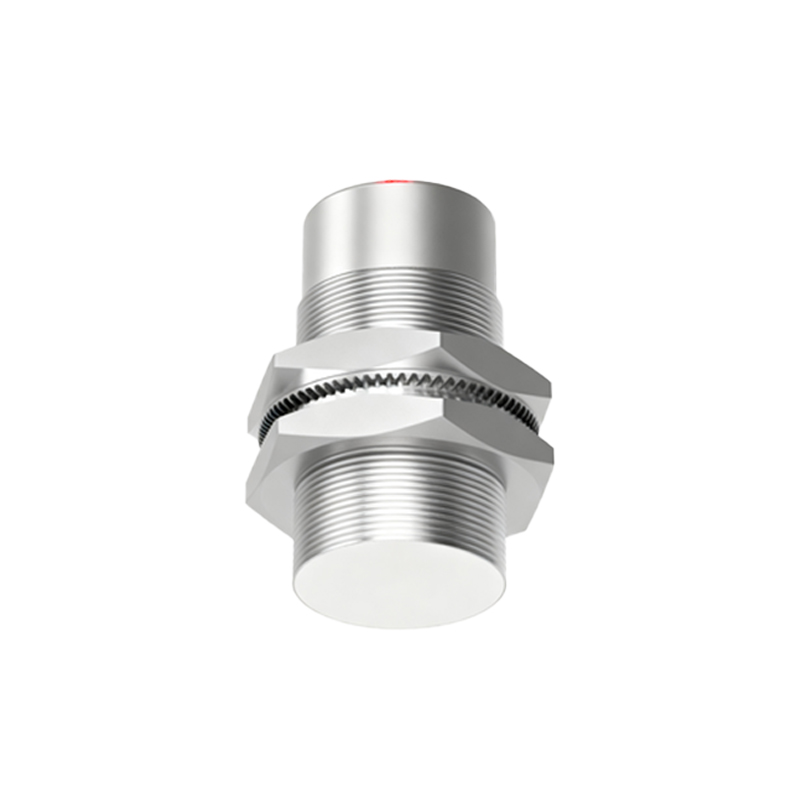
Primary Cause: Environmental Interference and Contamination
The operating environment is the most frequent culprit behind erratic sensor light behavior. Industrial settings expose sensors to metal chips, dust, coolant, oil, and other conductive or semi-conductive contaminants. When these materials accumulate on the sensor's active face, they can create a false sensing field. For instance, a buildup of metallic dust might cause the sensor to intermittently detect a "target," triggering the output and lighting the LED even when the actual target is absent. Similarly, moisture or conductive fluids can create leakage paths, destabilizing the oscillator circuit in inductive sensors. This instability directly manifests as a flickering status light. Regular cleaning of the sensor face with appropriate solvents and ensuring proper IP-rated enclosures for the application are essential first steps in troubleshooting.
Electrical Supply and Wiring Instabilities
An unstable power supply is a leading electrical cause of sensor flicker. Proximity sensors require a stable, regulated voltage within their specified range (e.g., 10-30V DC). Voltage sags, spikes, or ripple from the power source can cause the sensor's internal electronics to reset or behave unpredictably, making the indicator light flicker. Long cable runs with insufficient wire gauge can lead to voltage drop, especially when the sensor is under load. Loose connections, corroded terminals, or damaged cables introduce intermittent resistance, creating the same effect. It is crucial to measure the voltage directly at the sensor's terminals under load using a multimeter to rule out power quality issues. Ensuring tight, clean connections and using shielded cables properly grounded at one end can mitigate electrical noise, another common source of interference.
Target-Related Issues and Sensing Distance
The characteristics of the target object itself can induce flickering. If the target is at the extreme limit of the sensor's nominal sensing range, minor vibrations or positional variations can cause the target to move in and out of the detection zone. This results in a corresponding flicker of the output indicator. The target material also matters; sensors are calibrated for specific materials like mild steel. Using a target made of a different metal (e.g., aluminum, stainless steel) or a non-metallic material (for capacitive sensors) reduces the effective sensing distance and can cause unreliable switching. Furthermore, the target size must meet the sensor's minimum requirement. A target that is too small may not consistently disrupt the sensor's electromagnetic field, leading to intermittent detection and a flickering light.
Internal Sensor Faults and Component Degradation
When external factors are eliminated, the problem may lie within the sensor. Over time, components can degrade due to thermal cycling, electrical stress, or physical shock. A failing oscillator circuit, weakened output transistor, or deteriorating capacitor can cause intermittent operation. In such cases, the sensor might work momentarily when cold but fail as it warms up, or vice-versa, causing the light to flicker erratically. Internal condensation from thermal cycling in humid environments can also cause short circuits. Unfortunately, internal repairs are rarely feasible. The most reliable action is substitution: replace the flickering sensor with a known-good unit of the same model. If the problem disappears, the original sensor is confirmed faulty and should be replaced.
Systematic Troubleshooting Procedure
A logical, step-by-step approach is key to resolving flickering issues efficiently. First, observe and document the conditions under which flickering occurs. Next, thoroughly clean the sensor face and inspect for physical damage. Then, verify the electrical supply at the sensor terminals under normal operating load. Check all wiring connections for tightness and integrity. Evaluate the target: ensure it is the correct material, size, and is passing within the assured sensing distance, not at the limit. Temporarily adjust the sensor's position slightly closer to the target to see if stability improves. If available, use an oscilloscope to monitor the output signal for noise or instability. Finally