In the world of modern technology, proximity sensors are the silent, unseen facilitators of countless convenient interactions. These small but powerful components are embedded in a wide array of devices, working behind the scenes to detect the presence or absence of nearby objects without any physical contact. Understanding their location is key to appreciating their function and troubleshooting potential issues.
The most common and familiar location for a proximity sensor is in smartphones and tablets. Typically, you will find it near the top of the device's front face, very close to the earpiece or within the front-facing camera module. Its primary role here is to detect when the phone is held to your ear during a call. When it senses your ear or cheek, it automatically turns off the display to prevent accidental screen touches and conserve battery power. This small black dot or slit, often next to the front camera, is a hallmark of modern handset design. In devices with minimal "bezel" or edge space, the sensor might be hidden under the screen itself, using infrared or other optical methods that work through the display.
Beyond personal communication devices, proximity sensors are integral to the automotive industry. They are strategically placed around a vehicle's exterior, most notably in the bumpers. These sensors form the core of parking assistance systems. When you shift into reverse, these sensors activate and emit ultrasonic waves. Their precise placement allows them to map the immediate surroundings, measuring distances to obstacles and providing audible or visual warnings to the driver, preventing collisions. Some advanced vehicles also incorporate them in door handles for keyless entry systems that unlock as you approach.
In the realm of home appliances and automation, these sensors are ubiquitous. Automatic faucets and soap dispensers in public restrooms house a proximity sensor, usually located behind a small plastic window on the spout or dispenser body. It detects the presence of hands underneath and triggers the water flow or soap release, promoting hygiene and conservation. Similarly, automatic hand dryers use them to start the drying cycle. In modern homes, sensor-activated trash can lids operate on the same principle, with the sensor embedded in the rim or lid.
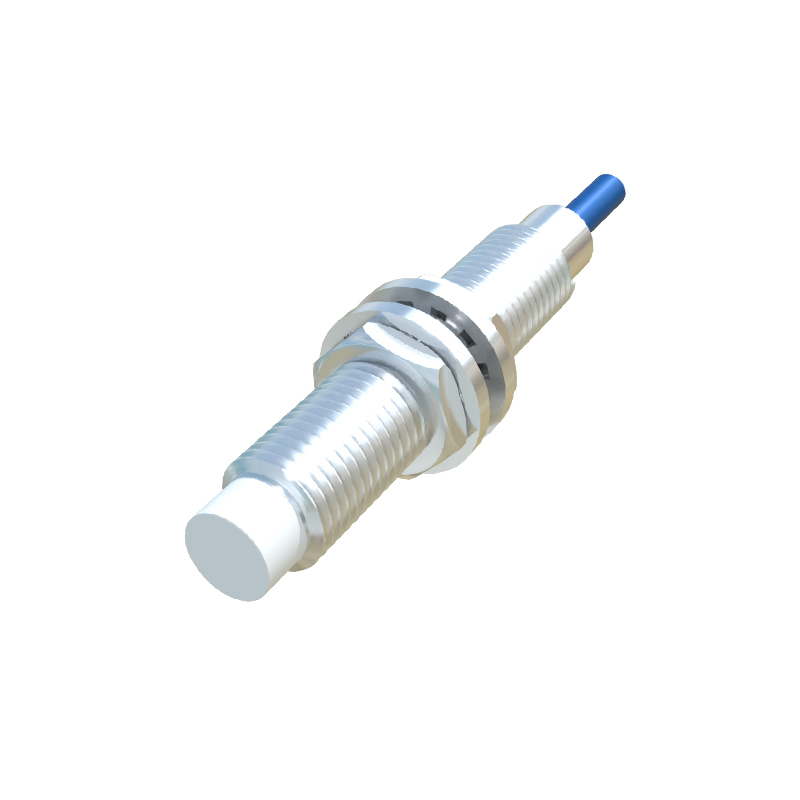
Industrial and retail environments heavily rely on proximity sensing for efficiency and safety. On automated production lines, sensors are mounted on machinery to detect the position of components on a conveyor belt, ensuring precise robotic assembly. In retail, automatic sliding doors have sensors mounted on the door frame or overhead, creating an invisible detection zone that opens the door upon approach. Security systems also employ them, often placed near doorways or windows to detect unauthorized entry by sensing movement within a specific range.
Even everyday electronics like laptops utilize these sensors. Some high-end models feature a sensor to detect when a user is present. Often located near the webcam, it can put the device to sleep when you walk away and wake it upon your return, enhancing security and power management.
The location of a proximity sensor is always dictated by its intended function. It must have an unobstructed "view" of the area it needs to monitor. Designers carefully integrate them into the product's housing, sometimes making them invisible to maintain aesthetic appeal. While their placement varies, their purpose remains consistent: to enable smarter, more intuitive, and often safer interactions between humans and machines by simply sensing "what is near." If a feature like automatic screen blanking or hands-free activation stops working, checking for a dirty or obstructed sensor in these common locations is always a good first step in troubleshooting.