In the intricate ecosystem of modern smartphone hardware, a small, often overlooked component plays a crucial role in daily usability and power efficiency: the proximity sensor. If you've ever wondered why your phone screen turns off during a call when you hold it to your ear, only to illuminate again when you pull it away, you've directly interacted with this sensor. This article delves into the technology behind phone proximity sensors, their operational principles, and their significance in contemporary mobile device design.
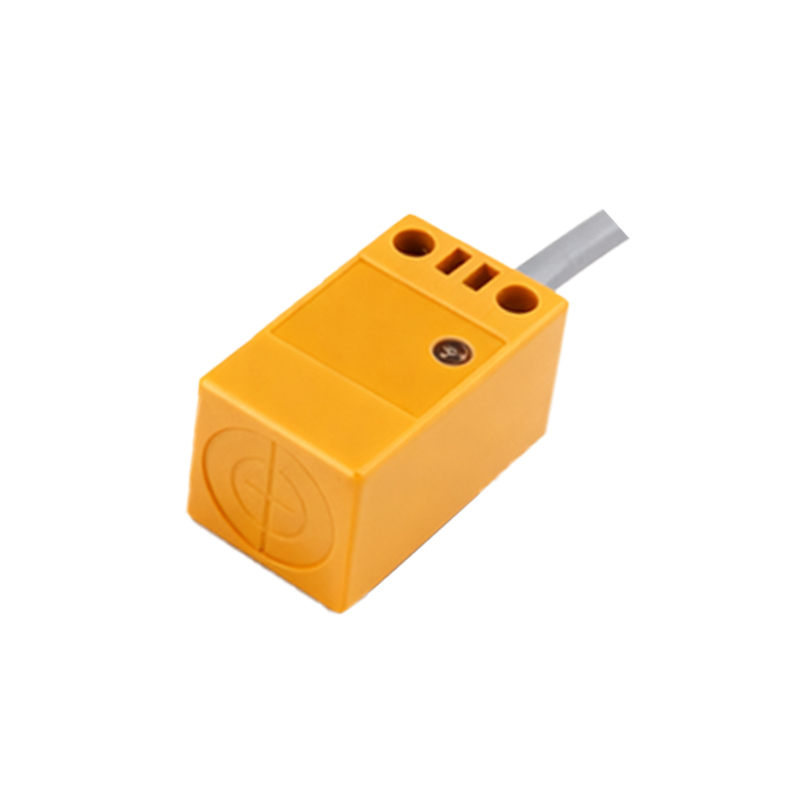
At its core, a proximity sensor is a type of non-contact sensor that detects the presence or absence of nearby objects without any physical contact. In smartphones, it is typically an infrared (IR) sensor. The basic working principle involves an IR LED that emits an invisible infrared light beam and a complementary photodetector that senses the reflection of that beam. When you bring the phone close to your face or any other object, the emitted IR light reflects off the surface and is captured by the photodetector. The sensor's logic circuit interprets this reflected signal as an "object near" state, triggering a predefined action—most commonly, disabling the touchscreen and turning off the display. This prevents accidental cheek-touch inputs (like muting the call or pressing dial pad buttons) and conserves battery power.
The implementation is elegantly simple yet requires precise calibration. The sensor is usually located near the earpiece at the top of the phone's front bezel. Modern designs often integrate it into the same module as the ambient light sensor, hidden behind the glass or within the display cutout (notch or punch-hole) for a seamless aesthetic. The sensor's range is intentionally short, typically between 1 to 5 centimeters, which is perfectly suited for its primary use case during voice calls.
Beyond the classic call scenario, the applications of the proximity sensor have expanded. It is integral to features like "Auto Screen On" when removing the phone from a pocket or pouch. Some devices utilize it to enable or disable certain Always-On Display modes based on context. In rugged or industrial devices, it can help prevent false triggers in challenging environments. Furthermore, it plays a supporting role in power management systems, contributing to the overall goal of extending battery life by ensuring the display is only active when necessary.
However, the technology is not without its challenges. The sensor's accuracy can be affected by highly reflective surfaces, certain types of screen protectors that cover the sensor area, or extremely dark materials that absorb IR light. Manufacturers continuously refine the algorithms and hardware to mitigate these issues, sometimes employing multiple sensors or combining data from other sources (like the accelerometer) to make more context-aware decisions.
From an engineering and user experience perspective, the proximity sensor is a quintessential example of a successful human-machine interface (HMI) component. It operates silently in the background, providing a intuitive and frictionless interaction. Its value lies in its reliability; when it works correctly, the user doesn't notice it, but its absence or malfunction would immediately lead to a frustrating experience with accidental screen touches and rapid battery drain.
Looking ahead, the fundamental role of proximity detection in phones remains secure, though its form may evolve. Under-display sensor technology, which aims to hide all front-facing sensors beneath the screen, is an active area of development. This presents new challenges for IR-based proximity sensors, as the display layers can interfere with light emission and reception. Alternative technologies, such as time-of-flight (ToF) sensors or advanced ultrasonic sensors, are being explored for more robust and versatile proximity and presence detection, potentially enabling new gesture-based interactions.
In conclusion, yes, your phone almost certainly has a proximity sensor. It is a small but vital piece of engineering that enhances usability, protects against unintended operations, and optimizes power consumption. This unsung hero of smartphone hardware exemplifies how thoughtful integration of simple sensing technology can profoundly improve the daily user experience, making our interactions with these complex devices feel natural and effortless.