In the evolving landscape of industrial automation and smart technology, proximity switch sensors have become integral components for detecting the presence or absence of objects without physical contact. With the rise of mobile devices, integrating these sensors with smartphones or tablets offers enhanced control, monitoring, and data analysis capabilities. This article explores practical methods for using proximity switch sensors with mobile devices, tailored for electrical engineers and industry professionals.
Proximity switch sensors, including inductive, capacitive, and photoelectric types, operate by emitting electromagnetic fields or light beams to detect nearby objects. When paired with mobile devices, they enable real-time feedback, remote operation, and seamless integration into IoT (Internet of Things) systems. To begin, ensure the sensor is compatible with mobile connectivity. Many modern sensors come with built-in Bluetooth, Wi-Fi, or NFC (Near Field Communication) modules, allowing direct communication with apps on iOS or Android platforms. For sensors without these features, intermediary devices like Arduino boards or PLCs (Programmable Logic Controllers) can bridge the gap, transmitting data to mobile apps via serial communication or cloud services.
The first step involves selecting an appropriate mobile application. Industry-specific apps, such as Siemens Totally Integrated Automation (TIA) Portal mobile version or generic IoT platforms like Blynk or ThingSpeak, provide interfaces for sensor configuration and data visualization. Download and install the app from official app stores, then pair it with the sensor by following on-screen instructions—typically involving Bluetooth scanning or Wi-Fi network setup. For advanced setups, developers can use SDKs (Software Development Kits) to create custom apps, leveraging APIs to read sensor outputs like digital signals or analog values.
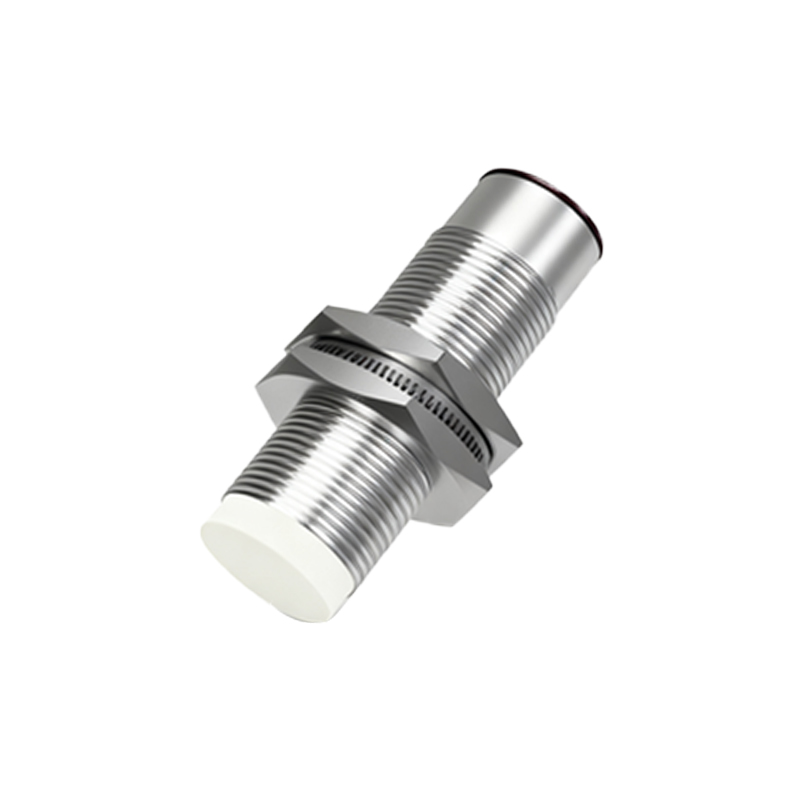
Once connected, configure the sensor parameters through the app. Set detection ranges, sensitivity levels, and output modes (e.g., NO/NC contacts) based on application needs, such as object counting in conveyor systems or position sensing in machinery. Mobile apps often include dashboards to display real-time data, such as detection status or distance measurements, with options for logging historical data for analysis. Push notifications can be enabled to alert users of sensor triggers, enhancing proactive maintenance and safety.
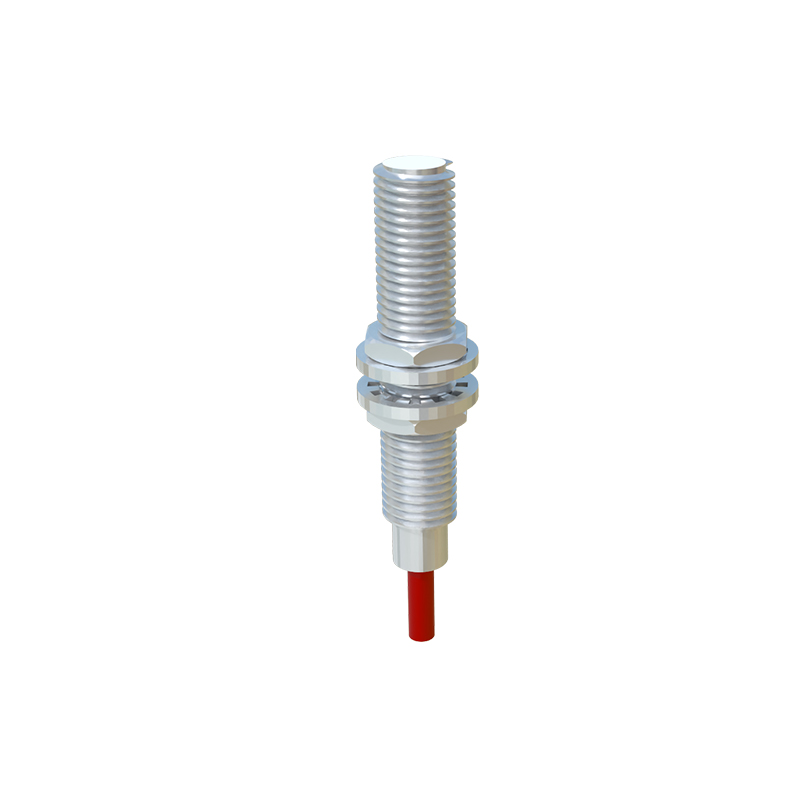
For practical implementation, consider a scenario in warehouse automation. Install an inductive proximity sensor near a storage rack to detect item placement. Connect the sensor to a microcontroller with Wi-Fi capability, programmed to send data to a cloud server. Use a mobile app to monitor inventory levels remotely, receiving alerts when stocks are low. This setup reduces manual checks and improves efficiency. Similarly, in smart homes, capacitive proximity sensors can be linked to smartphones via Bluetooth to control lighting or security systems, adjusting based on user proximity.
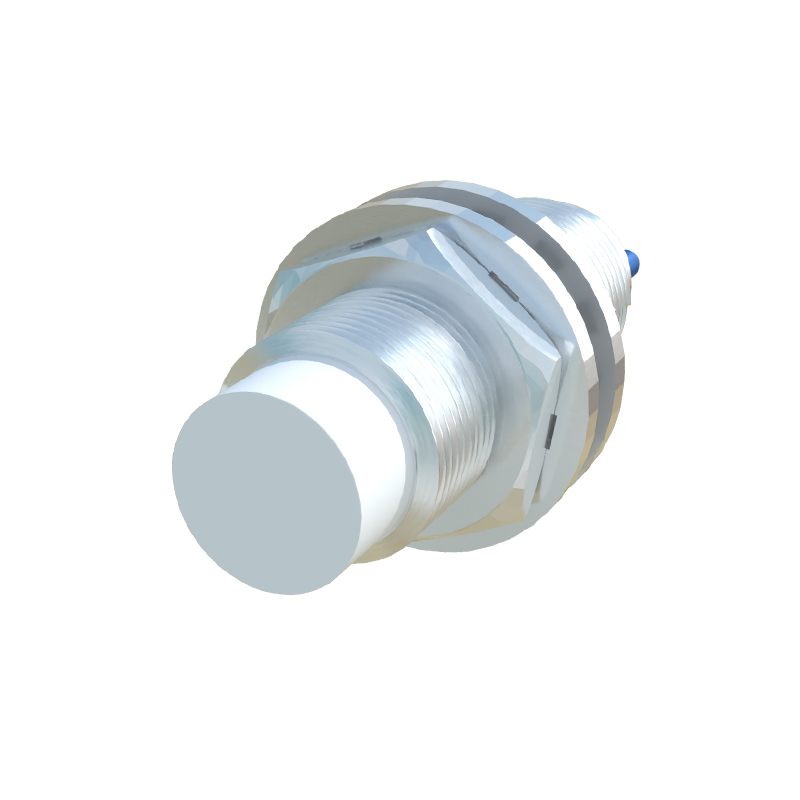
Safety and reliability are paramount. Ensure sensors are properly installed and shielded from environmental interference like metal objects or electrical noise. Regularly update mobile apps and firmware to patch vulnerabilities, and use encrypted connections to protect data transmission. Test the system under operational conditions to verify accuracy, as mobile device limitations—such as battery life or signal range—may affect performance.
In summary, leveraging proximity switch sensors with mobile devices streamlines industrial processes and enables innovative applications. By following these guidelines, engineers can harness mobile technology for enhanced sensor management, driving productivity and connectivity in the digital age.