Proximity sensors are critical components in industrial automation, machinery, and safety systems. They detect the presence or absence of objects without physical contact, relying on electromagnetic fields, infrared light, or ultrasonic waves. Ensuring these sensors function correctly is essential for maintaining operational efficiency and preventing downtime. This guide outlines systematic methods to test proximity sensors, covering both inductive and capacitive types commonly used in industrial settings.
First, understand the sensor type and specifications. Inductive proximity sensors detect metallic objects, while capacitive sensors can detect both metallic and non-metallic materials. Check the manufacturer’s datasheet for key parameters: sensing range, output type (e.g., NPN, PNP, or analog), voltage rating, and response time. Incorrect assumptions about these specs can lead to faulty testing.
Begin with a visual inspection. Examine the sensor housing for cracks, corrosion, or physical damage. Ensure the sensing face is clean and free from obstructions like dust, oil, or debris, which can reduce sensitivity. Verify wiring connections are secure and undamaged; loose terminals or frayed cables often cause intermittent failures.
Next, use a multimeter to test electrical performance. For DC-powered sensors, set the multimeter to measure voltage. With power applied, measure the voltage between the output wire and ground. For a normally open (NO) sensor, the output should read near 0V when no target is present and close to the supply voltage when a target enters the sensing range. Reverse this logic for normally closed (NC) sensors. If the voltage doesn’t change as expected, the sensor may be defective.
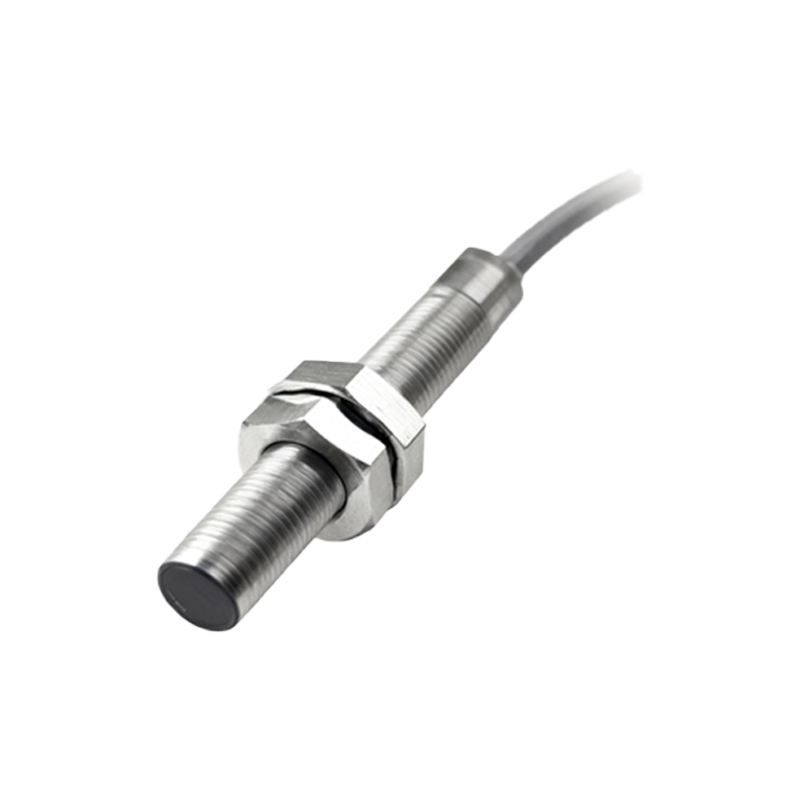
For analog output sensors, monitor the voltage or current signal while moving a target toward and away from the sensor. The output should vary smoothly within the specified range (e.g., 0-10V or 4-20mA). Any erratic jumps or flatlining indicates a problem.
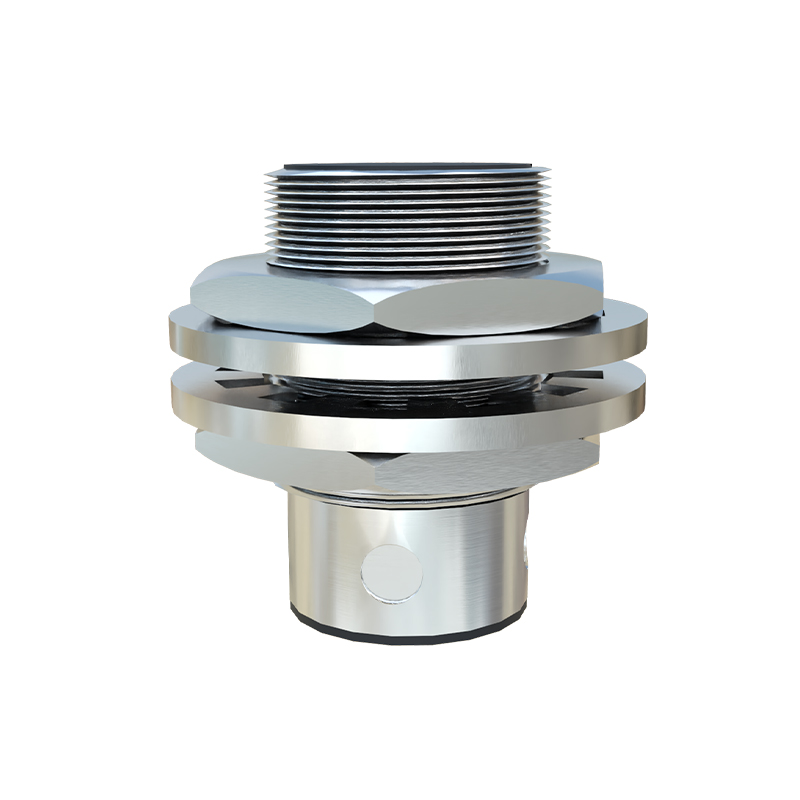
Functional testing with a target object is crucial. Use a standard target specified by the manufacturer (usually a metal square for inductive sensors). Slowly bring the target toward the sensing face. The sensor should activate precisely within its rated sensing distance. Repeat this test multiple times to check for consistency. If the activation point varies widely or the sensor fails to trigger, it may be worn out or misaligned.
Environmental factors can affect performance. Test the sensor under actual operating conditions if possible. Electrical noise from nearby motors or variable frequency drives can interfere with signals. Shielded cables and proper grounding mitigate this. Extreme temperatures or humidity may also cause drift in sensing characteristics; refer to the datasheet for environmental limits.
Advanced diagnostics involve oscilloscopes or dedicated sensor testers. An oscilloscope can reveal output signal integrity, showing issues like noise or slow switching times. Some modern sensors have diagnostic LEDs that flash error codes; consult the manual to interpret these indicators.
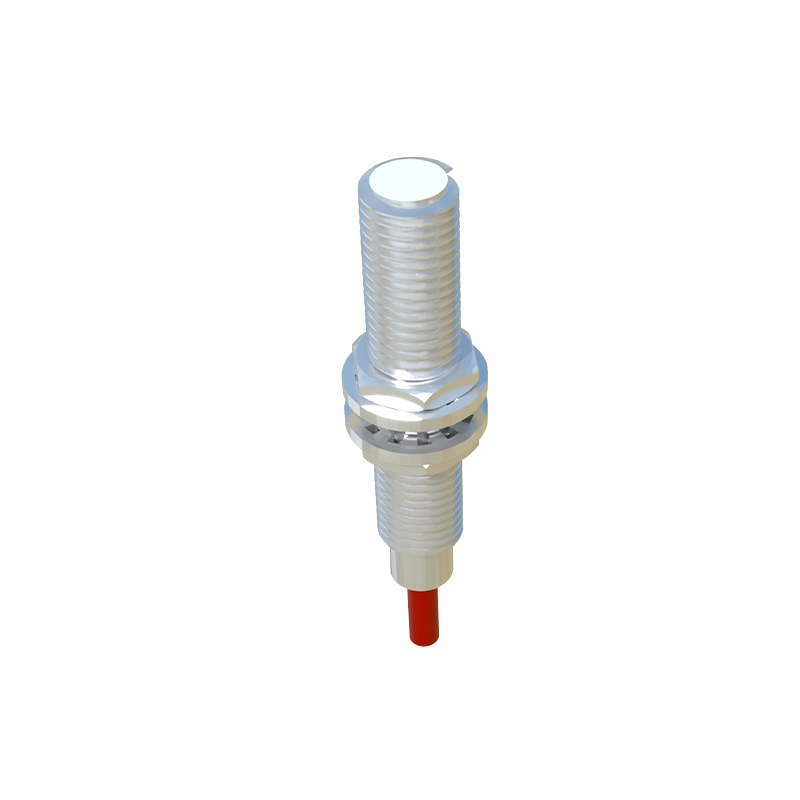
Regular maintenance and calibration prolong sensor life. Keep logs of test results to track performance trends. Replace sensors that show signs of degradation, such as reduced sensing range or unstable output.
In summary, testing proximity sensors requires a methodical approach: verify specifications, inspect physically, measure electrical outputs, conduct functional tests, and consider environmental influences. By following these steps, engineers can ensure reliable sensor operation, minimizing failures in automated systems.