Proximity sensors are integral components in modern electrical systems, serving critical functions in automation, safety, and user interface design. However, there are scenarios where disabling these sensors becomes necessary—whether for maintenance, troubleshooting, or system reconfiguration. This guide provides a professional, step-by-step approach to safely and effectively disable proximity sensors, adhering to industry standards and best practices.
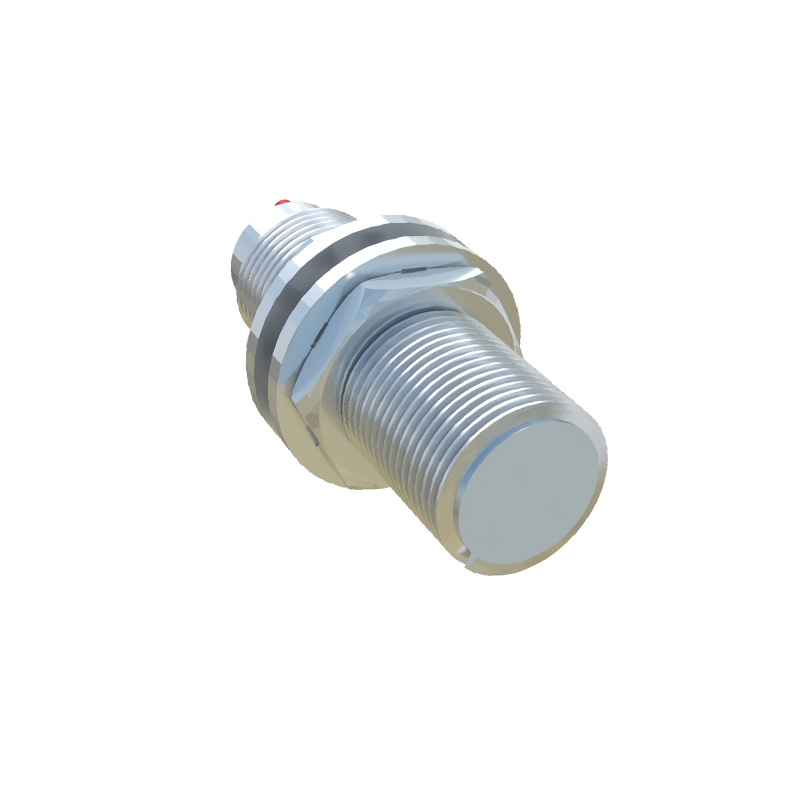
First, understand the sensor type. Proximity sensors vary widely, including inductive, capacitive, ultrasonic, and optical variants. Each operates on distinct principles, influencing the disabling method. For instance, inductive sensors detect metallic objects via electromagnetic fields, while capacitive sensors respond to changes in capacitance from non-metallic materials. Identifying the sensor type is crucial; consult the manufacturer’s datasheet or system documentation for specifications.
Before proceeding, ensure safety protocols are followed. De-energize the electrical circuit connected to the sensor to prevent shocks or equipment damage. Use lockout/tagout (LOTO) procedures to isolate power sources, and verify voltage absence with a multimeter. Wear appropriate personal protective equipment (PPE), such as insulated gloves and safety glasses, especially in industrial environments.
To disable the sensor, start by accessing the control system. In programmable logic controller (PLC)-based setups, navigate to the software interface (e.g., Siemens TIA Portal, Allen-Bradley Studio 5000). Locate the input module or tag associated with the proximity sensor. You can disable it by setting the input to a forced state or modifying the ladder logic to bypass the sensor signal. For example, replace the sensor’s normally open (NO) or normally closed (NC) contact with a direct logic condition. Ensure changes are documented and tested in a simulated environment if available.
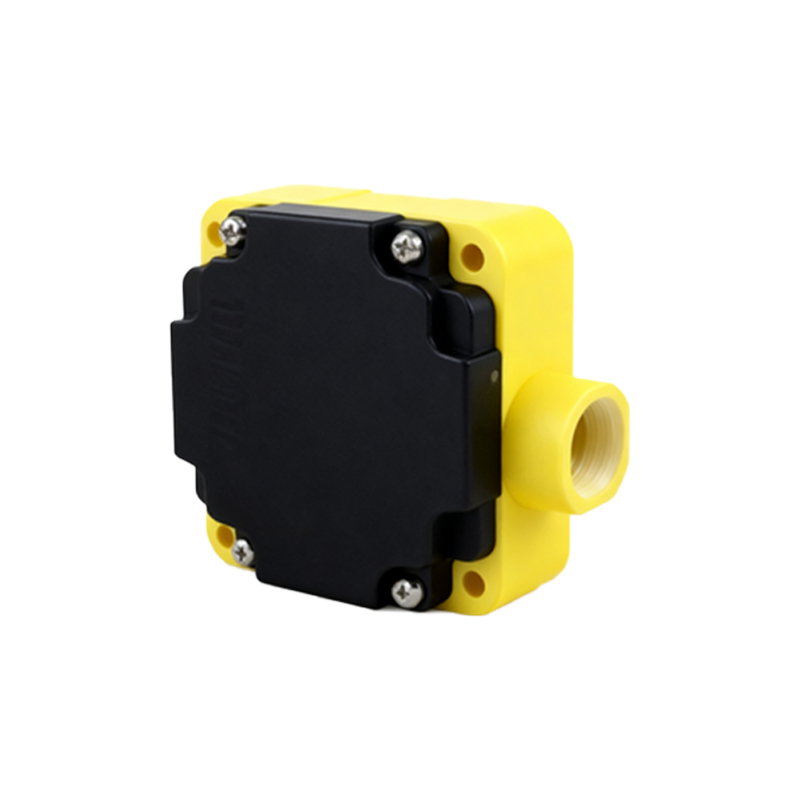
In hardware-centric systems, physical disconnection may be required. Trace the sensor’s wiring to the terminal block or connector. Typically, proximity sensors have three wires: power supply (e.g., 12-24V DC), ground, and output signal. Disconnect the output wire to interrupt the signal path, or remove the power wire to deactivate the sensor entirely. Use wire nuts or insulating tape to secure exposed ends, preventing short circuits. For integrated systems, consider installing a jumper or switch in-line to allow temporary disabling without permanent rewiring.
Calibration and testing are essential post-disabling steps. Reactivate the system cautiously and monitor for unintended behaviors. Use diagnostic tools like oscilloscopes or logic analyzers to verify signal absence. If the sensor is part of a safety loop (e.g., in machinery guarding), ensure alternative safety measures are implemented, such as mechanical interlocks or redundant sensors, to maintain compliance with standards like ISO 13849 or IEC 62061.
Common pitfalls include ignoring electromagnetic interference (EMI) from nearby equipment, which can affect sensor performance even when disabled. Shield cables and maintain proper grounding. Additionally, avoid leaving sensors disabled indefinitely; update system documentation and schedule re-enablement after maintenance. For complex systems, consult with the sensor manufacturer or an electrical engineering specialist to address unique configurations.
In summary, disabling proximity sensors requires technical knowledge, safety awareness, and systematic execution. By following these guidelines, engineers can ensure operational flexibility without compromising system integrity or safety.