In industrial automation and control systems, proximity switch sensors are critical components for detecting the presence or absence of objects without physical contact. However, like any electronic device, they can fail due to factors such as wear, environmental damage, or electrical surges. When a proximity sensor malfunctions, it can halt production lines or cause system errors. In emergency situations where immediate replacement isn't possible, temporarily bypassing the sensor by shorting wires might be a viable solution to restore functionality. This article provides a technical guide on identifying and shorting the correct wires in a faulty proximity switch sensor, emphasizing safety precautions and best practices.
First, understand the basic wiring of a typical proximity sensor. Most industrial proximity switches have three wires: brown (positive voltage supply, typically +24V DC), blue (negative or ground), and black (output signal). In some configurations, especially in AC sensors or specific models, you might encounter additional wires like white for complementary output or shield wires. Always refer to the sensor's datasheet or wiring diagram for accurate identification. Before proceeding, ensure the system is powered off and locked out/tagged out (LOTO) to prevent electrical hazards. Use a multimeter to verify no voltage is present.
To bypass a faulty sensor, the goal is to simulate its output signal. For a normally open (NO) sensor, shorting the output wire to the positive supply wire can mimic the "on" state, indicating detection. Conversely, for a normally closed (NC) sensor, shorting the output to the ground wire might be necessary. However, this depends on the control logic. Here's a step-by-step approach:
1. Identify the fault: Use a multimeter to test the sensor. Check if it receives proper voltage (e.g., 24V between brown and blue wires). If voltage is correct but the output doesn't switch when an object is near, the sensor is likely faulty.
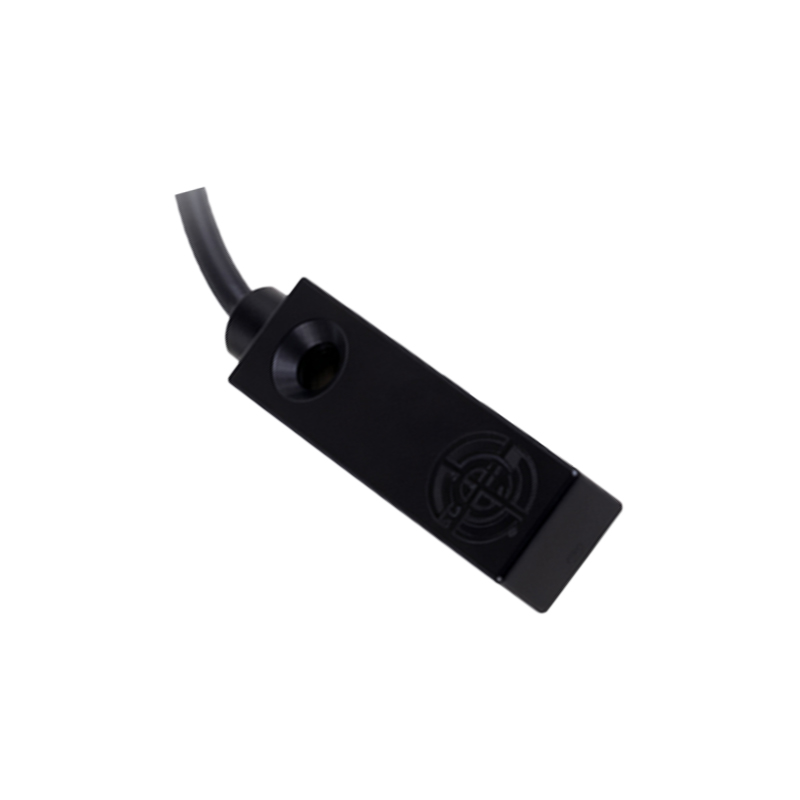
2. Determine the wiring: Locate the output wire (often black) and the supply wires. For DC sensors, brown is usually positive, blue is negative.
3. Short the wires: For a NO sensor in a sourcing configuration, temporarily connect the black output wire to the brown positive wire using a jumper wire or insulated connector. This sends a high signal to the controller, tricking it into thinking an object is detected. In sinking configurations, short black to blue (ground).
4. Test the system: Power on the control system cautiously and observe if the bypass resolves the issue. Monitor for any abnormal behavior.
Important safety notes: Shorting wires is a temporary fix and should only be used in emergencies. It can pose risks such as short circuits, damage to controllers, or voiding warranties. Always isolate the sensor from the circuit if possible. Consider the system's design—some PLCs or safety systems may require specific diagnostics, and bypassing could compromise safety functions. After implementing the bypass, plan for a permanent replacement promptly.
In summary, while shorting wires on a faulty proximity sensor can restore operation quickly, it requires careful analysis of wiring diagrams and adherence to safety protocols. This method is not a substitute for proper repair but can minimize downtime in critical industrial settings.