Proximity switch sensors, often referred to as proximity sensors or prox switches, are essential components in industrial automation for detecting the presence or absence of an object without physical contact. Unlike traditional mechanical limit switches, they operate on principles such as inductive, capacitive, or magnetic sensing. A common query among technicians and engineers is how to correctly wire these sensors, especially in scenarios involving a two-wire AC or DC configuration that functions without an external power supply—hence the term "self-powered" or "loop-powered" in some contexts. This article provides a detailed, step-by-step guide on wiring a typical two-wire AC proximity sensor, which is widely used in control circuits.
First, understand the basic principle: A two-wire proximity sensor is designed to be connected in series with the load (such as a relay coil, contactor, or PLC input module) and the power supply. It does not require a separate power wire; instead, it uses the same two wires for both powering its internal electronics and switching the load. When no target is detected, the sensor presents a high impedance (leakage current is minimal). When a target enters its sensing range, the internal solid-state switch closes, allowing current to flow through the load, thus activating it.
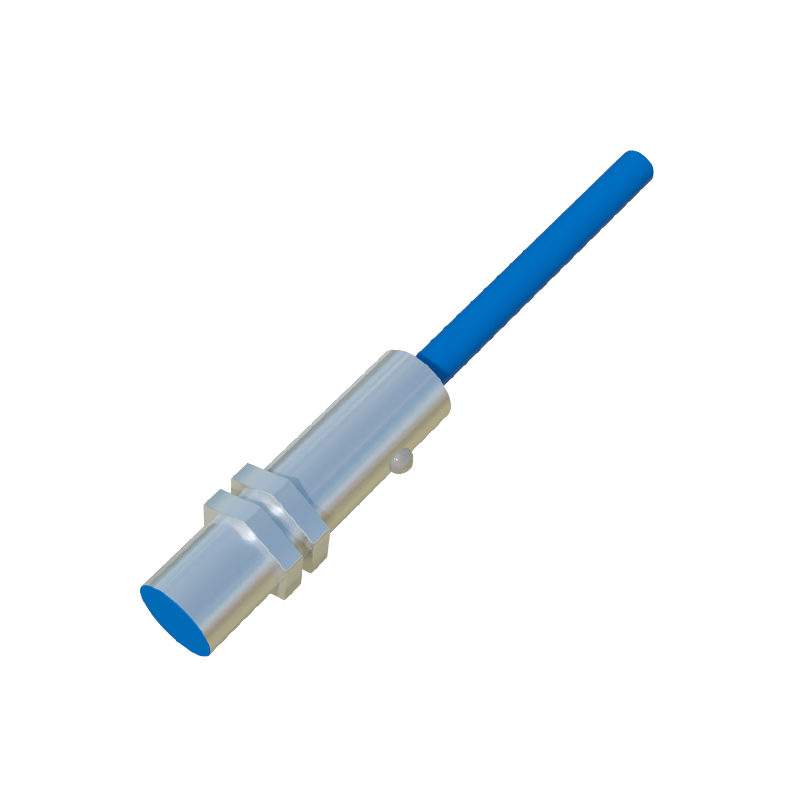
Before starting any wiring, always ensure safety: disconnect all power sources, verify the sensor specifications (voltage rating, current rating, output type—normally open (NO) or normally closed (NC)), and consult the manufacturer's datasheet. Typical ratings for two-wire AC sensors are 20-250V AC, with a maximum load current of 200mA to 500mA.
Wiring Steps for a Two-Wire AC Proximity Sensor:
1. Identify the wires: A two-wire sensor has two leads, usually brown and blue, following international standards (IEC). The brown wire is typically for the line (hot) connection, and the blue wire is for the load connection. Some sensors may have other colors, so always check the markings (L+ and L- or equivalent).
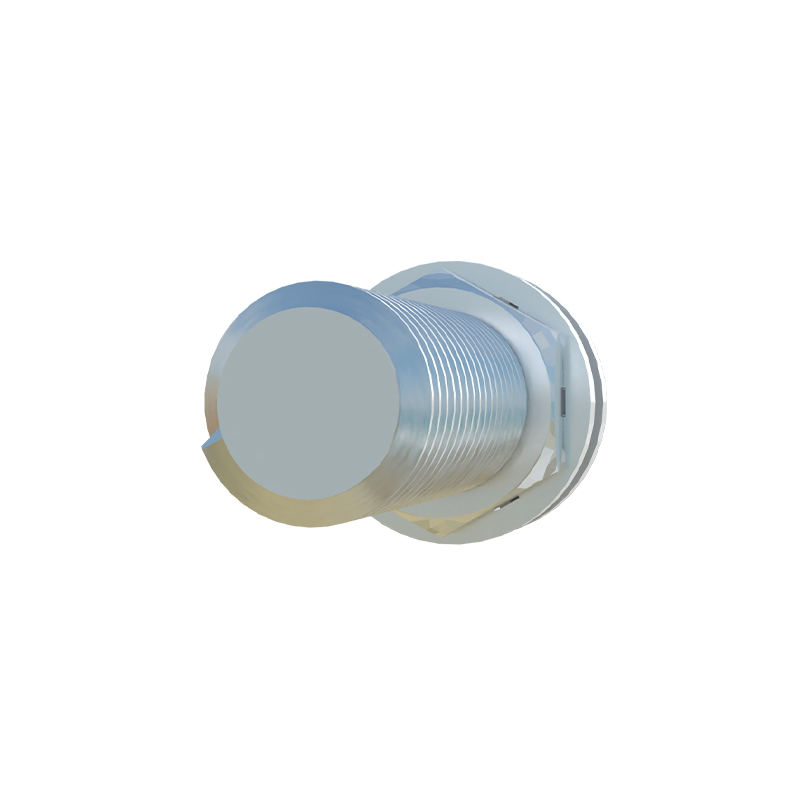
2. Connect the power supply: Take one wire from your AC power source (e.g., 120V AC line). Connect this line directly to the brown wire of the sensor. Use appropriate wire connectors or terminal blocks.
3. Connect the load: From the blue wire of the sensor, run a wire to one terminal of your load (e.g., one side of a relay coil). The other terminal of the load should be connected to the neutral (or return line) of the AC power supply. This completes the series circuit.
4. Grounding: Although not always mandatory for functionality, ensure proper grounding of the metal housing of the sensor if applicable, to prevent electrical noise and enhance safety. Use a separate ground wire connected to the earth terminal.
5. Check connections: Double-check all connections for tightness and correctness. Ensure no loose strands could cause short circuits.
6. Power up: Re-apply power cautiously. The sensor might have an indicator LED that lights up when powered and when a target is detected. Test by bringing a metal target (for inductive sensors) within the specified sensing distance. The load should energize.
Important Considerations:
- Load Compatibility: The sensor's residual current (leakage) when off must be lower than the minimum holding current of the load. If the load is too sensitive (e.g., a PLC digital input with high impedance), the leakage current might keep it falsely activated. In such cases, a bleeder resistor may be needed across the load.
- Voltage Drop: Since the sensor is in series, there will be a small voltage drop across it (usually 2-5V). Ensure the load receives sufficient voltage to operate.
- Wiring Distance: Keep sensor wires away from high-voltage power cables to avoid electromagnetic interference. Use shielded cables in noisy environments.
- Fail-Safe Design: For critical applications, consider using sensors with normally closed (NC) outputs or redundant wiring to ensure safety in case of sensor failure.
Troubleshooting Tips:
- If the load does not activate, verify power supply voltage, check for correct sensor type (AC vs. DC), and ensure the target is within range and of correct material.
- If the load stays on constantly, high leakage current might be the issue. Measure the current through the load when the sensor is supposed to be off.
- Intermittent operation can result from loose connections, unstable power, or environmental factors like temperature extremes.
In summary, wiring a two-wire proximity sensor without a separate power supply is straightforward but requires attention to electrical characteristics and load matching. Proper installation ensures reliable operation in automated systems, from conveyor controls to machine safety interlocks. Always prioritize safety and adhere to local electrical codes and standards.