In industrial automation and control systems, proximity switch sensors are critical components used for non-contact detection of objects. However, a common issue faced by engineers and maintenance personnel is when these sensors remain continuously lit, indicating an abnormal state. This persistent illumination can lead to system malfunctions, production delays, or safety hazards if not addressed promptly. Understanding the root causes and implementing effective troubleshooting steps is essential for maintaining operational efficiency.
One primary reason for a proximity sensor staying lit is target interference. Proximity sensors are designed to detect objects within a specific range. If an unintended object, such as metal debris, machinery parts, or even accumulated dust, enters the sensing field, the sensor may remain activated. This is particularly common in environments with high vibration or poor housekeeping. For instance, in a conveyor belt system, metallic shavings might adhere to the sensor face, causing constant detection. Regular inspection and cleaning of the sensor area can mitigate this issue. Additionally, ensuring proper installation with adequate clearance from other equipment can prevent false triggers.
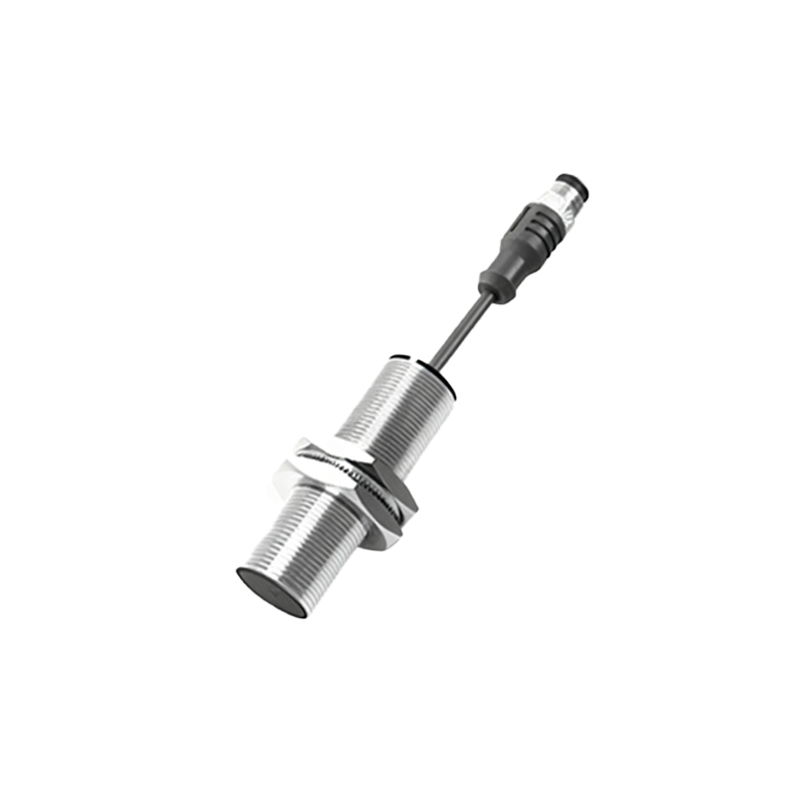
Electrical faults are another frequent culprit. Over time, wiring connections can degrade due to factors like corrosion, loose terminals, or insulation damage. A short circuit in the sensor’s output circuit, for example, might cause the indicator light to stay on even when no target is present. Voltage fluctuations or improper power supply ratings can also lead to erratic sensor behavior. It is crucial to verify the sensor’s specifications, such as operating voltage and current load, against the actual supply. Using a multimeter to check for continuity, voltage levels, and potential ground faults can help identify electrical problems. In cases of damaged wiring, replacing cables or securing connections often resolves the issue.
Environmental conditions play a significant role in sensor performance. Extreme temperatures, humidity, or exposure to chemicals can affect internal components, leading to malfunction. For instance, high temperatures might cause thermal expansion, altering the sensor’s sensing distance or triggering false signals. Similarly, moisture ingress can corrode circuits, resulting in a permanently lit state. Selecting sensors with appropriate ingress protection (IP) ratings for the operating environment is vital. For harsh conditions, choosing ruggedized or specialized models—like those resistant to oils or coolants—can enhance reliability. Regular environmental audits and preventive maintenance, such as sealing enclosures or installing protective covers, are recommended practices.
Sensor wear and aging are inevitable over prolonged use. Internal components, including oscillators, amplifiers, or output transistors, may degrade, causing the sensor to latch in an activated state. Proximity sensors have a finite lifespan, often measured in millions of cycles, and exceeding this can lead to failures. If troubleshooting steps like cleaning and electrical checks do not resolve the issue, the sensor itself might be faulty. Replacing old or worn-out sensors with new ones, preferably from reputable manufacturers, ensures consistent performance. Keeping a log of sensor installation dates and maintenance history aids in predicting failures before they occur.
In some cases, the problem may stem from external factors, such as electromagnetic interference (EMI) from nearby motors, transformers, or high-frequency devices. EMI can disrupt the sensor’s internal signals, causing it to stay lit. Shielding sensor cables, using twisted-pair wires, or relocating the sensor away from EMI sources can alleviate this. Additionally, programming errors in the connected PLC or control system might misinterpret sensor signals, leading to incorrect indications. Reviewing and correcting the control logic or software parameters is essential for integrated systems.
To systematically troubleshoot a proximity sensor that stays lit, follow a structured approach. First, visually inspect the sensor and surrounding area for obstructions, damage, or environmental issues. Next, test the electrical connections and power supply. If these steps yield no results, isolate the sensor from the system to check if it operates correctly independently. Consult the manufacturer’s datasheet for specific diagnostic procedures, such as LED indicator patterns or calibration methods. Documenting findings and solutions not only fixes the immediate problem but also builds a knowledge base for future reference.
In conclusion, a proximity switch sensor remaining lit is a multifaceted issue that requires careful analysis. By addressing common causes like target interference, electrical faults, environmental factors, sensor aging, and EMI, engineers can restore normal operation. Proactive maintenance, proper sensor selection, and adherence to installation guidelines are key to minimizing downtime and ensuring system reliability. In industrial settings, where precision and safety are paramount, understanding these principles empowers professionals to maintain seamless automation processes.